Connecting an Answering Machine
Changing the outgoing message
The outgoing message (OGM) of your answering machine should be changed to inform callers who want to send a fax to press their Start key. For example, your message might go as follows:
“Hello. You've reached the ABC company. No one is available to take your call right now. Please leave a message after the beep or press your facsimile Start key to send a fax. Thank you for calling.”
♦Try to keep the length of the message under 10 seconds. If it is too long, you may have difficulty receiving faxes sent by automatic dialing.
♦If your outgoing message must be longer than 10 seconds, leave a pause of about four seconds at the beginning of the message. This will give your fax a chance to detect fax tones sent when automatic dialing is used.
Activating the answering machine connection
Before you go out, activate the answering machine connection as follows:
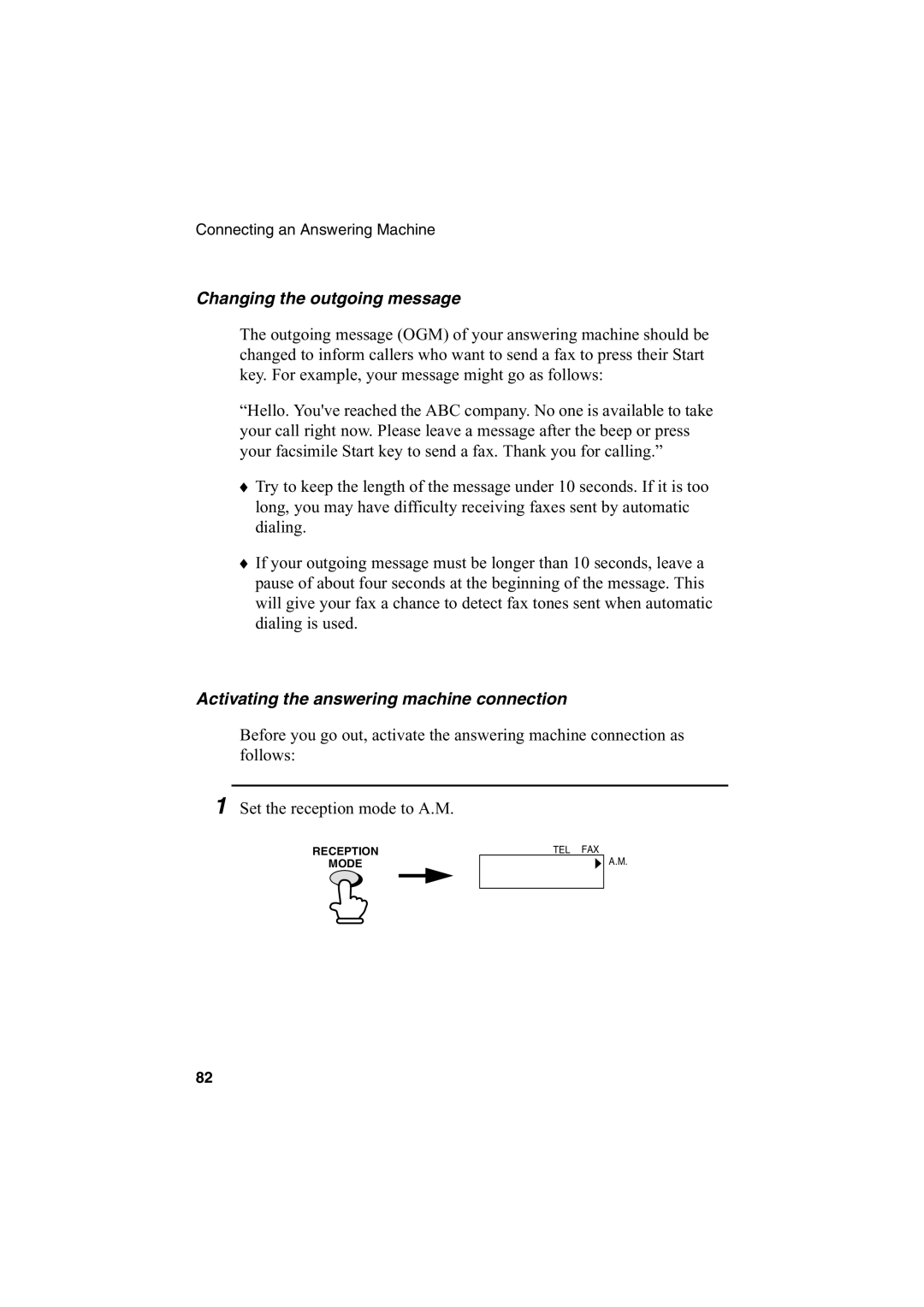
1 Set the reception mode to A.M.
RECEPTION
MODE
TEL FAX
A.M.
82