Timer Operations
Timer Operations
The Timer function allows you to set up a transmission or polling operation to be performed automatically at a time you specify. Up to three operations can be set at any one time, and the times they will be performed can be specified up to one week in advance.
♦You can use this function to take advantage of lower
Note: Only a Rapid Key or Speed Dial number can be used to dial the receiving machine. Full numbers cannot be used.
Setting a timer operation
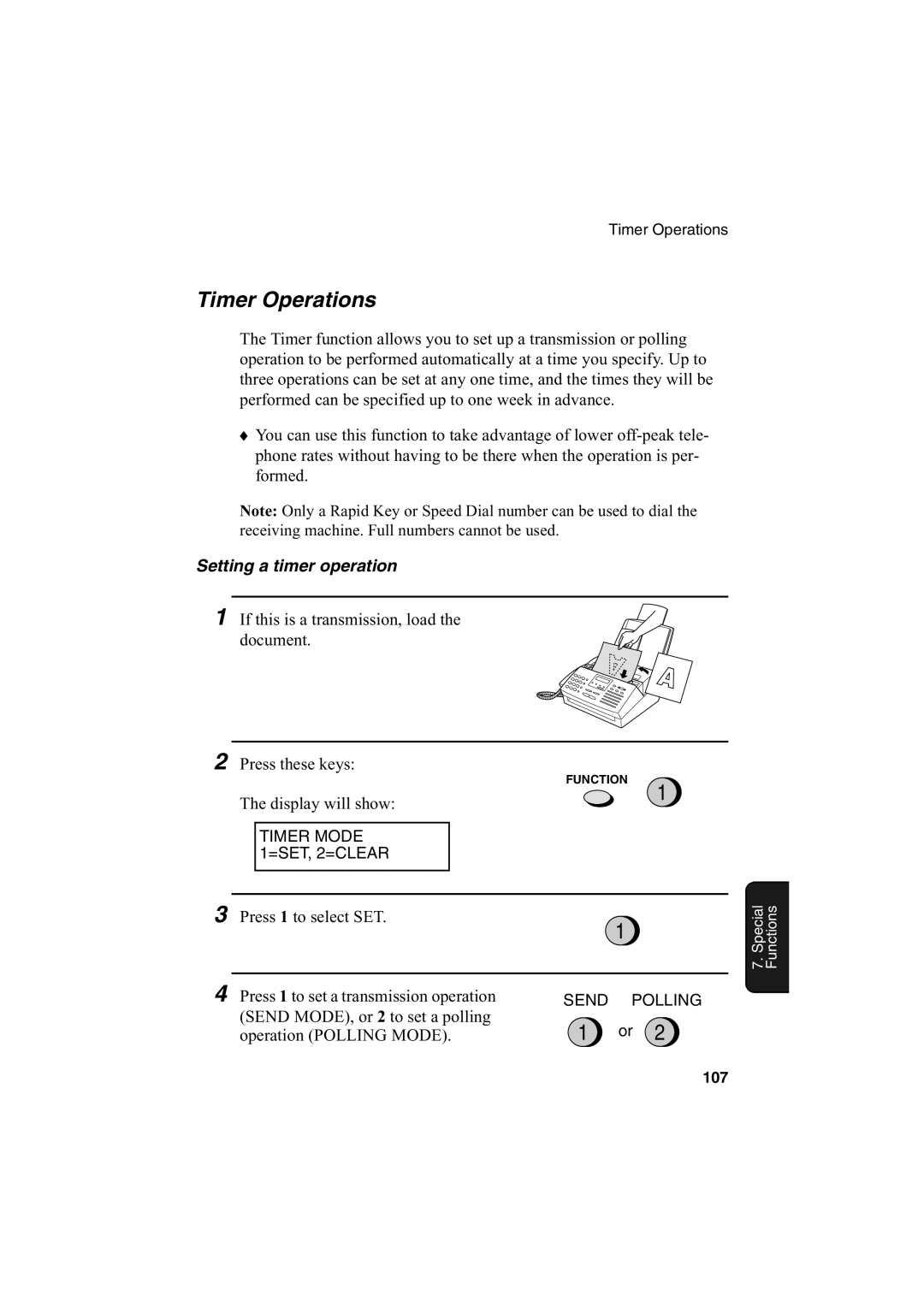
1 If this is a transmission, load the document.
2
Press these keys:
FUNCTION
3
The display will show:
TIMER MODE 1=SET, 2=CLEAR
Press 1 to select SET.
1
4
|
| 1 |
|
|
|
Press 1 to set a transmission operation | SEND | POLLING |
(SEND MODE), or 2 to set a polling | 1 | or 2 |
operation (POLLING MODE). |
7. Special Functions
107