Authenticating Users
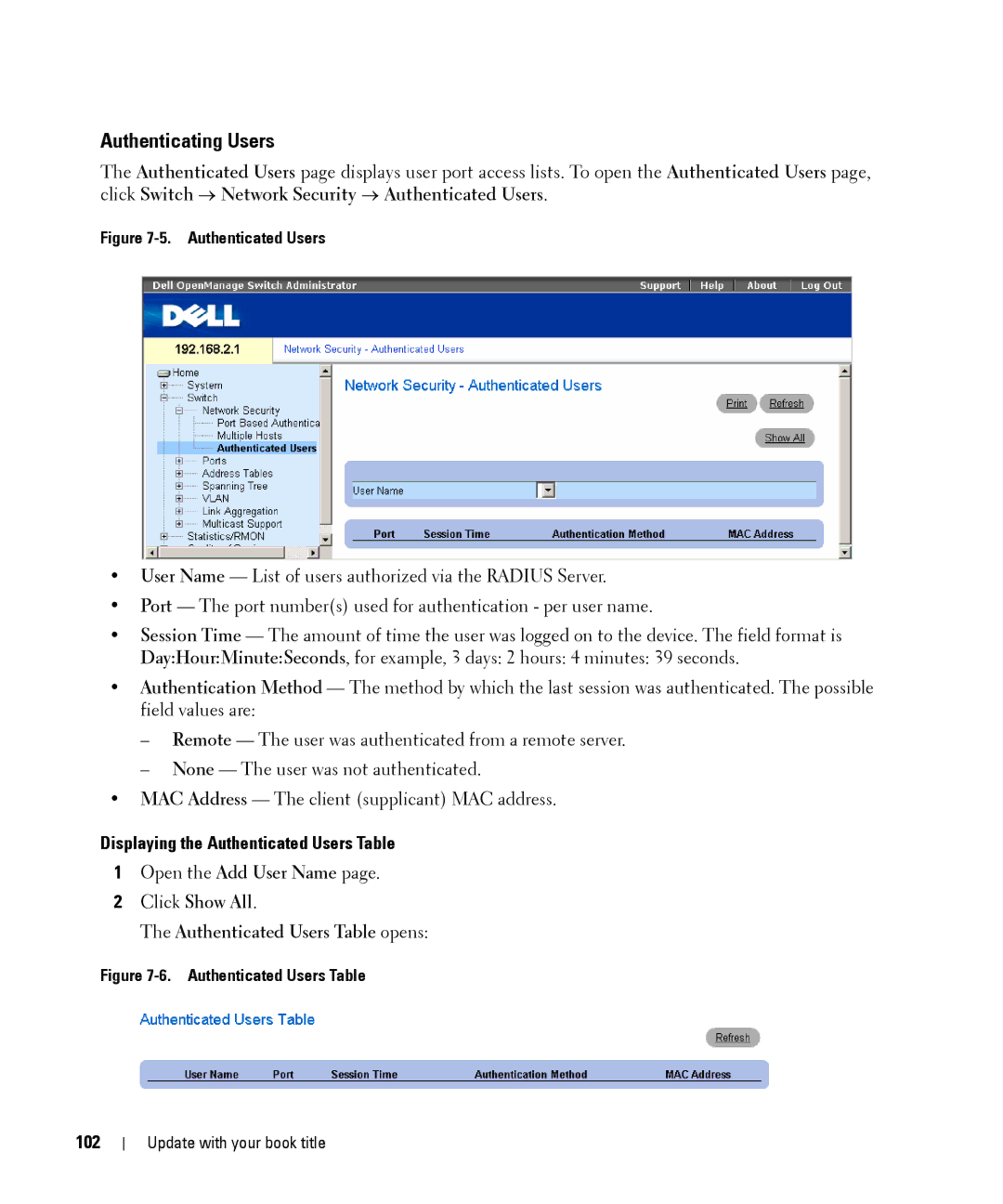
The Authenticated Users page displays user port access lists. To open the Authenticated Users page, click Switch → Network Security → Authenticated Users.
Figure 7-5. Authenticated Users
•User Name — List of users authorized via the RADIUS Server.
•Port — The port number(s) used for authentication - per user name.
•Session Time — The amount of time the user was logged on to the device. The field format is Day:Hour:Minute:Seconds, for example, 3 days: 2 hours: 4 minutes: 39 seconds.
•Authentication Method — The method by which the last session was authenticated. The possible field values are:
–Remote — The user was authenticated from a remote server.
–None — The user was not authenticated.
•MAC Address — The client (supplicant) MAC address.
Displaying the Authenticated Users Table
1Open the Add User Name page.