Digital Connections
Digital Connections, Word Clocks, and Sample Rates
The VM200 is equipped with two types of digital connectors: an ADAT interface and S/P DIF In and Out connectors.
These connectors enable you to interface the VM200 to other digital components in your recording studio. You can use the ADAT inter- face to connect to any
This section reviews some basic issues involved in setting up a digital recording environment. (If you’ve worked with digital audio equipment before, you are probably already familiar with word clock synchroni- zation issues and can skip this section.)
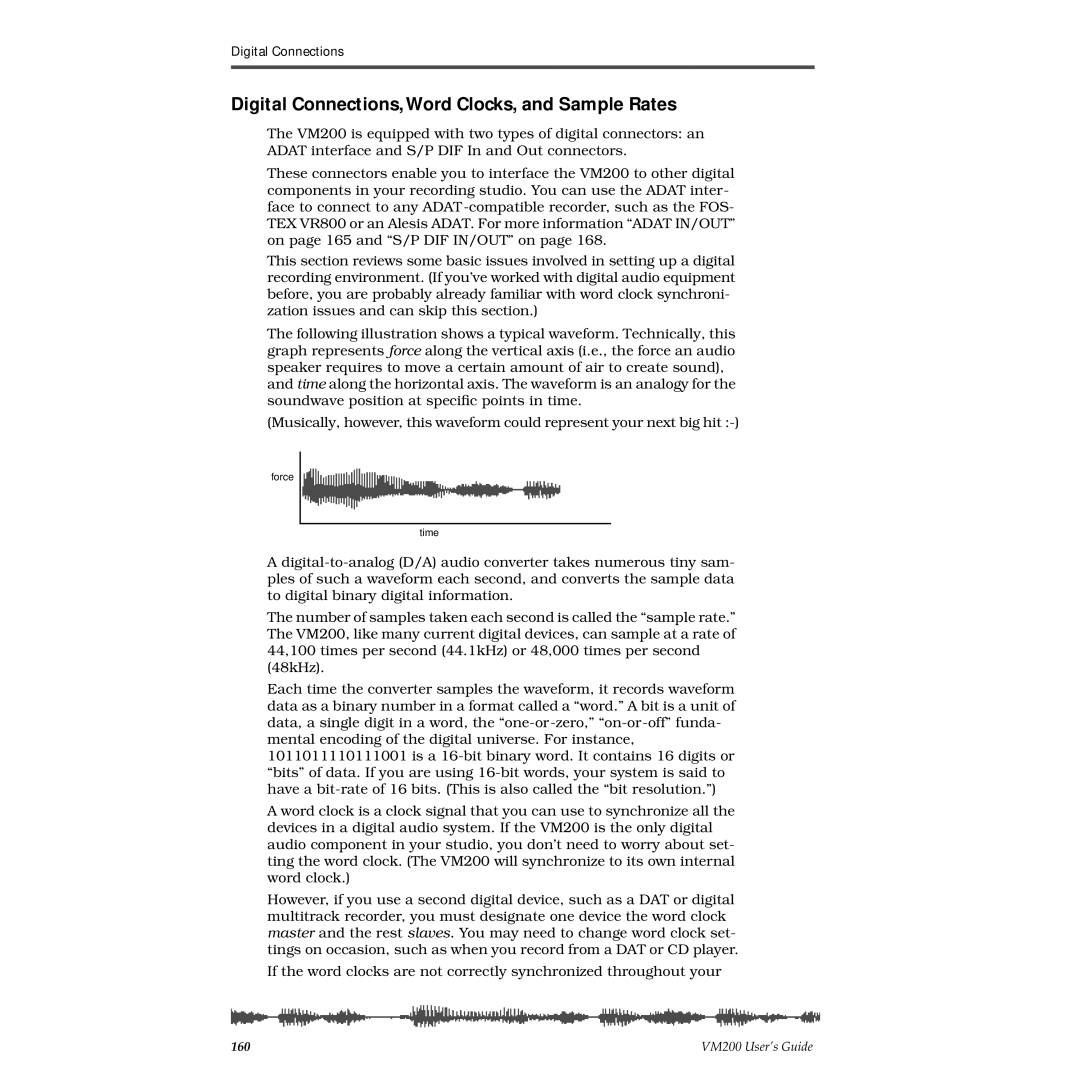
The following illustration shows a typical waveform. Technically, this graph represents force along the vertical axis (i.e., the force an audio speaker requires to move a certain amount of air to create sound), and time along the horizontal axis. The waveform is an analogy for the soundwave position at specific points in time.
(Musically, however, this waveform could represent your next big
force
time
A
The number of samples taken each second is called the “sample rate.” The VM200, like many current digital devices, can sample at a rate of 44,100 times per second (44.1kHz) or 48,000 times per second (48kHz).
Each time the converter samples the waveform, it records waveform data as a binary number in a format called a “word.” A bit is a unit of data, a single digit in a word, the
A word clock is a clock signal that you can use to synchronize all the devices in a digital audio system. If the VM200 is the only digital audio component in your studio, you don’t need to worry about set- ting the word clock. (The VM200 will synchronize to its own internal word clock.)
However, if you use a second digital device, such as a DAT or digital multitrack recorder, you must designate one device the word clock master and the rest slaves. You may need to change word clock set- tings on occasion, such as when you record from a DAT or CD player.
If the word clocks are not correctly synchronized throughout your
160 | VM200 User’s Guide |