Honeywell
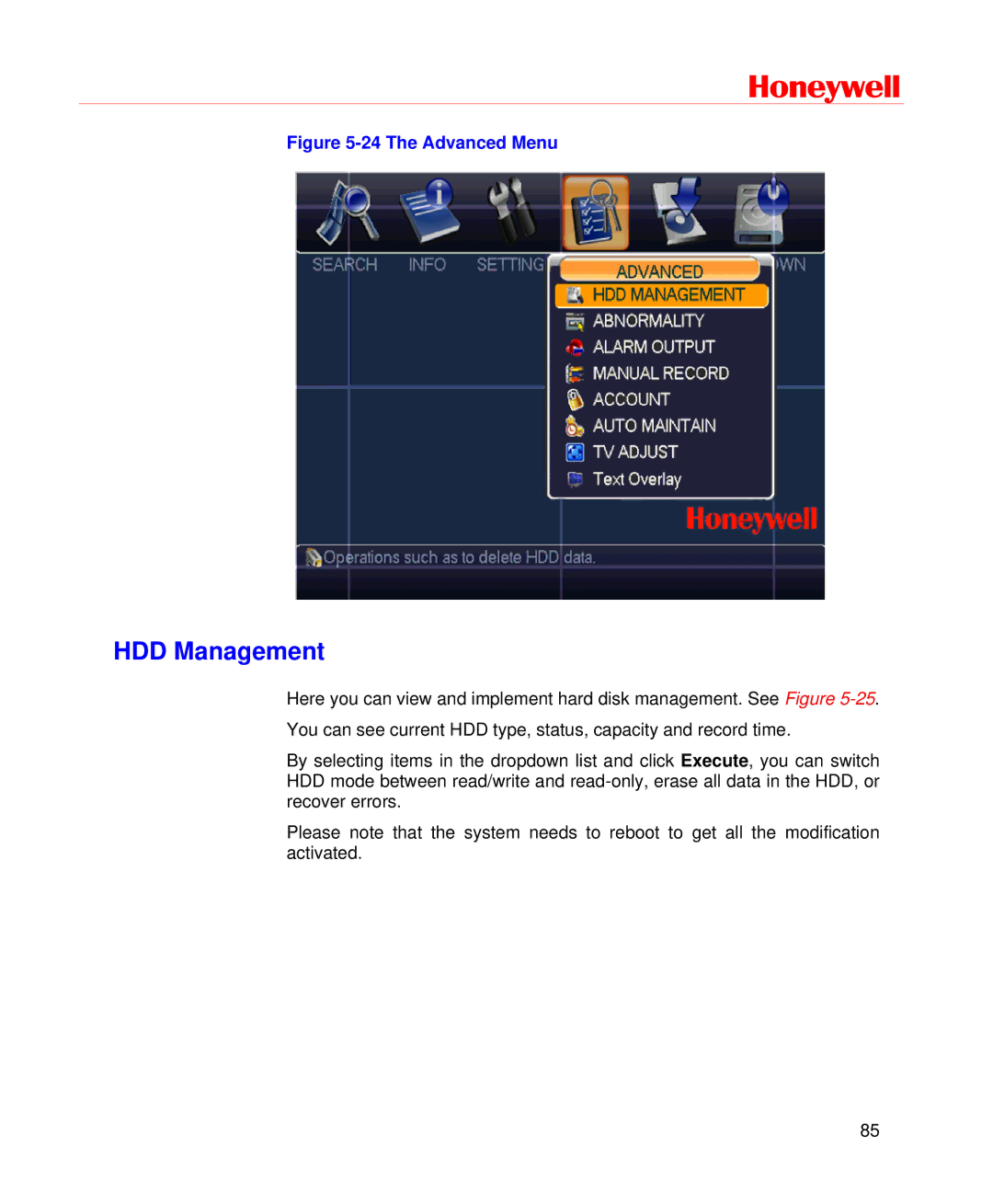
Figure 5-24 The Advanced Menu
HDD Management
Here you can view and implement hard disk management. See Figure
By selecting items in the dropdown list and click Execute, you can switch HDD mode between read/write and
Please note that the system needs to reboot to get all the modification activated.
85