Honeywell
2 Overview and Controls
This section provides information about front panel and rear panel. When you install this series DVR for the first time, please refer to this part first.
Front Panel
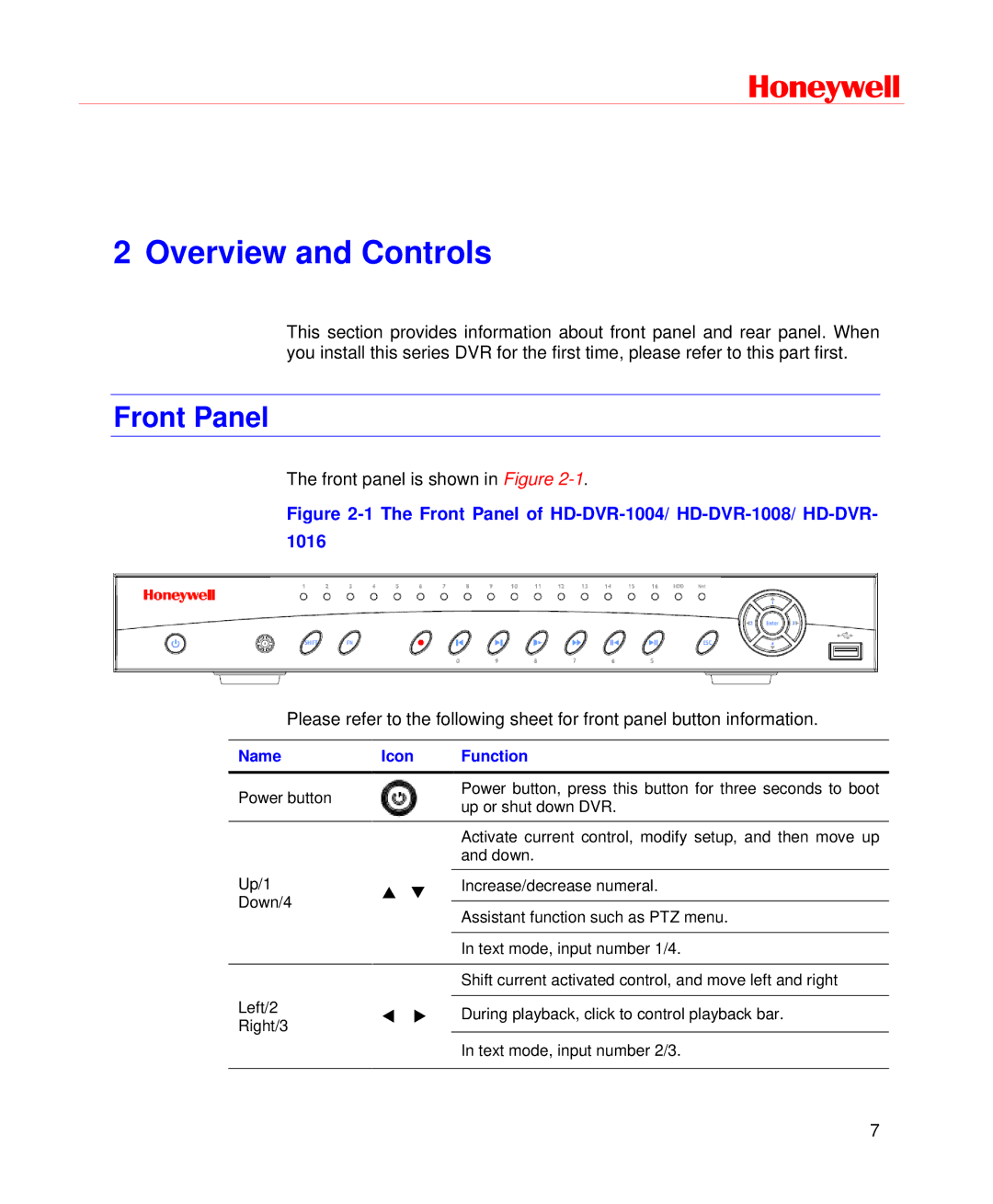
The front panel is shown in Figure
Figure 2-1 The Front Panel of HD-DVR-1004/ HD-DVR-1008/ HD-DVR- 1016
Please refer to the following sheet for front panel button information.
Name | Icon | Function | |
|
|
| |
Power button |
| Power button, press this button for three seconds to boot | |
| up or shut down DVR. | ||
|
| ||
|
| Activate current control, modify setup, and then move up | |
|
| and down. | |
Up/1 |
|
| |
| Increase/decrease numeral. | ||
Down/4 |
| ||
| Assistant function such as PTZ menu. | ||
|
| ||
|
|
| |
|
| In text mode, input number 1/4. | |
|
|
| |
|
| Shift current activated control, and move left and right | |
Left/2 |
|
| |
| During playback, click to control playback bar. | ||
Right/3 | |||
|
| ||
|
| In text mode, input number 2/3. | |
|
|
|
7