Chapter 4 Connecting to the Internet 51
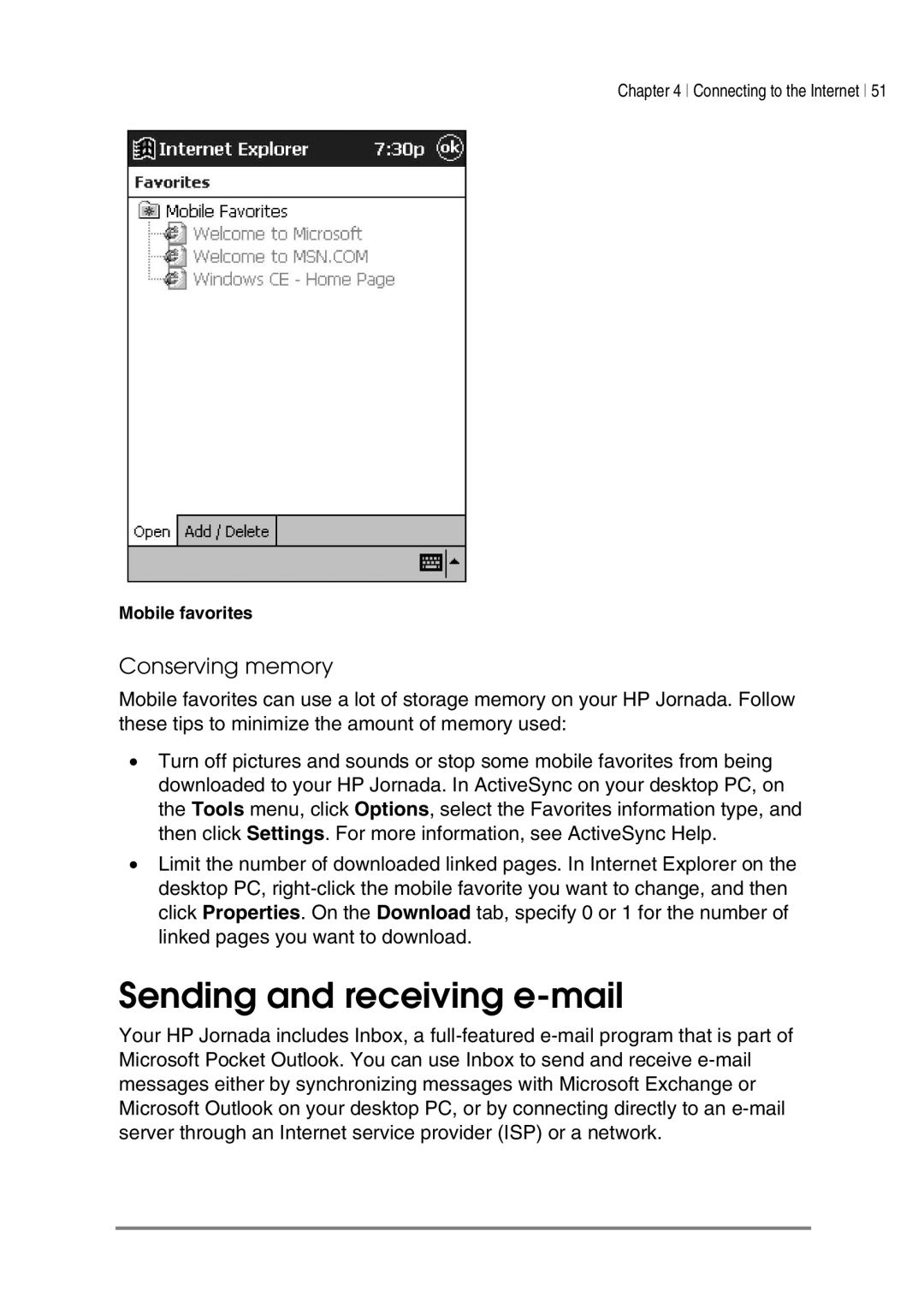
Mobile favorites
Conserving memory
Mobile favorites can use a lot of storage memory on your HP Jornada. Follow these tips to minimize the amount of memory used:
•Turn off pictures and sounds or stop some mobile favorites from being downloaded to your HP Jornada. In ActiveSync on your desktop PC, on the Tools menu, click Options, select the Favorites information type, and then click Settings. For more information, see ActiveSync Help.
•Limit the number of downloaded linked pages. In Internet Explorer on the desktop PC,
Sending and receiving e-mail
Your HP Jornada includes Inbox, a