Chapter 2 Getting started 19
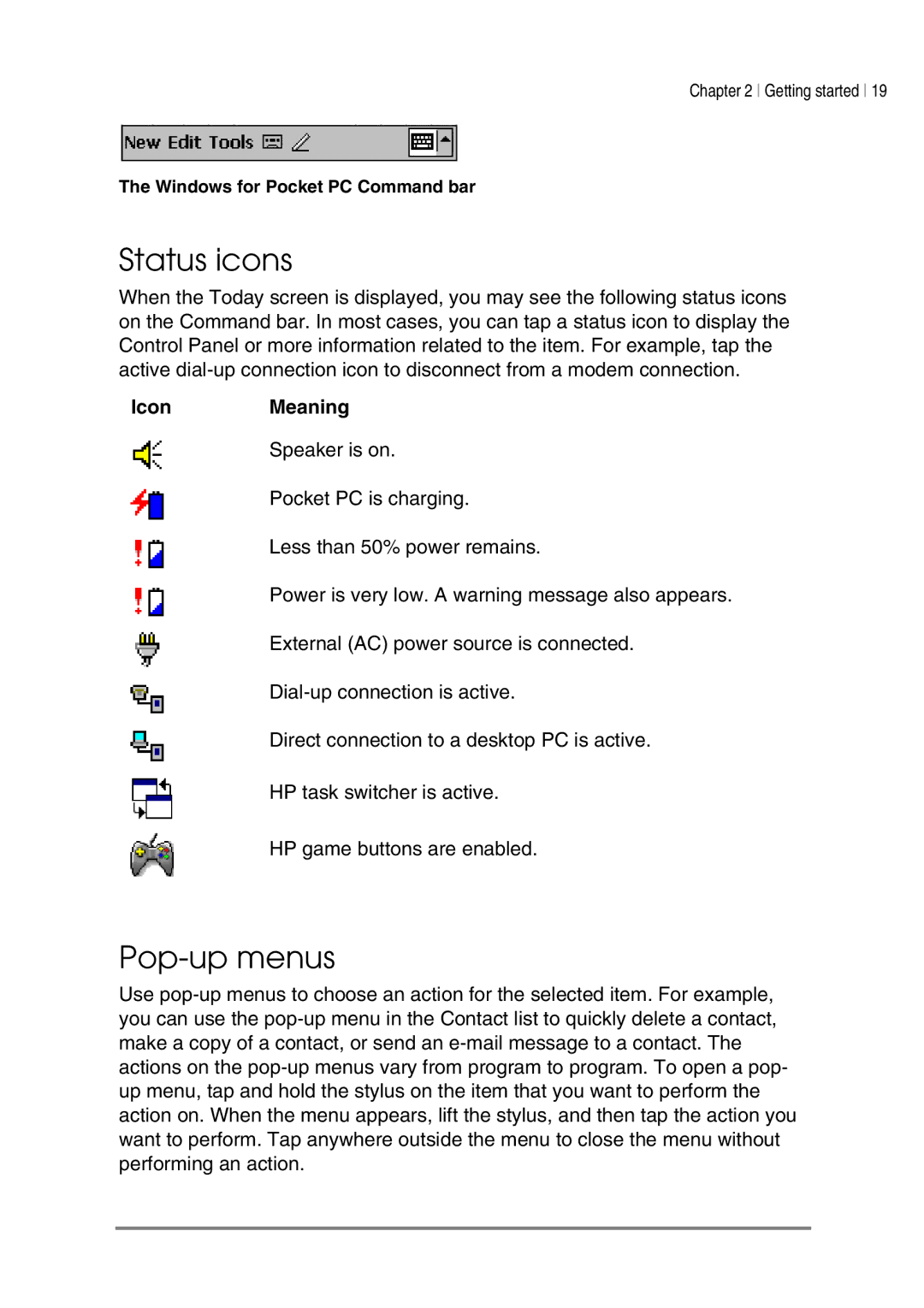
The Windows for Pocket PC Command bar
Status icons
When the Today screen is displayed, you may see the following status icons on the Command bar. In most cases, you can tap a status icon to display the Control Panel or more information related to the item. For example, tap the active
IconMeaning
Speaker is on.
Pocket PC is charging.
Less than 50% power remains.
Power is very low. A warning message also appears.
External (AC) power source is connected.
Direct connection to a desktop PC is active.
HP task switcher is active.
HP game buttons are enabled.
Pop-up menus
Use