Camera and Multimedia 133
Zooming
Get closer to or farther from your subject using the onscreen zoom bar.
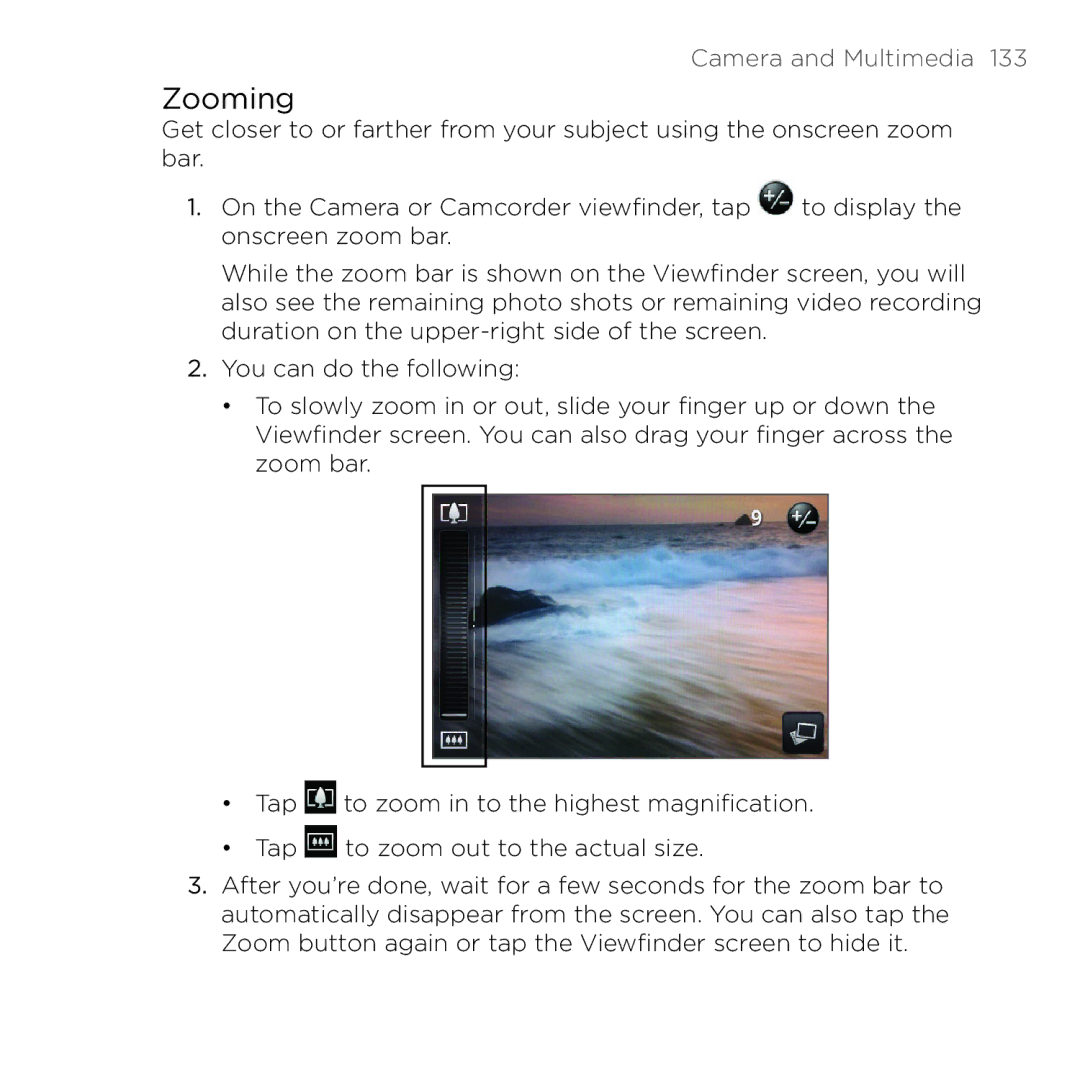
1.On the Camera or Camcorder viewfinder, tap  to display the onscreen zoom bar.
While the zoom bar is shown on the Viewfinder screen, you will also see the remaining photo shots or remaining video recording duration on the
2.You can do the following:
•To slowly zoom in or out, slide your finger up or down the Viewfinder screen. You can also drag your finger across the zoom bar.
•Tap  to zoom in to the highest magnification.
•Tap  to zoom out to the actual size.
3.After you’re done, wait for a few seconds for the zoom bar to automatically disappear from the screen. You can also tap the Zoom button again or tap the Viewfinder screen to hide it.