Understanding the control panel lights
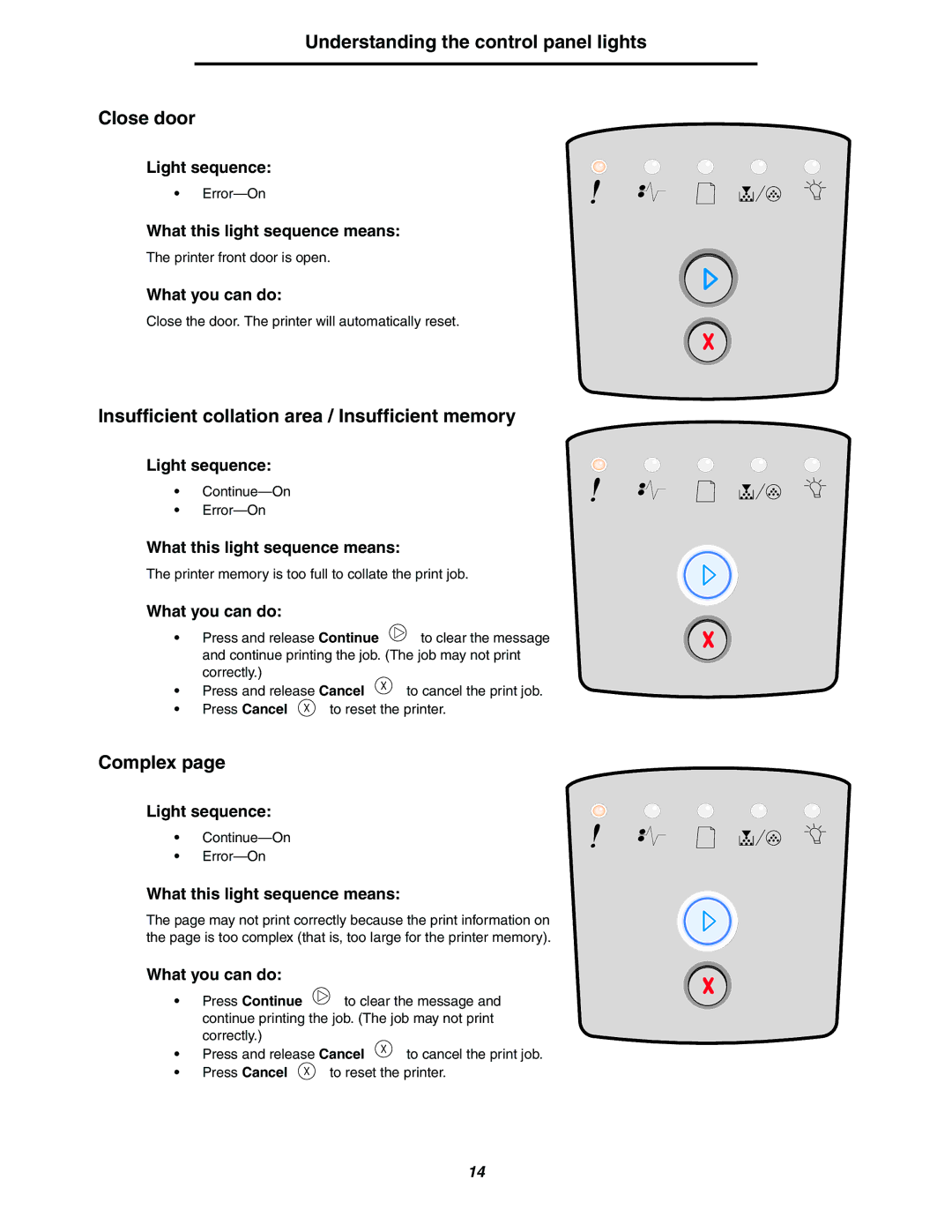
Close door
Light sequence:
•
What this light sequence means:
The printer front door is open.
What you can do:
Close the door. The printer will automatically reset.
Insufficient collation area / Insufficient memory
Light sequence:
•
•
What this light sequence means:
The printer memory is too full to collate the print job.
What you can do:
• | Press and release Continue | to clear the message | |
| and continue printing the job. (The job may not print | ||
| correctly.) |
|
|
• | Press and release Cancel | to cancel the print job. | |
• | Press Cancel | to reset the printer. | |
Complex page
Light sequence:
•
•
What this light sequence means:
The page may not print correctly because the print information on the page is too complex (that is, too large for the printer memory).
What you can do:
• | Press Continue | to clear the message and | |
| continue printing the job. (The job may not print | ||
| correctly.) |
|
|
• | Press and release Cancel | to cancel the print job. | |
• | Press Cancel | to reset the printer. | |
14