Using the RearTable
Set thick originals (0.19mm, 35µ~1mm) or originals less than 297mm in width and more than 1200mm in length, on the Rear Table.
Notes
❐You cannot use the following functions using the Rear Table.
—Repeated Copying
—Synchro cutting function with roll paper
—Partial Copying
1Choose any copy setting you require.
2 For manual copying, set paper.
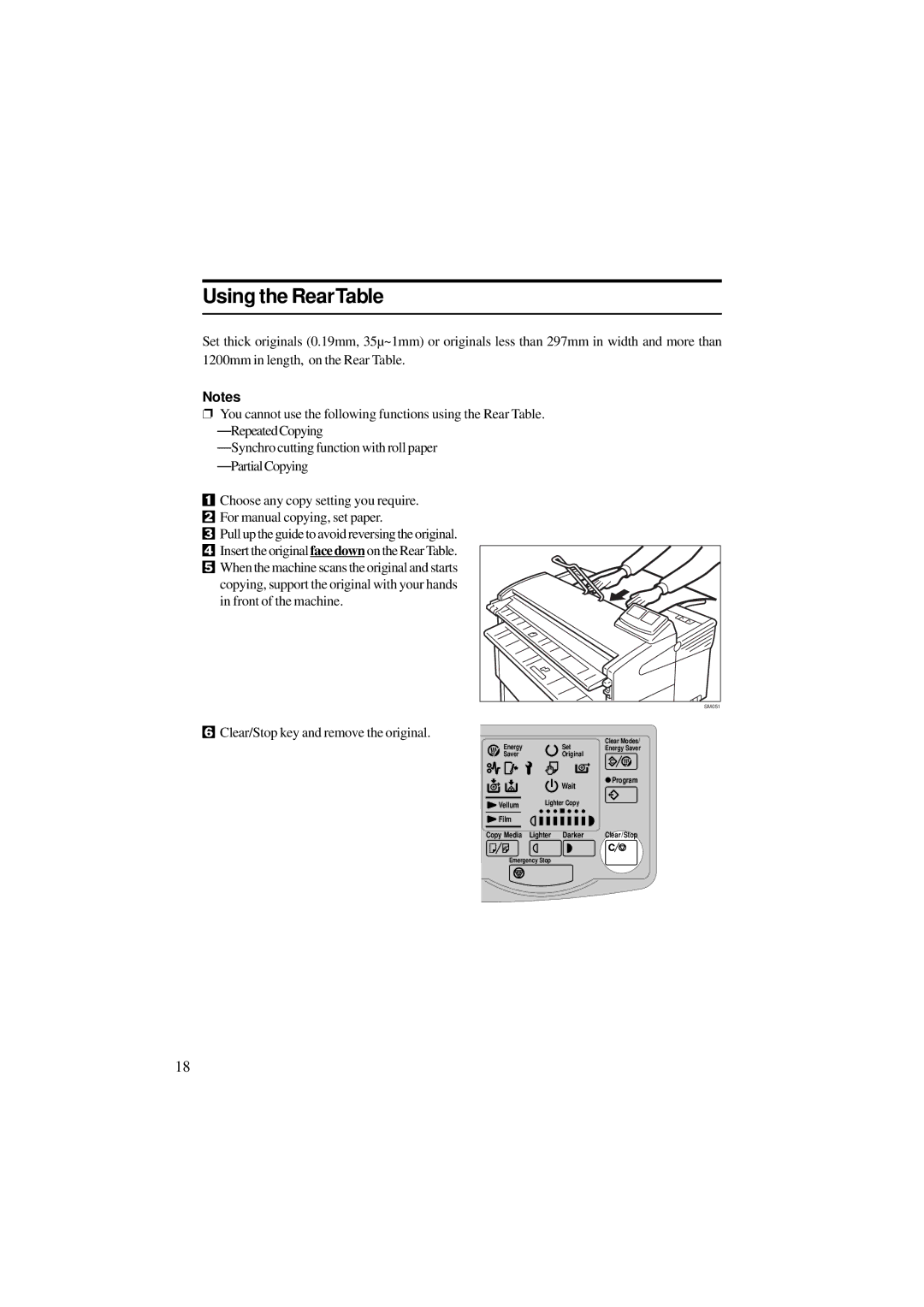
3 Pull up the guide to avoid reversing the original. 4 Insert the original face down on the Rear Table. 5 When the machine scans the original and starts
copying, support the original with your hands in front of the machine.
SM051
6Clear/Stop key and remove the original.
Energy | Set | Clear Modes/ |
Energy Saver | ||
Saver | Original |
|
|
|
|
| Wait | Program | ||
|
|
|
| ||||
|
|
|
|
| |||
|
| Lighter Copy |
| ||||
Vellum |
| ||||||
|
|
|
|
|
| ||
|
|
|
|
|
|
|
|
Film |
|
|
|
|
|
| Clear/Stop |
|
|
|
|
| |||
Copy Media Lighter |
| Darker | |||||
Emergency Stop
18