Clearing Paper Jams
Clearing jammed printing paper
If the printing paper jams, PAPER JAM will appear in the display. Follow the steps below to clear the jam.
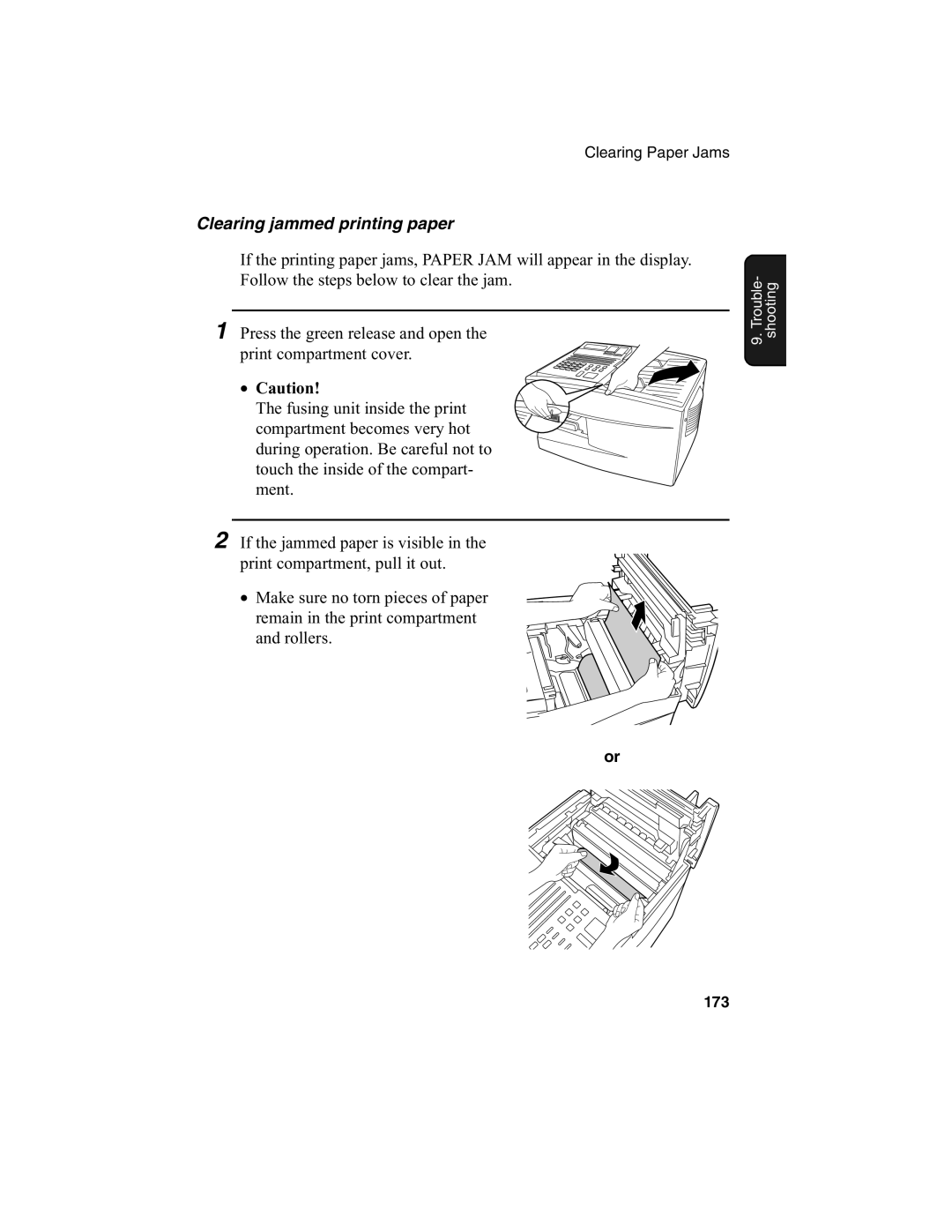
1 Press the green release and open the print compartment cover.
• Caution!
The fusing unit inside the print compartment becomes very hot during operation. Be careful not to touch the inside of the compart- ment.
2 If the jammed paper is visible in the print compartment, pull it out.
• Make sure no torn pieces of paper remain in the print compartment and rollers.
9. Trouble- shooting
or
173