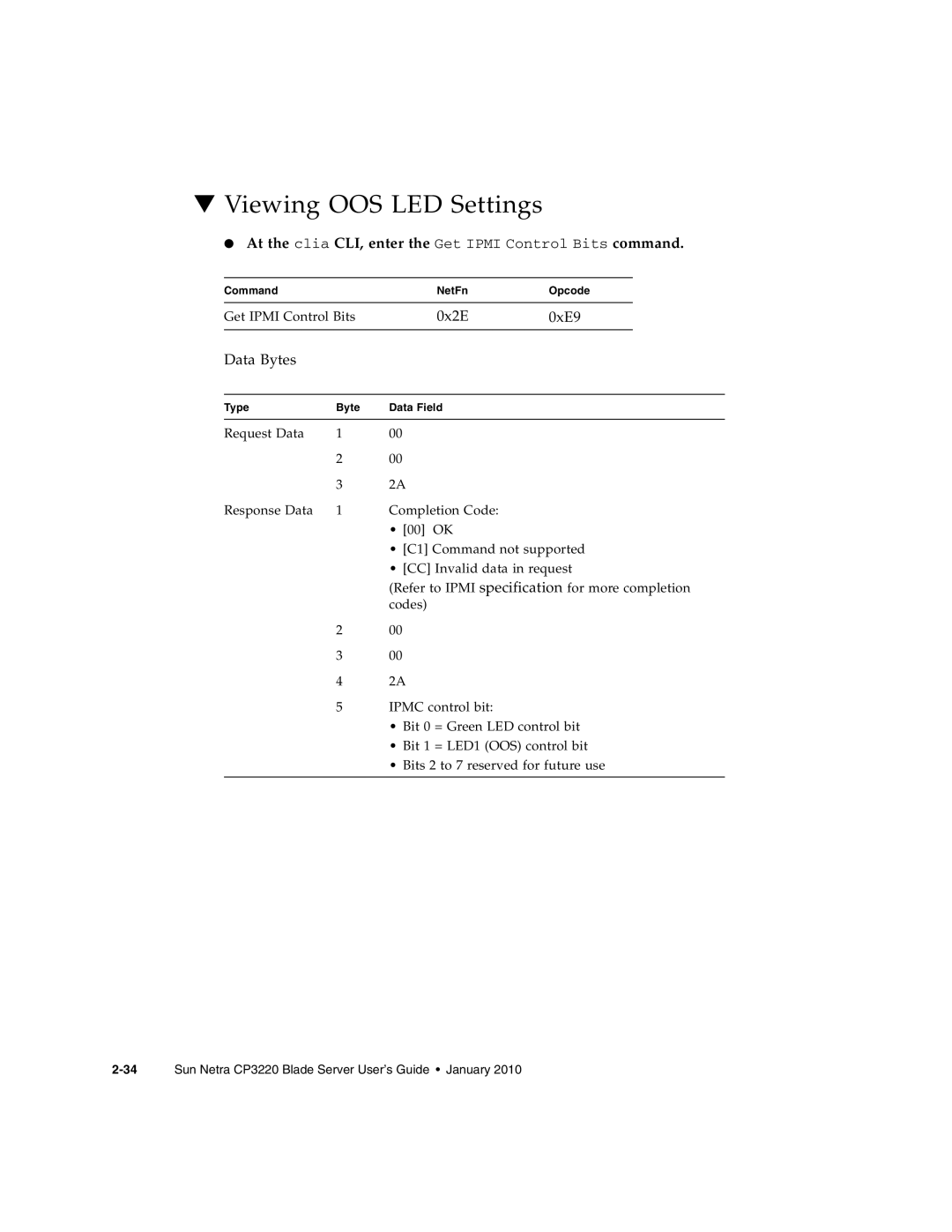
▼Viewing OOS LED Settings
● At the clia CLI, enter the Get IPMI Control Bits command.
Command |
| NetFn | Opcode |
|
|
|
|
| |
Get IPMI Control Bits | 0x2E | 0xE9 |
| |
|
|
|
|
|
Data Bytes |
|
|
|
|
|
|
|
|
|
Type | Byte | Data Field |
|
|
|
|
|
|
|
Request Data | 1 | 00 |
|
|
| 2 | 00 |
|
|
| 3 | 2A |
|
|
Response Data | 1 | Completion Code: |
|
|
•[00] OK
•[C1] Command not supported
•[CC] Invalid data in request
(Refer to IPMI specification for more completion codes)
200
300
42A
5IPMC control bit:
•Bit 0 = Green LED control bit
•Bit 1 = LED1 (OOS) control bit
•Bits 2 to 7 reserved for future use