SETTINGS
Response Time:
You can set the response time before which the answering machine becomes activated. One can choose a response time of 3 secs. 5 secs. or 10 secs.
Response Message:
You can choose between a set of 3 predefined messages and one user defined message as their choice of response message, when an incoming call is received.
•Absent: “I am not available right now, please leave a message after the tone.”
•Meeting: “I am in a meeting right now, please leave a message after the tone.”
•Driving: “I am driving right now, please leave a message after the tone” User message is a message that the user can record by themselves. The next menu explains this.
Recording
➨  ➨
➨  ➨
➨
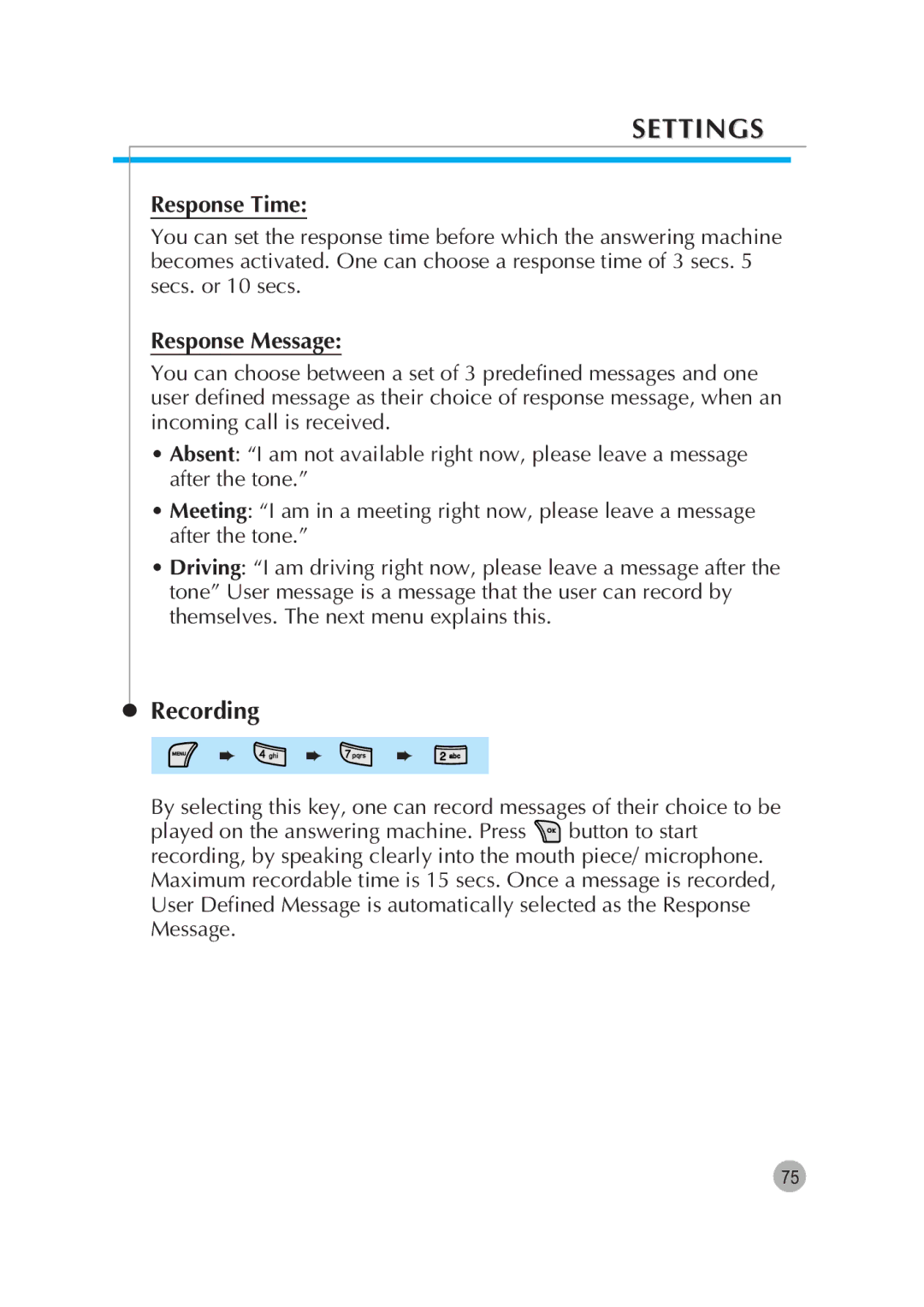
By selecting this key, one can record messages of their choice to be
played on the answering machine. Press  button to start recording, by speaking clearly into the mouth piece/ microphone. Maximum recordable time is 15 secs. Once a message is recorded, User Defined Message is automatically selected as the Response Message.
75