| Chapter 3 Motion Tablet PC Software |
MOTION | Your Tablet PC contains software applications to enhance its operations, |
APPLICATION | some available exclusively from Motion Computing. |
SOFTWARE | Motion Dashboard |
| |
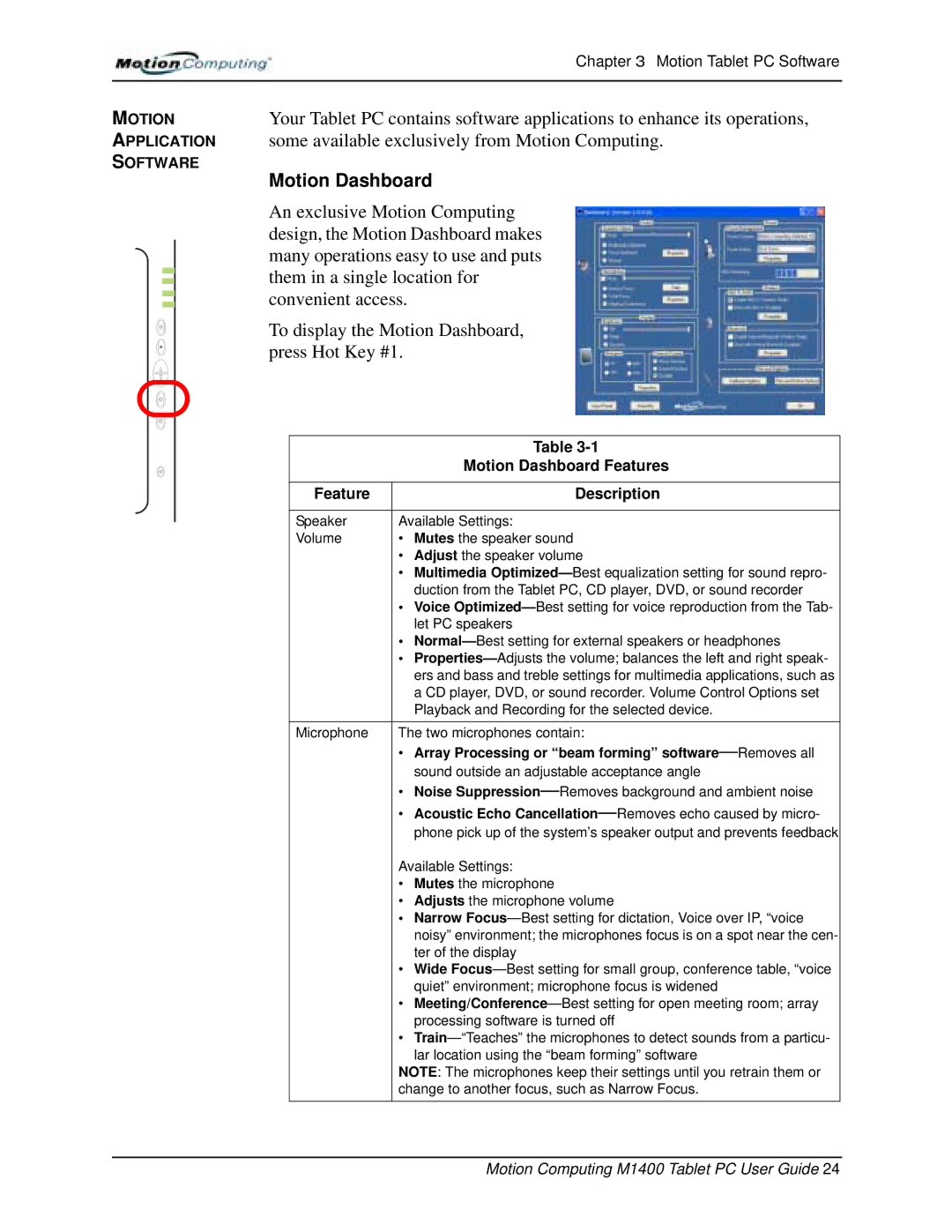
| An exclusive Motion Computing |
| design, the Motion Dashboard makes |
| many operations easy to use and puts |
| them in a single location for |
| convenient access. |
| To display the Motion Dashboard, |
| press Hot Key #1. |
|
| Table |
|
| Motion Dashboard Features |
|
|
|
| Feature | Description |
|
|
|
| Speaker | Available Settings: |
| Volume | • Mutes the speaker sound |
|
| • Adjust the speaker volume |
|
| • Multimedia |
|
| duction from the Tablet PC, CD player, DVD, or sound recorder |
|
| • Voice |
|
| let PC speakers |
|
| • |
|
| • |
|
| ers and bass and treble settings for multimedia applications, such as |
|
| a CD player, DVD, or sound recorder. Volume Control Options set |
|
| Playback and Recording for the selected device. |
| Microphone | The two microphones contain: |
|
| • Array Processing or “beam forming” |
|
| sound outside an adjustable acceptance angle |
|
| • Noise |
|
| • Acoustic Echo |
|
| phone pick up of the system’s speaker output and prevents feedback |
|
| Available Settings: |
|
| • Mutes the microphone |
|
| • Adjusts the microphone volume |
|
| • Narrow |
|
| noisy” environment; the microphones focus is on a spot near the cen- |
|
| ter of the display |
|
| • Wide |
|
| quiet” environment; microphone focus is widened |
|
| • |
|
| processing software is turned off |
|
| • |
|
| lar location using the “beam forming” software |
|
| NOTE: The microphones keep their settings until you retrain them or |
|
| change to another focus, such as Narrow Focus. |
|
|
|
|
|
|
|
| Motion Computing M1400 Tablet PC User Guide 24 |