Communication Interfaces
Value Parameter
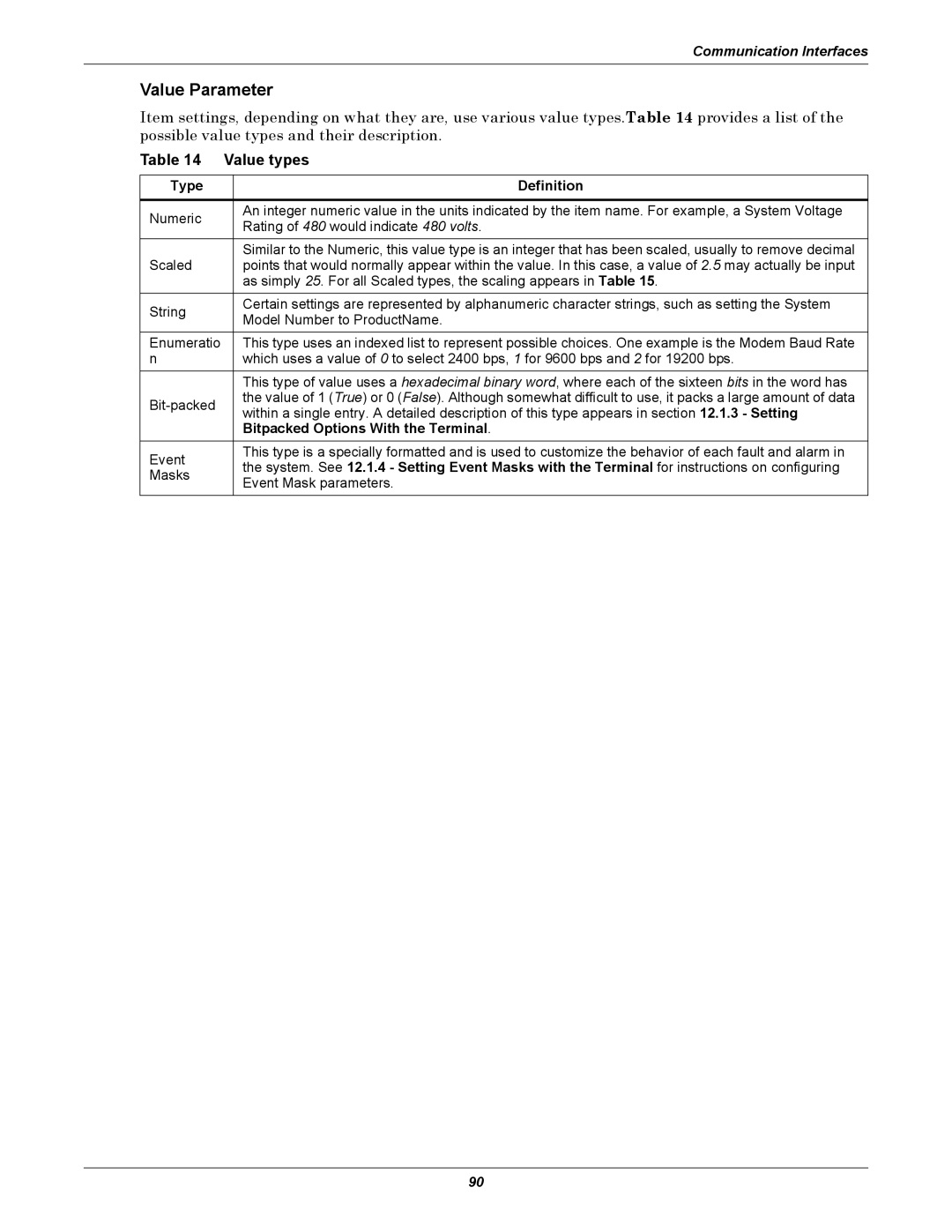
Item settings, depending on what they are, use various value types.Table 14 provides a list of the possible value types and their description.
Table 14 | Value types | |
|
|
|
Type |
| Definition |
|
|
|
Numeric |
| An integer numeric value in the units indicated by the item name. For example, a System Voltage |
| Rating of 480 would indicate 480 volts. | |
|
| |
|
| Similar to the Numeric, this value type is an integer that has been scaled, usually to remove decimal |
Scaled |
| points that would normally appear within the value. In this case, a value of 2.5 may actually be input |
|
| as simply 25. For all Scaled types, the scaling appears in Table 15. |
String |
| Certain settings are represented by alphanumeric character strings, such as setting the System |
| Model Number to ProductName. | |
|
| |
Enumeratio |
| This type uses an indexed list to represent possible choices. One example is the Modem Baud Rate |
n |
| which uses a value of 0 to select 2400 bps, 1 for 9600 bps and 2 for 19200 bps. |
|
| This type of value uses a hexadecimal binary word, where each of the sixteen bits in the word has |
|
| the value of 1 (True) or 0 (False). Although somewhat difficult to use, it packs a large amount of data |
| within a single entry. A detailed description of this type appears in section 12.1.3 - Setting | |
|
| |
|
| Bitpacked Options With the Terminal. |
|
|
|
Event |
| This type is a specially formatted and is used to customize the behavior of each fault and alarm in |
| the system. See 12.1.4 - Setting Event Masks with the Terminal for instructions on configuring | |
Masks |
| |
| Event Mask parameters. | |
|
| |
|
|
|
90