13. Diagnostics
Checking Supply Quality
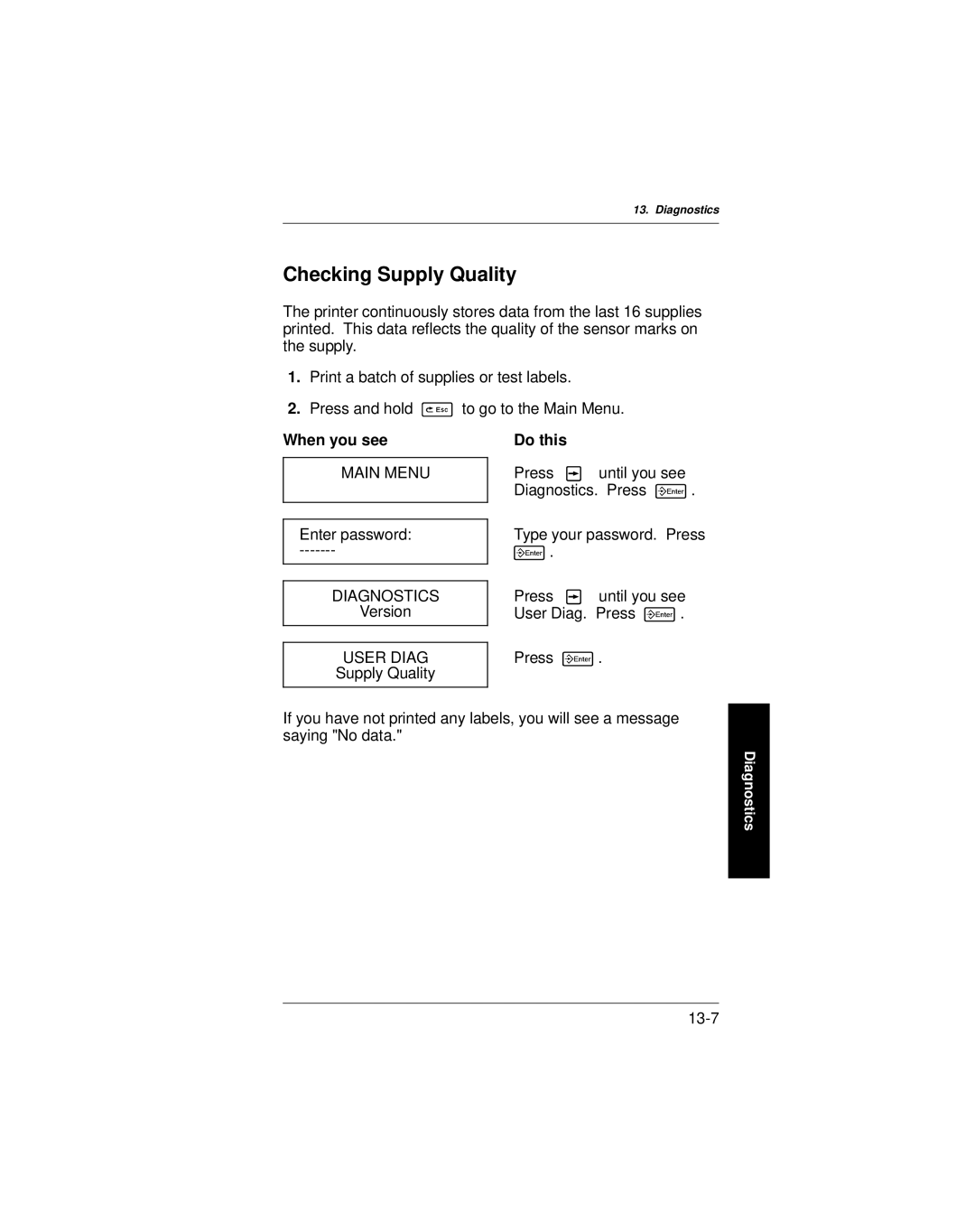
The printer continuously stores data from the last 16 supplies printed. This data reflects the quality of the sensor marks on the supply.
1.Print a batch of supplies or test labels.
2.Press and hold 8 to go to the Main Menu.
When you see | Do this |
|
|
|
|
MAIN MENU | Press 2 | until you see |
| Diagnostics. Press 6. | |
|
| |
|
| |
Enter password: | Type your password. Press | |
6. |
| |
|
|
|
|
|
|
DIAGNOSTICS | Press 2 | until you see |
Version | User Diag. Press 6. | |
|
| |
|
| |
USER DIAG | Press 6. | |
Supply Quality |
|
|
|
|
|
If you have not printed any labels, you will see a message saying "No data."
Diagnostics