Indicators
Indicator Function
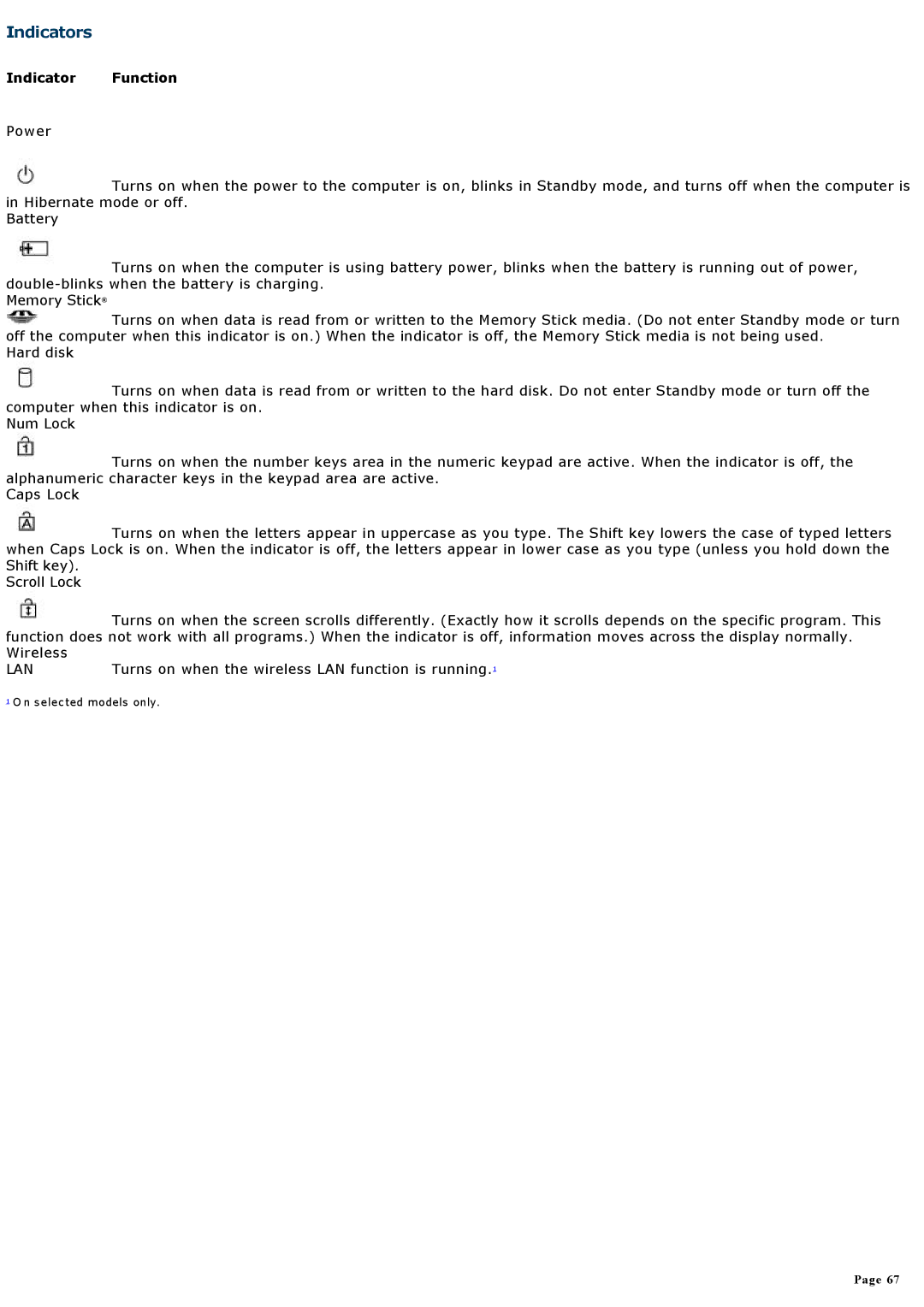
Power
 Turns on when the power to the computer is on, blinks in Standby mode, and turns off when the computer is in Hibernate mode or off.
Battery
 Turns on when the computer is using battery power, blinks when the battery is running out of power,
Memory Stick®
 Turns on when data is read from or written to the Memory Stick media. (Do not enter Standby mode or turn off the computer when this indicator is on.) When the indicator is off, the Memory Stick media is not being used.
Hard disk
 Turns on when data is read from or written to the hard disk. Do not enter Standby mode or turn off the computer when this indicator is on.
Num Lock
 Turns on when the number keys area in the numeric keypad are active. When the indicator is off, the alphanumeric character keys in the keypad area are active.
Caps Lock
 Turns on when the letters appear in uppercase as you type. The Shift key lowers the case of typed letters when Caps Lock is on. When the indicator is off, the letters appear in lower case as you type (unless you hold down the Shift key).
Scroll Lock
 Turns on when the screen scrolls differently. (Exactly how it scrolls depends on the specific program. This function does not work with all programs.) When the indicator is off, information moves across the display normally. Wireless
LAN
1 O n selected models only.
Page 67