2 Click the Drive Setup icon in the Launcher to open the Drive Setup program.
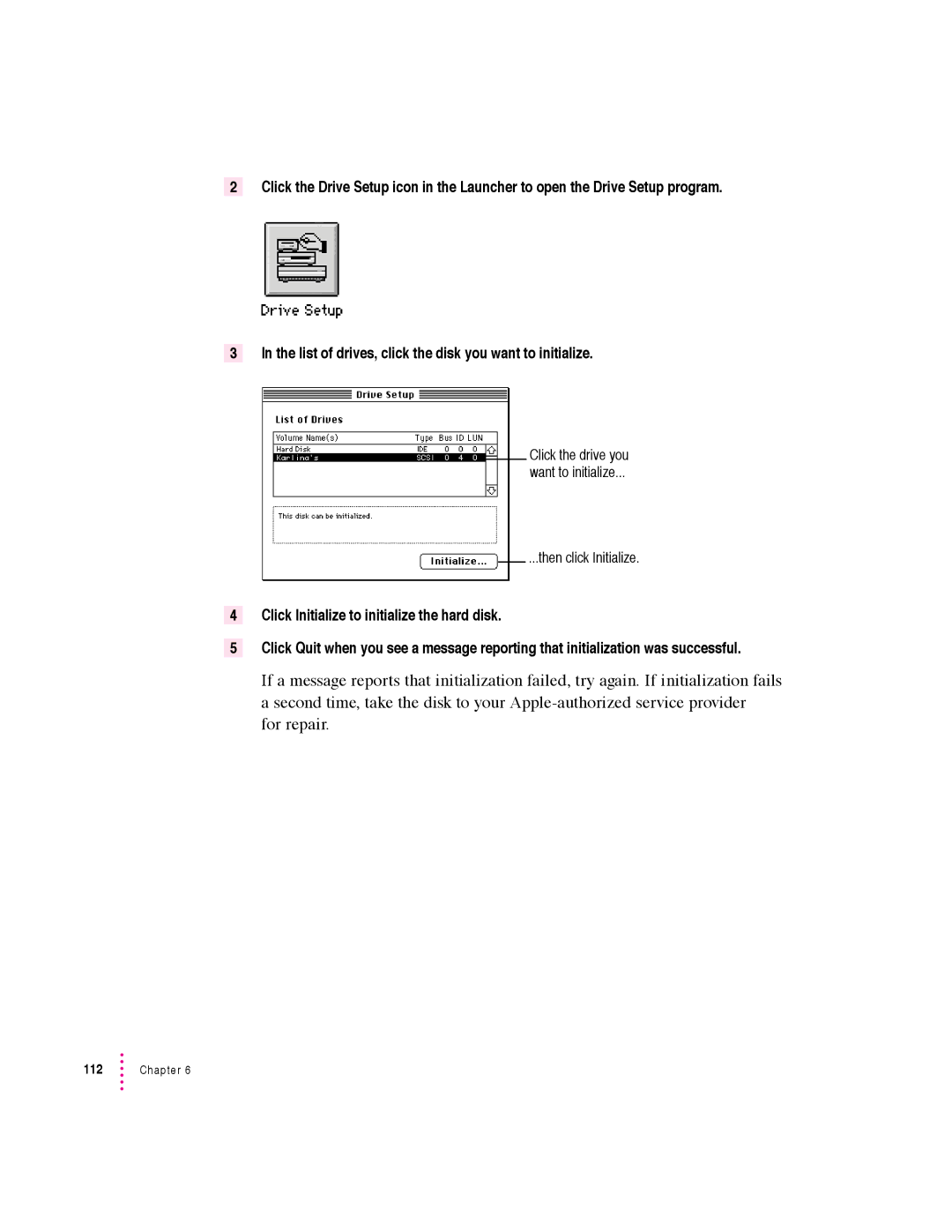
3 In the list of drives, click the disk you want to initialize.
Click the drive you
want to initialize...
...then click Initialize.
4Click Initialize to initialize the hard disk.
5Click Quit when you see a message reporting that initialization was successful.
If a message reports that initialization failed, try again. If initialization fails a second time, take the disk to your
for repair.
112 | Chapter 6 |