Using the printer software
Chapter Two
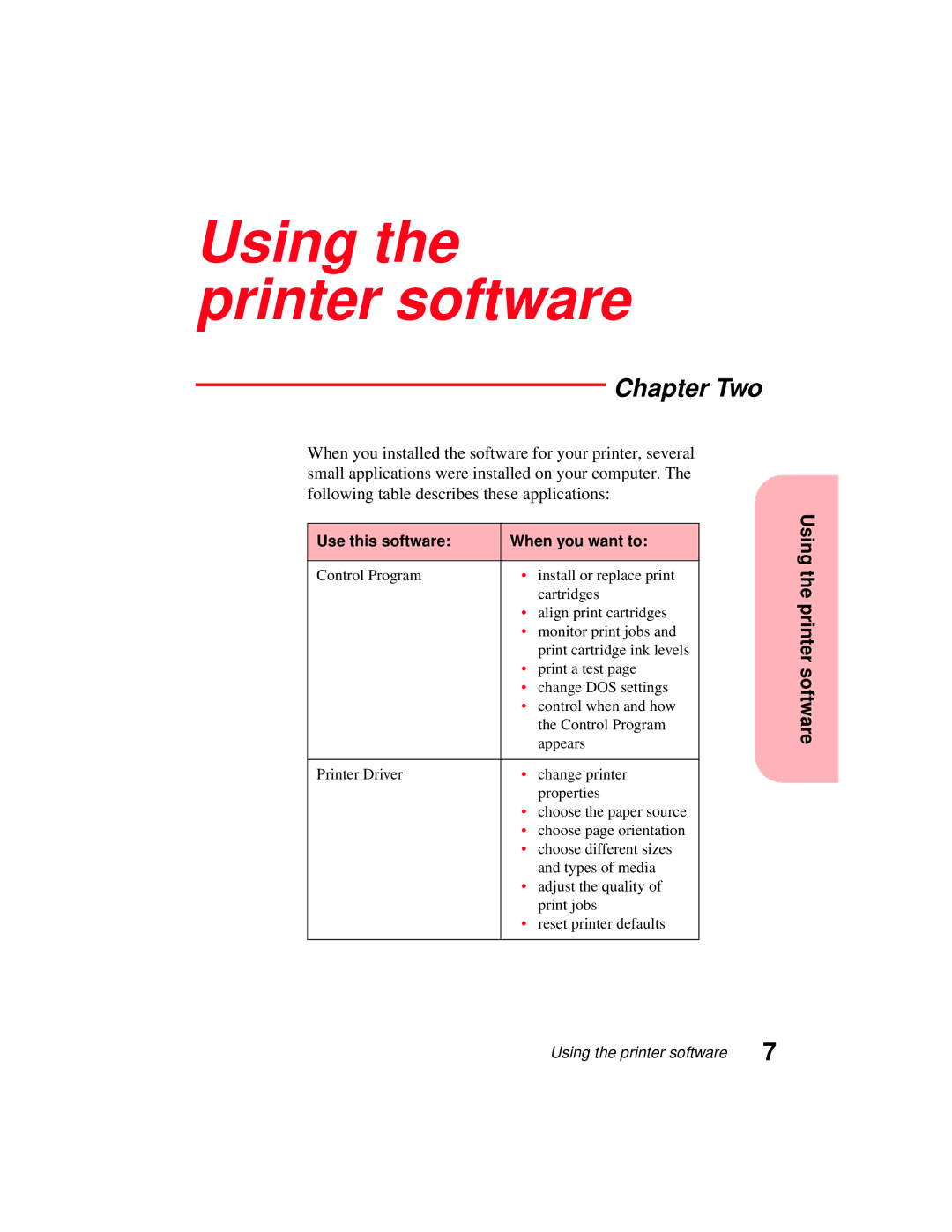
When you installed the software for your printer, several small applications were installed on your computer. The following table describes these applications:
|
|
| Using | |
Use this software: | When you want to: | |||
| ||||
|
|
| the | |
Control Program | • | install or replace print | ||
|
| cartridges | ||
|
| printer | ||
| • | align print cartridges | ||
|
| |||
| • monitor print jobs and |
| ||
|
| print cartridge ink levels |
| |
| • print a test page | software | ||
| • | change DOS settings | ||
|
| |||
| • control when and how |
| ||
|
| the Control Program |
| |
|
| appears |
| |
|
|
|
| |
Printer Driver | • | change printer |
| |
|
| properties |
| |
| • choose the paper source |
| ||
| • | choose page orientation |
| |
| • | choose different sizes |
| |
|
| and types of media |
| |
| • adjust the quality of |
| ||
|
| print jobs |
| |
| • | reset printer defaults |
| |
|
|
|
| |
Using the printer software | 7 |