7. Setup
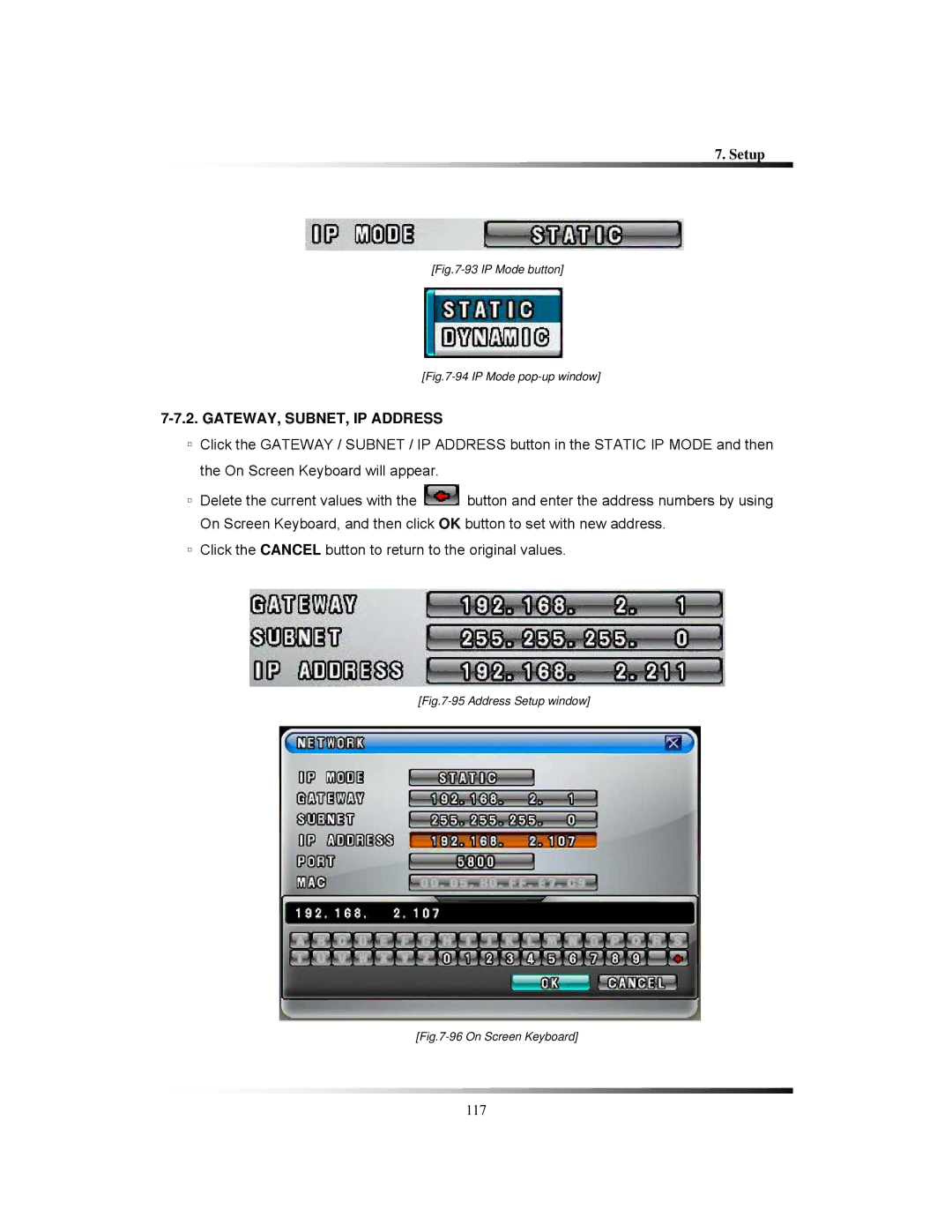
[Fig.7-93 IP Mode button]
[Fig.7-94 IP Mode pop-up window]
7-7.2. GATEWAY, SUBNET, IP ADDRESS
▫Click the GATEWAY / SUBNET / IP ADDRESS button in the STATIC IP MODE and then the On Screen Keyboard will appear.
▫Delete the current values with the  button and enter the address numbers by using On Screen Keyboard, and then click OK button to set with new address.
▫Click the CANCEL button to return to the original values.
[Fig.7-95 Address Setup window]
[Fig.7-96 On Screen Keyboard]
117