6-7.5. ZOOM
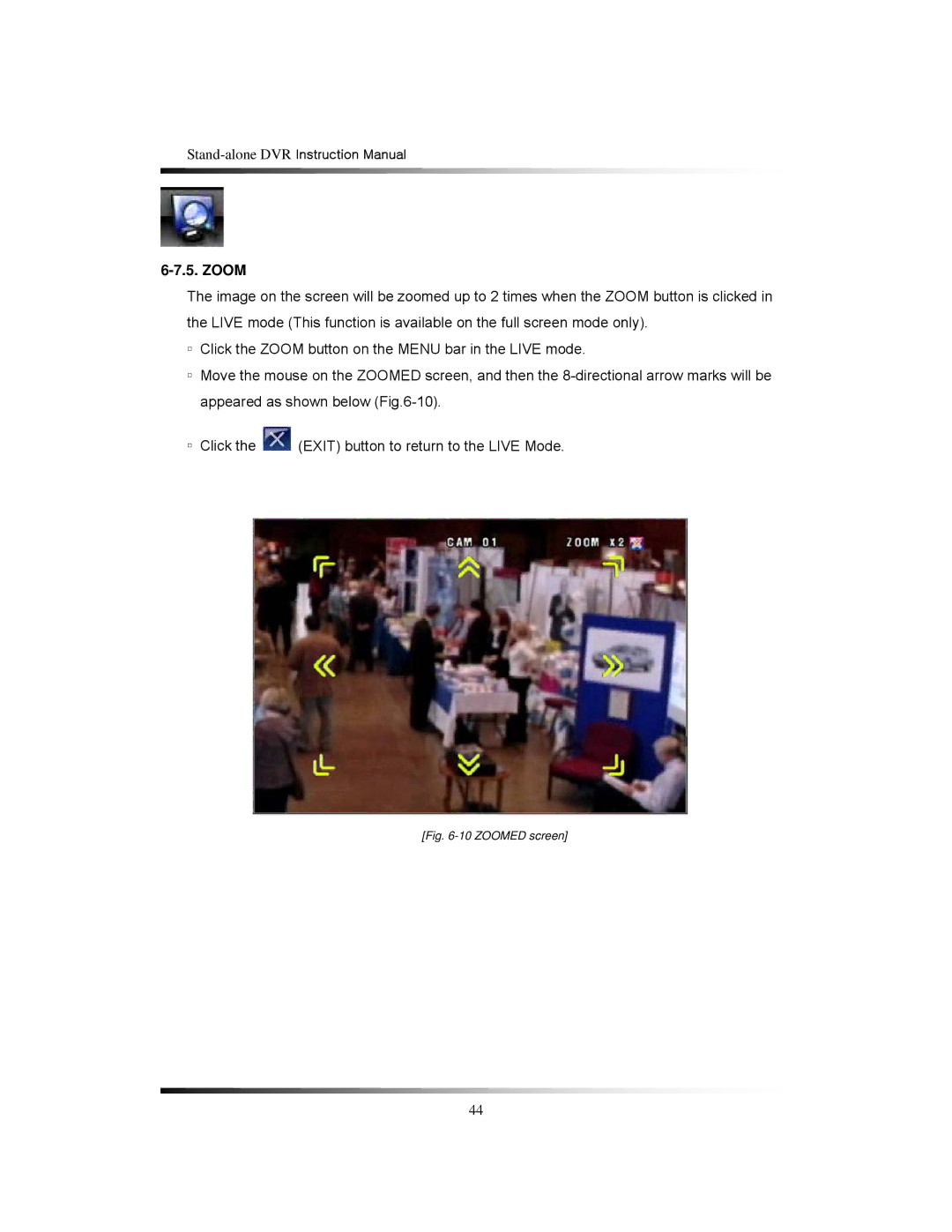
The image on the screen will be zoomed up to 2 times when the ZOOM button is clicked in the LIVE mode (This function is available on the full screen mode only).
▫Click the ZOOM button on the MENU bar in the LIVE mode.
▫Move the mouse on the ZOOMED screen, and then the
▫Click the  (EXIT) button to return to the LIVE Mode.
[Fig. 6-10 ZOOMED screen]
44