6. How to Operate
6-7.4. LIVE AUDIO
▫If cameras (up to 16 cameras) have audio function, it will sound in the live mode.
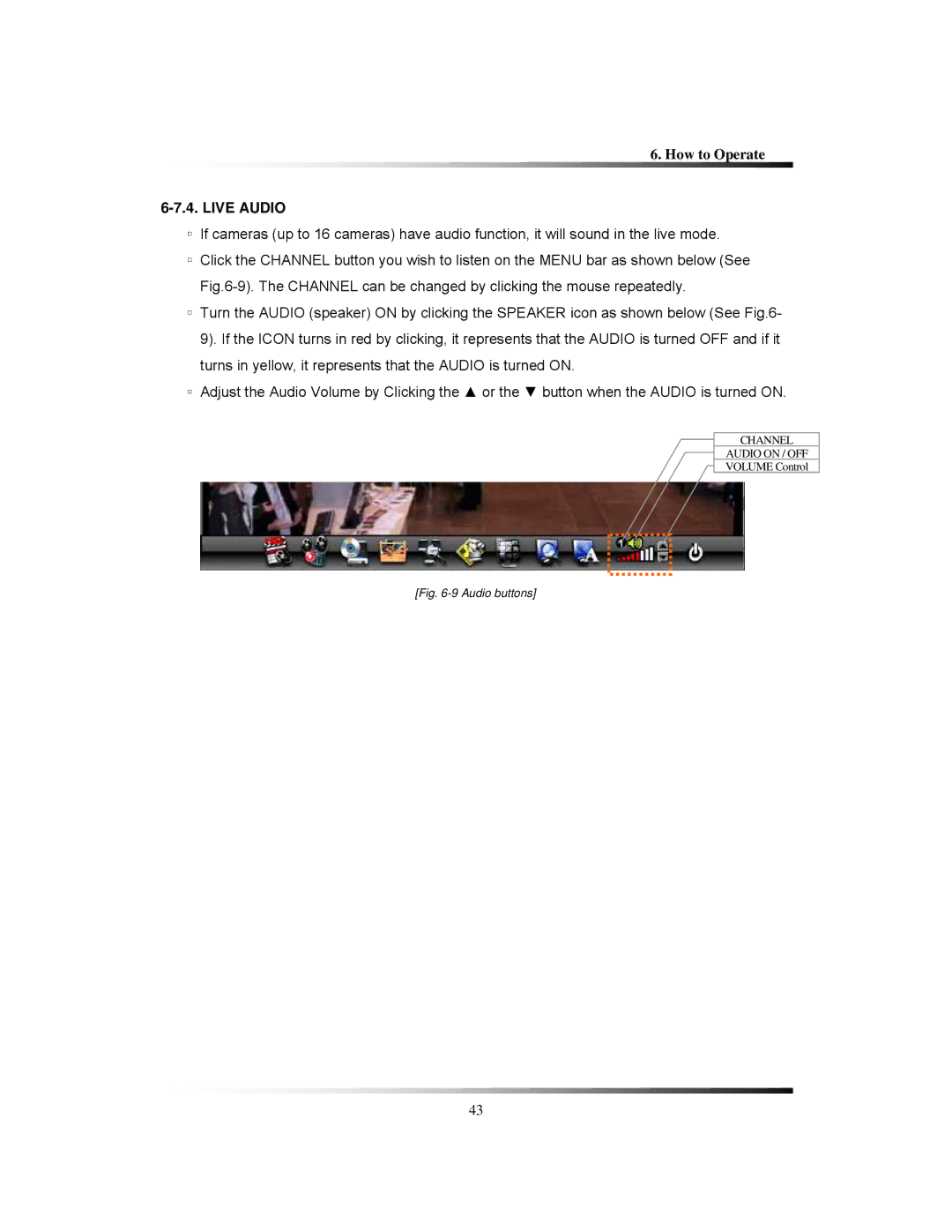
▫Click the CHANNEL button you wish to listen on the MENU bar as shown below (See
▫Turn the AUDIO (speaker) ON by clicking the SPEAKER icon as shown below (See Fig.6- 9). If the ICON turns in red by clicking, it represents that the AUDIO is turned OFF and if it turns in yellow, it represents that the AUDIO is turned ON.
▫Adjust the Audio Volume by Clicking the ▲ or the ▼ button when the AUDIO is turned ON.
CHANNEL
AUDIO ON / OFF
VOLUME Control
[Fig. 6-9 Audio buttons]
43