Page
Contents
Introduction
Unpacking
Desktop or Shelf Installation
Installation
Rack Installation
Power on
Access your Switch
Initial set up for management
In-band Management through Ethernet
Connecting without a Dhcp server
Telnet management
Telnet IPAddressofSwitch
Color Status Solid Blinking Power
LED indicators information
10/100M
Web Management Home Overview
Switch Information
Port status
Single port counter and status
Port Statistics
NP2624M User Guide
Show MAC Table
Administrator
IP and Management mode
Works under Max bridge transit delay bound control
Make sure Max bridge transit delay bound control is enabled
Max bridge transit
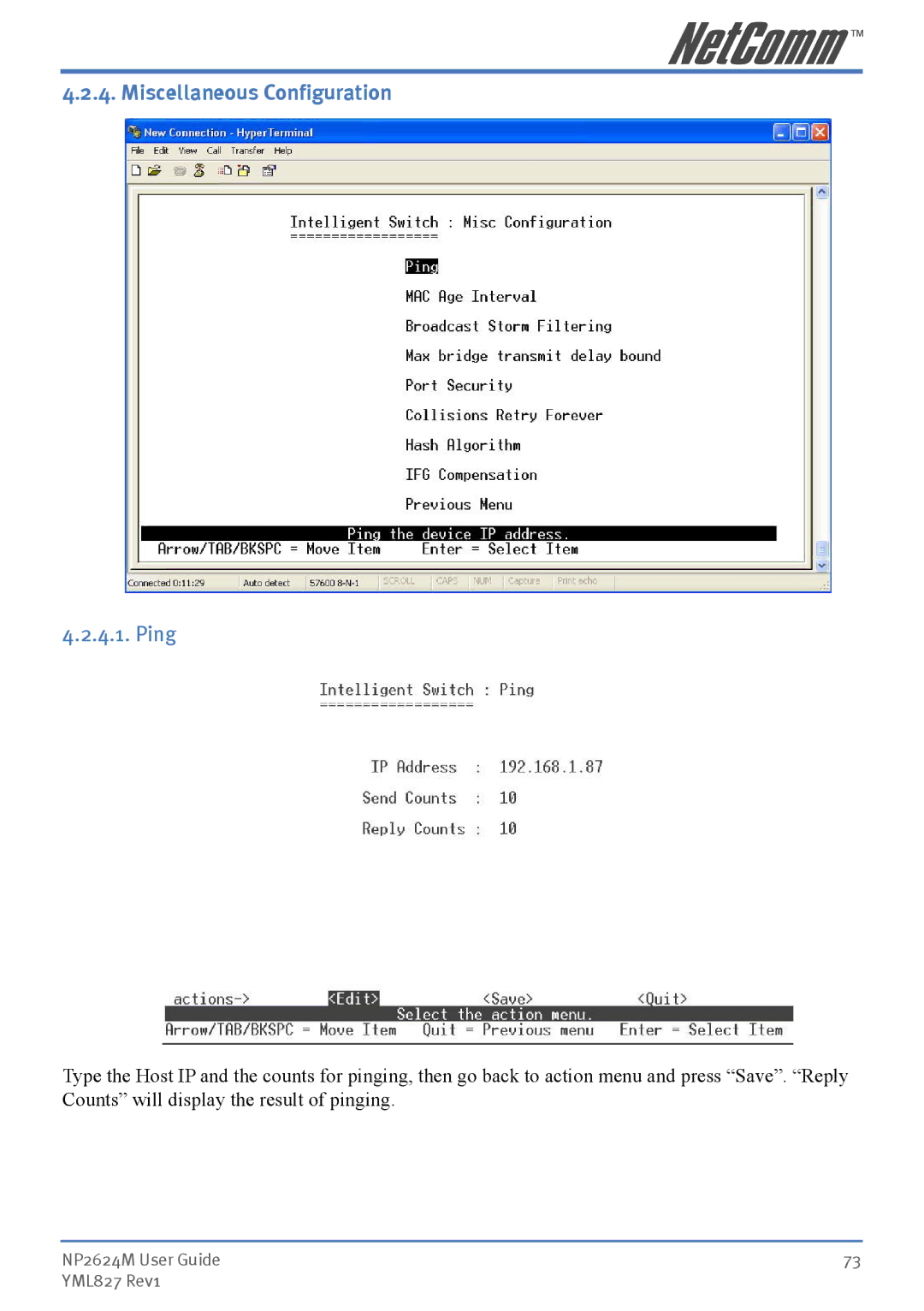
Miscellaneous Configuration
Priority Queue Service settings
Console Port Information
Port Controls
Priority
Egress
Security
Trunking
Aggregator setting
System Priority
Group ID
Aggregator Information
Active select
State Activity
No select
Igmp Snooping
Filter Database
Query
Report
Static MAC Address
MAC filtering
Support Port-based Vlan
Vlan configuration
Support Protocol-based Vlan
Support Tag-based Vlan Ieee 802.1Q Vlan
Port Based Vlan
Basic
7.2 .1Q Vlan
Ieee 802.1q
NP2624M. Users set the VID to mark the packet from
Port VID Pvid
Port VID
Ingress Filtering
Rapid Spanning Tree
Max Age
Forward Delay Time
Hello Time
Path Cost
Port Number
Port Priority
Edge Port
Port Mirror
Roving Analysis Mode
Analysis Port
Monitored Port
System Options
SNMP/Trap Manager
Community Strings
Trap Manager
Security Manager
Perport Configuration
Server Timeout
Supplicant Timeout
Quiet Period
Tx Period
Ping
Agent Management
Single IP
Agent Control Port
Agent Manager
Add/Edit/Delete
Launch Manager
Will cause an unexpected forwarding error here
Commands from agent manager cannot pass over current
Stacking Management
Complete the addition of a new member
Manual method
Editing an existing member is also easy to do
To delete an existing member, choose the host
Browser will always ask the administrator to input username
Case of the http// authentication mechanism, the web
Password when agent manager changes a new host. Typically,
URL of the master switch IP no matter how the agent manager
Link Status
Stacking Manager
Add a Vlan
5 .1x Protocol
Enable/Disable
5.3 .1x PerPort Configuration
5.2 .1x System Configuration
5.4 .1x Miscellaneous Configuration
Authentication
Fu Force the specific port to be unauthorized
Fa Force the specific port to be authorized
Port Status
Status and Counters
Port Counters
System Information
Default
Reboot Switch
Restart
Tftp Update Firmware
Backup Configure File
Restore Configure File
Benefits of VLANs
Vlan application used with switch
NP2624M User Guide 111 YML827 Rev1
Single IP Agent mode application used with switch
Trunking Application used with switch
No up-link limitation through Gigabit port
Reduce the demand of real IP public IP
Master and slave switches in the same LAN domain
Typical setup of Single IP-Agent mode network
Master in WAN domain and slaves in LAN domain
Master and slave switches in different LAN domain
116
Typical connections for switch management by stacking
Single IP Stacking mode application used with switch
Well integrated UI to view status of stacking switches
No redundant hardware required
Connect switches with Giga port in serial sequence
Guide to build up Stacking Switches
Easy adding or removal stacking member
Add stacking members in the Stacking management
Vlan ID
An Example of Port-Base Stacking Vlan
120
Issue on Trunk and Stacking mode
Compatibility on Virtual Server and Single IP
Agent/Stacking Manager
IP should be changed back to the Switch IP before launching
802.11g
Access point
Applet
Communication
Ethernet
Enterprise network
Fast Ethernet
Firewall
Group
Gateway
Intranet
Internet
NWay Protocol
Network
PPPoE
Server
Protocol
Station
Subnet mask
User Name
Transceiver
Utility
Windows
Pair connection does not exceed 100 metres
RJ-45 Network Ports
10Mbps
100Mbps
Straight-Through Cabling
Straight and crossover cable configuration
Cross-Over Cabling
Copyright Information
Contact Information
Customer Information
Limitations of Warranty
Product Warranty