Chapter 12: Managing Tasks
●
126
Opening the Task Manager
You can use the Task Manager to monitor and modify the tasks you
have scheduled. (To schedule a task, see
.)
Tasks are associated with systems. When you open the Task Manager,
you see the scheduled tasks associated with that local or remote system
only.
To open the Task Manager, in the tool bar, click
Configure
, select the
system you want, then click
Tasks
.
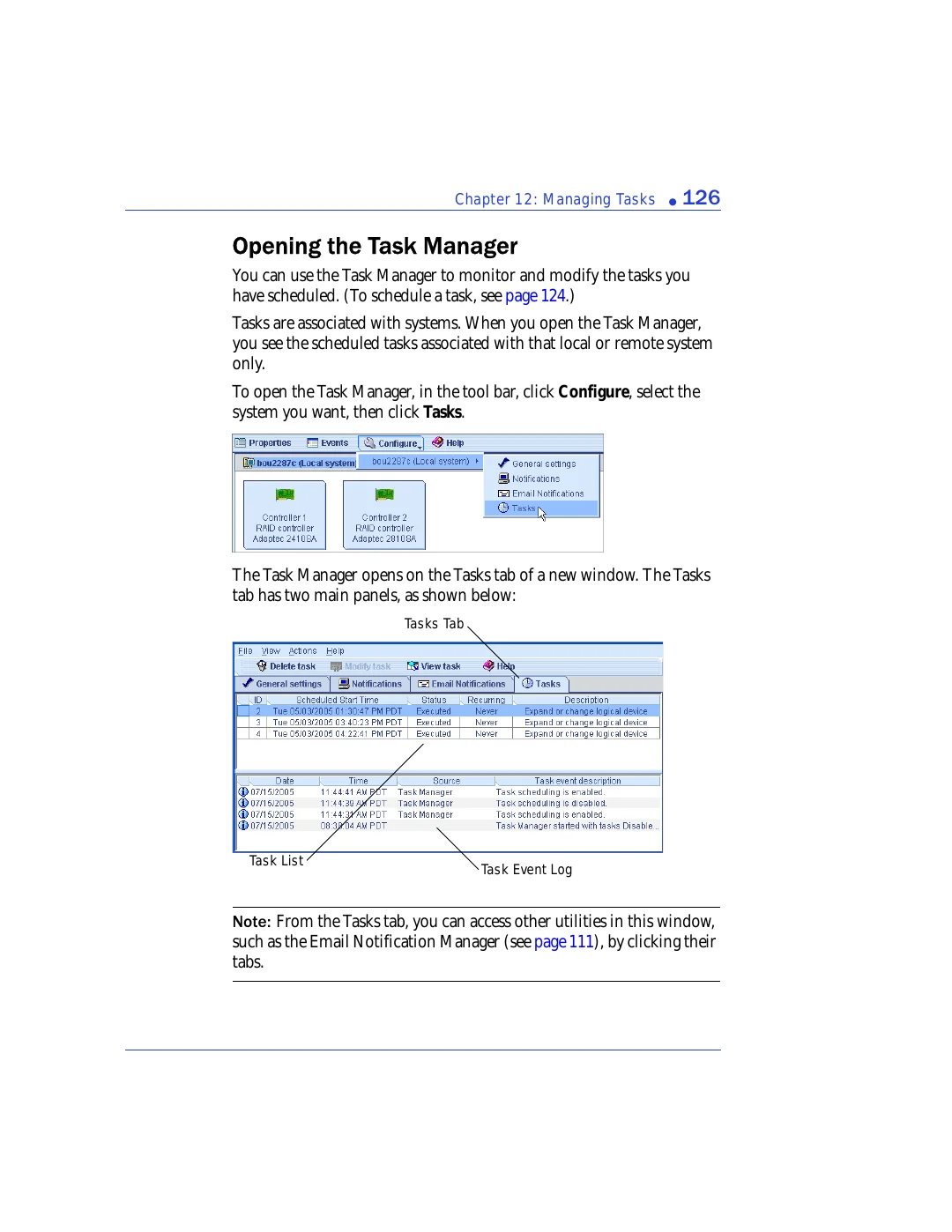
The Task Manager opens on the Tasks tab of a new window. The Tasks
tab has two main panels, as shown below:
Note:
From the Tasks tab, you can access other utilities in this window,
such as the Email Notification Manager (see
), by clicking their
tabs.
Task Event Log
Task List
Tasks Tab