Chapter 11: Monitoring Your Storage Space
●
109
Monitoring and Managing the Notification Log
The Notification Log displays status information and messages about
the Notification Manager itself, such as whether notifications were sent
successfully or not.
This section describes how to manage the Notification Log and use it to
monitor the logged notifications being sent:
●
Using the Notification Log (see below).
●
Find the Notification Log files (see
).
●
Clear the Notification Log (see
).
Using the Notification Log
By default, notification events are listed in the order they occurred, with
the most recent event first. To make it easier to find a specific event,
click on the column heads to sort the events. You can also reorganize
the columns by clicking and dragging the column heads (see the Figure
on
).
The Notification Log uses icons to show the status of events. These
icons also appear in the Event Viewer of the remote systems.
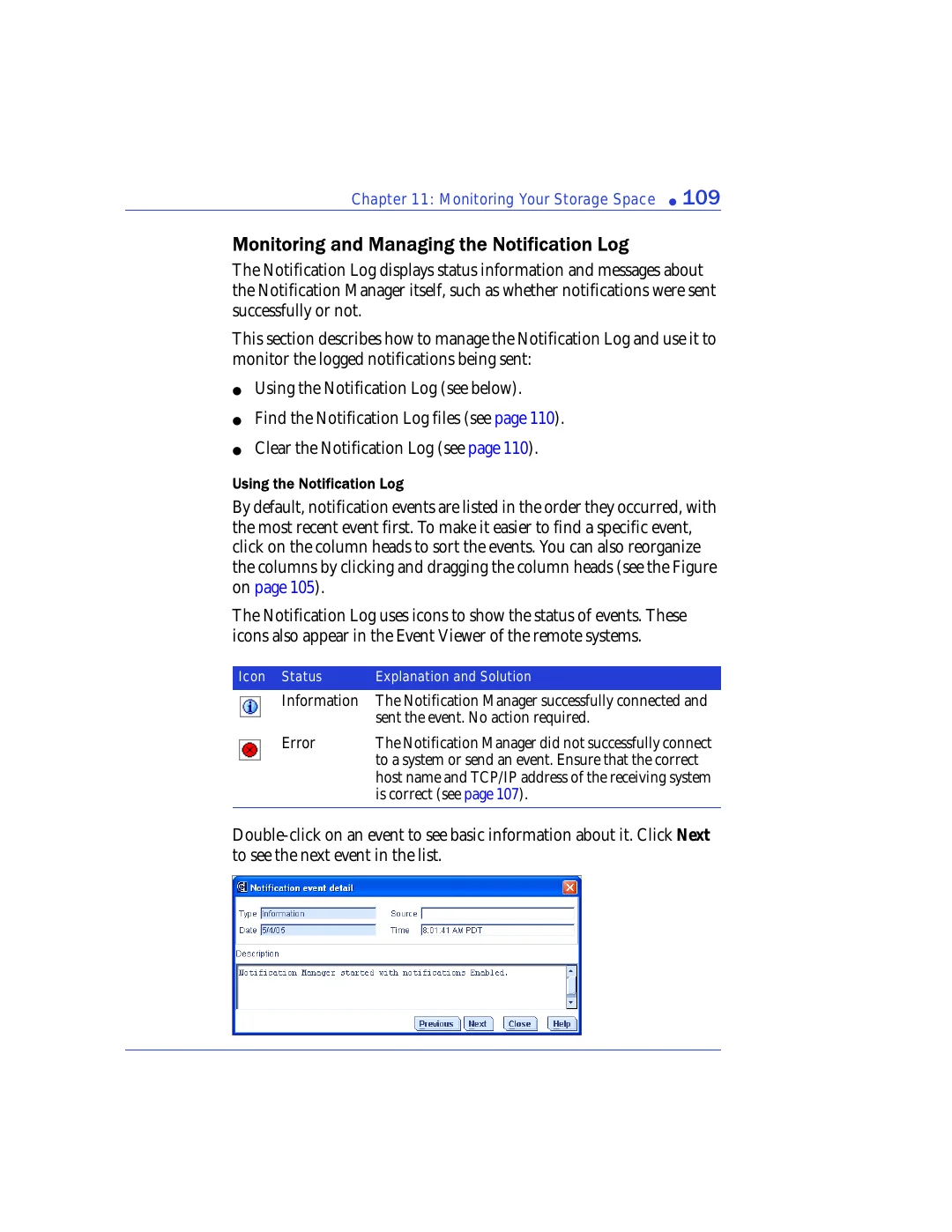
Double-click on an event to see basic information about it. Click
Next
to see the next event in the list.
Icon
Status
Explanation and Solution
Information
The Notification Manager successfully connected and
sent the event. No action required.
Error
The Notification Manager did not successfully connect
to a system or send an event. Ensure that the correct
host name and TCP/IP address of the receiving system
is correct (see
).