Chapter 12: Managing Tasks
●
128
The Event Log uses icons to show the status of past tasks:
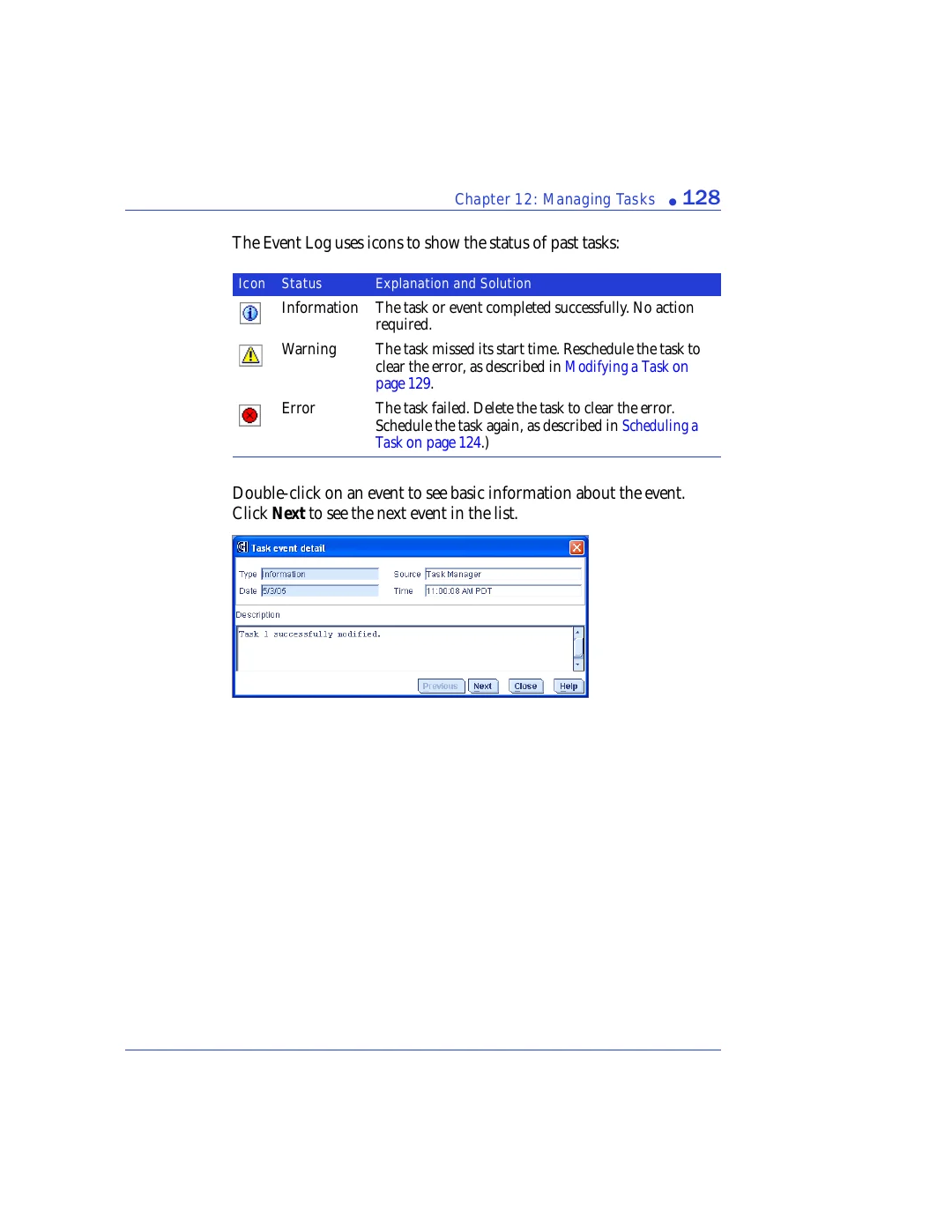
Double-click on an event to see basic information about the event.
Click
Next
to see the next event in the list.
Icon
Status
Explanation and Solution
Information
The task or event completed successfully. No action
required.
Warning
The task missed its start time. Reschedule the task to
clear the error, as described in
Error
The task failed. Delete the task to clear the error.
Schedule the task again, as described in
.)