HP Deskjet 6800 series printer
4Connecting to the printer
•Connecting a digital camera
•USB
•Wireless networking
•Wired networking
4.1 USB
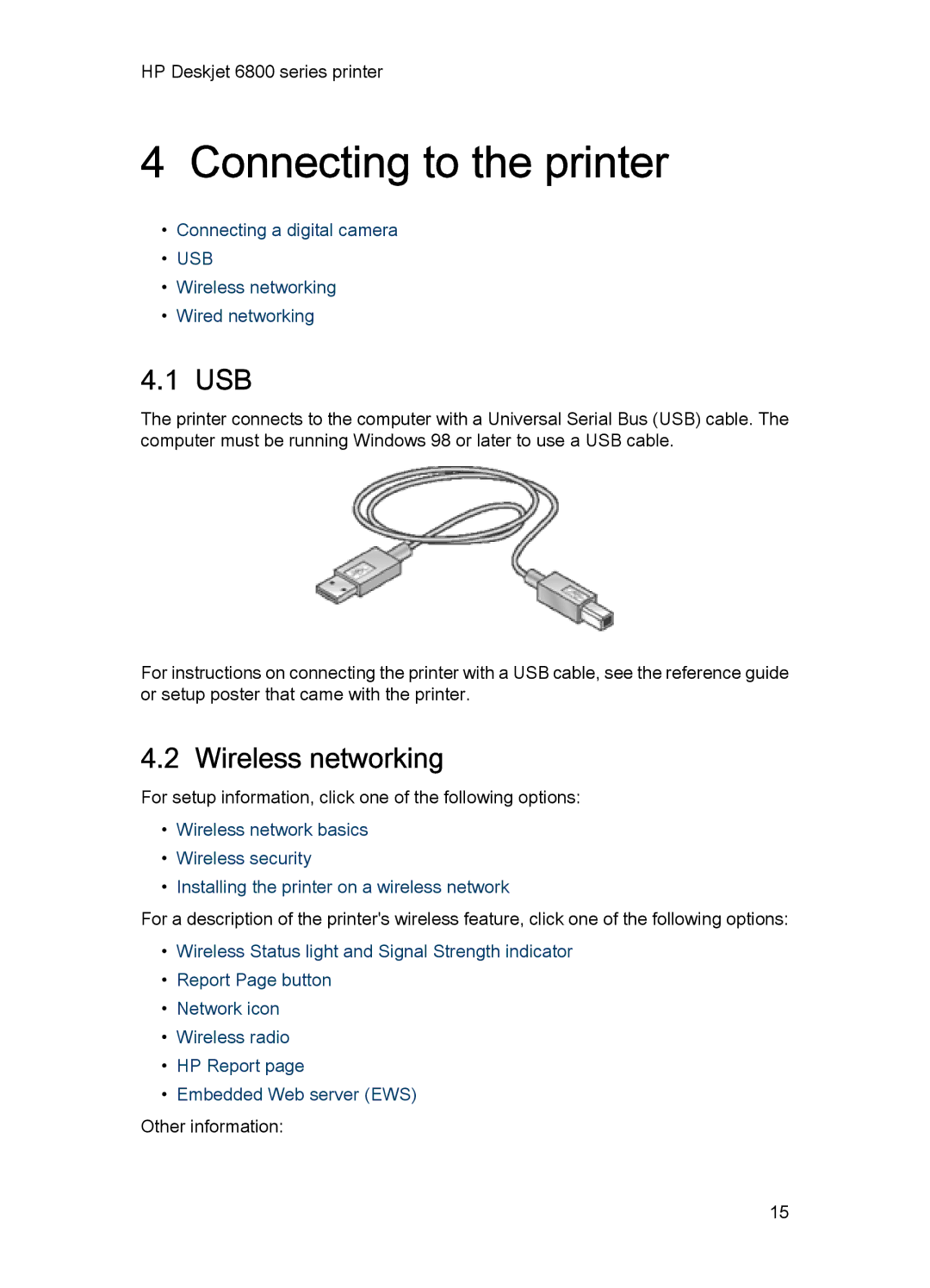
The printer connects to the computer with a Universal Serial Bus (USB) cable. The computer must be running Windows 98 or later to use a USB cable.
For instructions on connecting the printer with a USB cable, see the reference guide or setup poster that came with the printer.
4.2 Wireless networking
For setup information, click one of the following options:
•Wireless network basics
•Wireless security
•Installing the printer on a wireless network
For a description of the printer's wireless feature, click one of the following options:
•Wireless Status light and Signal Strength indicator
•Report Page button
•Network icon
•Wireless radio
•HP Report page
•Embedded Web server (EWS)
Other information:
15