Editing a photo
Editing Photos
Managing Files and Folders
RAW processing
Displaying photos as a slide show
Setting folders as Private
Changing a files or folders name
Deleting files or folders
Copying/Moving files or folders
Protecting files or folders
Setting Home screen wallpaper or folder icons
Using ratings to filter your photos
Monitoring the Color of Images
Setting the screen saver
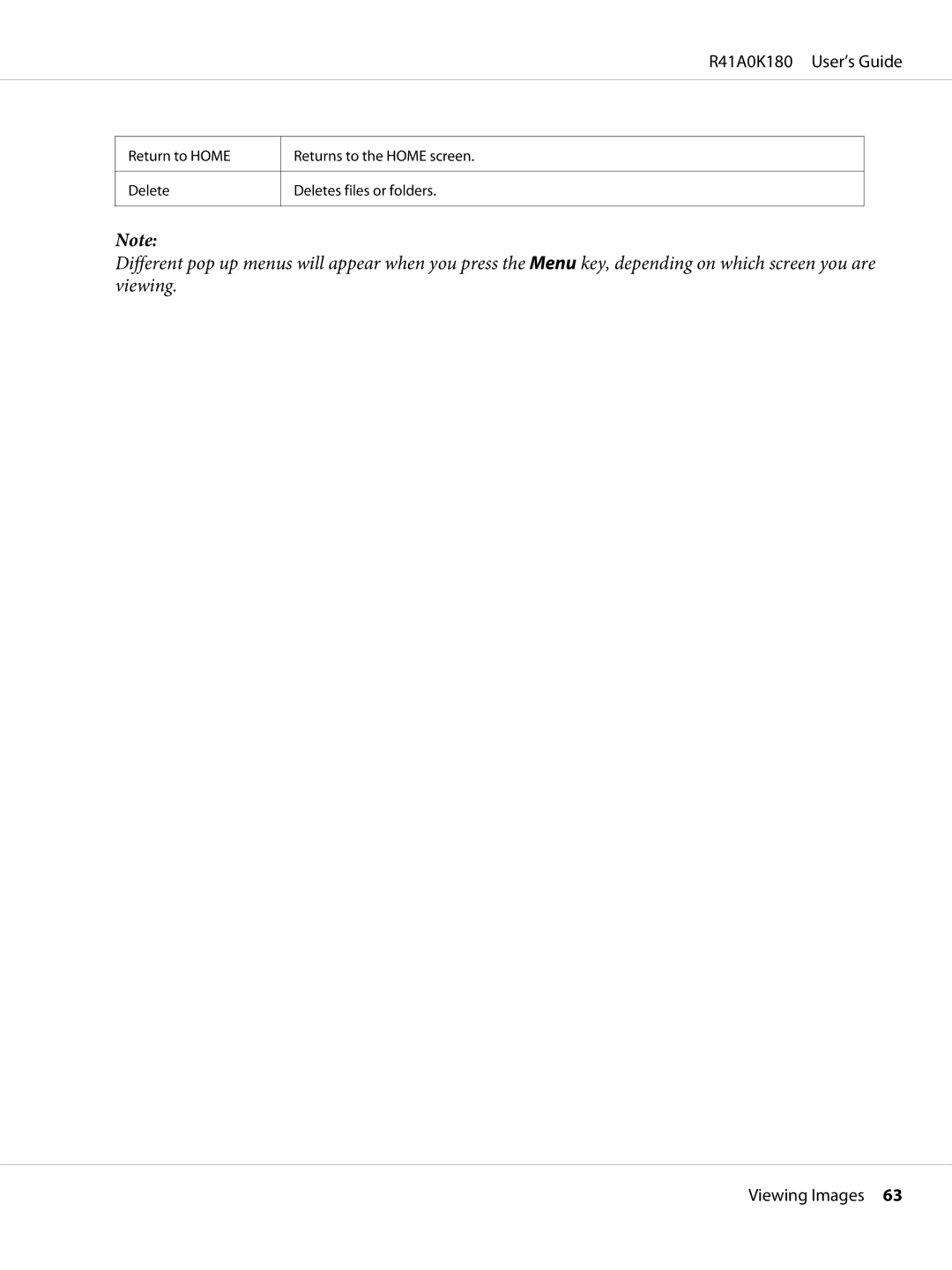
About the Pop Up Menu
For video files
For photo files
R41A0K180 User’s Guide
Registering a watermark
Creating Custom Print
Preparing to Print
Available types of paper
Using the Print Wizard Menu
Selecting a photo
Creating Custom Print
Retouching a photo
R41A0K180 User’s Guide
Cropping a photo
Setting the layout
Menu
Printing photos
Setting
Printing Original Photo
Making Copies of Custom Print
By pressing the Menu key, you can select all JPEG, RAW
Printing Contact Sheet
Playing Music
Transferring Audio Data from the Computer
Audio file formats supported by the viewer
Selecting the category
Starting Playback
Resume play
Basic operations while playing music
Repeat and Shuffle Play
Playback order setting
Using the Features for Music
Audio equalizer setting
Repeat setting
Customizing equalizer setting
Creating a Playlist on the Viewer
Deleting album tracks from the viewer
To delete a Playlist/remove tracks from a Playlist
To add tracks to a created Playlist
To change track order of a created Playlist
About the Audio Pop Up Menu
Changing the Viewer Settings
Customizing Settings
R41A0K180 User’s Guide
LCD Settings LCD Brightness
Viewing on a TV
Using A/V Out
Installing the battery
Maintenance
Cleaning the Viewer
Preparing the Battery
Charging the battery
Removing the battery
Do not carry loose batteries in your pocket.Warning
Error messages / Icons
Troubleshooting
Cannot access data
Power supply problems
Viewing and playback problems
Power does not turn on
Data is not displayed
Color space information cannot be recognized
Movie is not displayed clearly or stops abruptly
Cannot access the existing folders
Operation problems
Sound breaks off when the video or audio is played
No sound comes out when a video is played
Cannot copy
Cannot delete
Cannot set/unset as a private folder
Image color is different
Printing problems
Resetting the Viewer
Cannot print
Formatting Data in the Viewer
Help for Users in North America
Customer Support
Contacting Customer Support
Before Contacting Epson
Speak to a Support Representative
Purchase Supplies and Accessories
Help for Users in Europe
Help for Users in Australia
Help for Users in Singapore
Your Dealer
Epson Helpdesk
Epson HelpDesk Phone 65 6586
Help for Users in Thailand
Help for Users in Vietnam
Help for Users in Indonesia
Epson Hotline
Epson Service Center
Technical Support Hotline
Help for Users in Hong Kong
Help for Users in Malaysia
Internet Home
Epson India Regional Offices
Help for Users in India
Epson Trading M Sdn. Bhd
Epson India Head Office Bangalore
Helpline
Help for Users in the Philippines
R41A0K180 User’s Guide
AC adapter Model A351H
Technical Specifications
Standards and Approvals
Model G971A
Specifications
Battery Model D111A
General
HDD
Electrical
Battery
Interface
AC adapter
Following options are available for the viewer
About Optional Accessories
Key
Index
Screen