Batch Transmission
Canceling a job stored for batch transmission
If necessary, you can cancel a job stored for a batch transmission before transmission takes place. To do so, you will need to know the message number assigned to the job.
♦If you don’t remember the message number, print out the Batch Transmission List (see Batch Transmission List in Chapter 7).
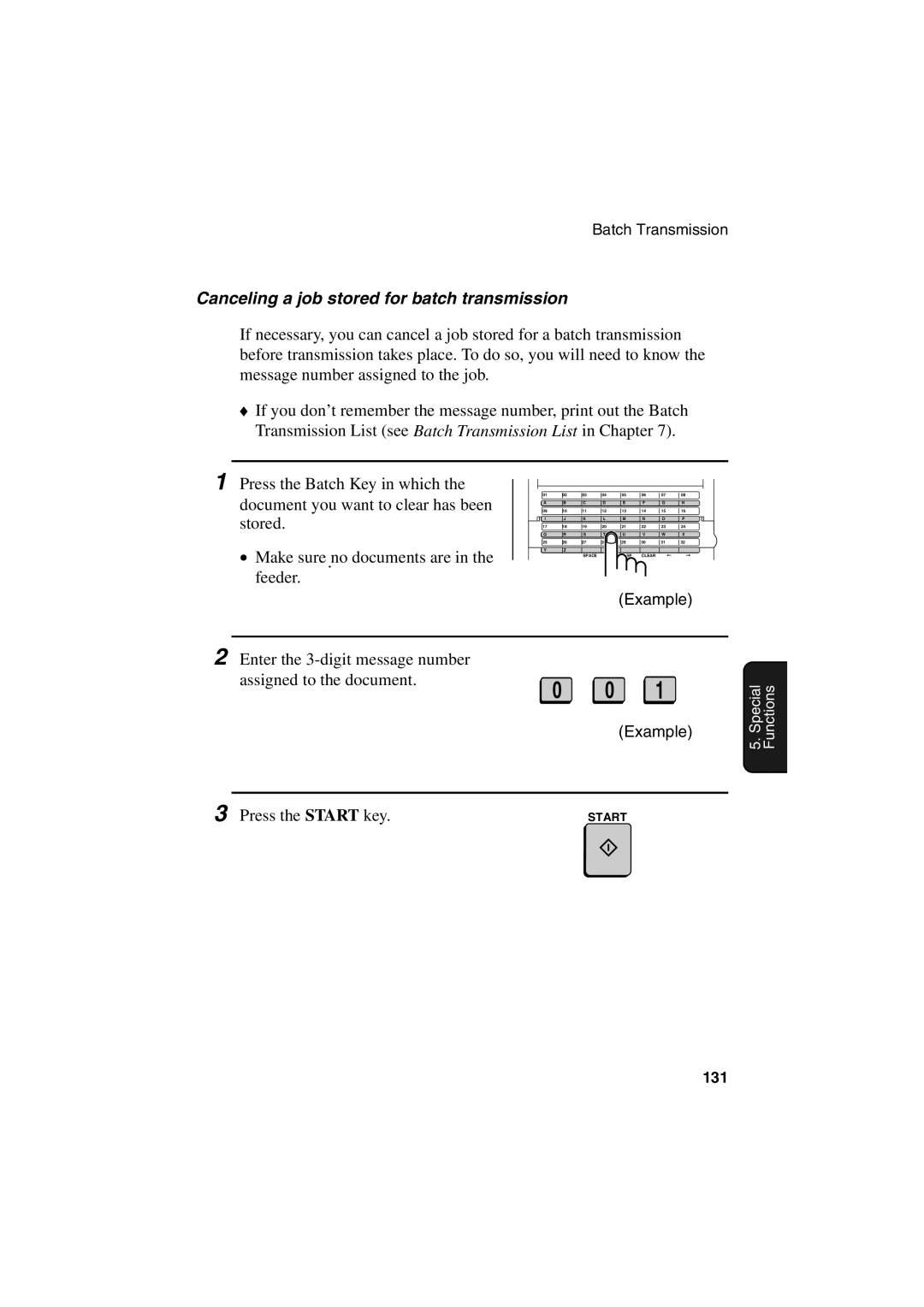
1 Press the Batch Key in which the document you want to clear has been stored.
•Make sure.no documents are in the feeder.
01 | 02 | 03 | 04 | 05 | 06 | 07 | 08 |
A | B | C | D | E | F | G | H |
09 | 10 | 11 | 12 | 13 | 14 | 15 | 16 |
I | J | K | L | M | N | O | P |
17 | 18 | 19 | 20 | 21 | 22 | 23 | 24 |
Q | R | S | T | U | V | W | X |
25 | 26 | 27 | 28 | 29 | 30 | 31 | 32 |
Y | Z |
|
|
|
|
|
|
|
| SPACE | SHIFT | SP | CLEAR |
|
|
(Example)
2 Enter the
assigned to the document.
0 0 1
(Example)
5. Special Functions
3 Press the START key. | START |
131