Cover Sheet
Cover Sheet
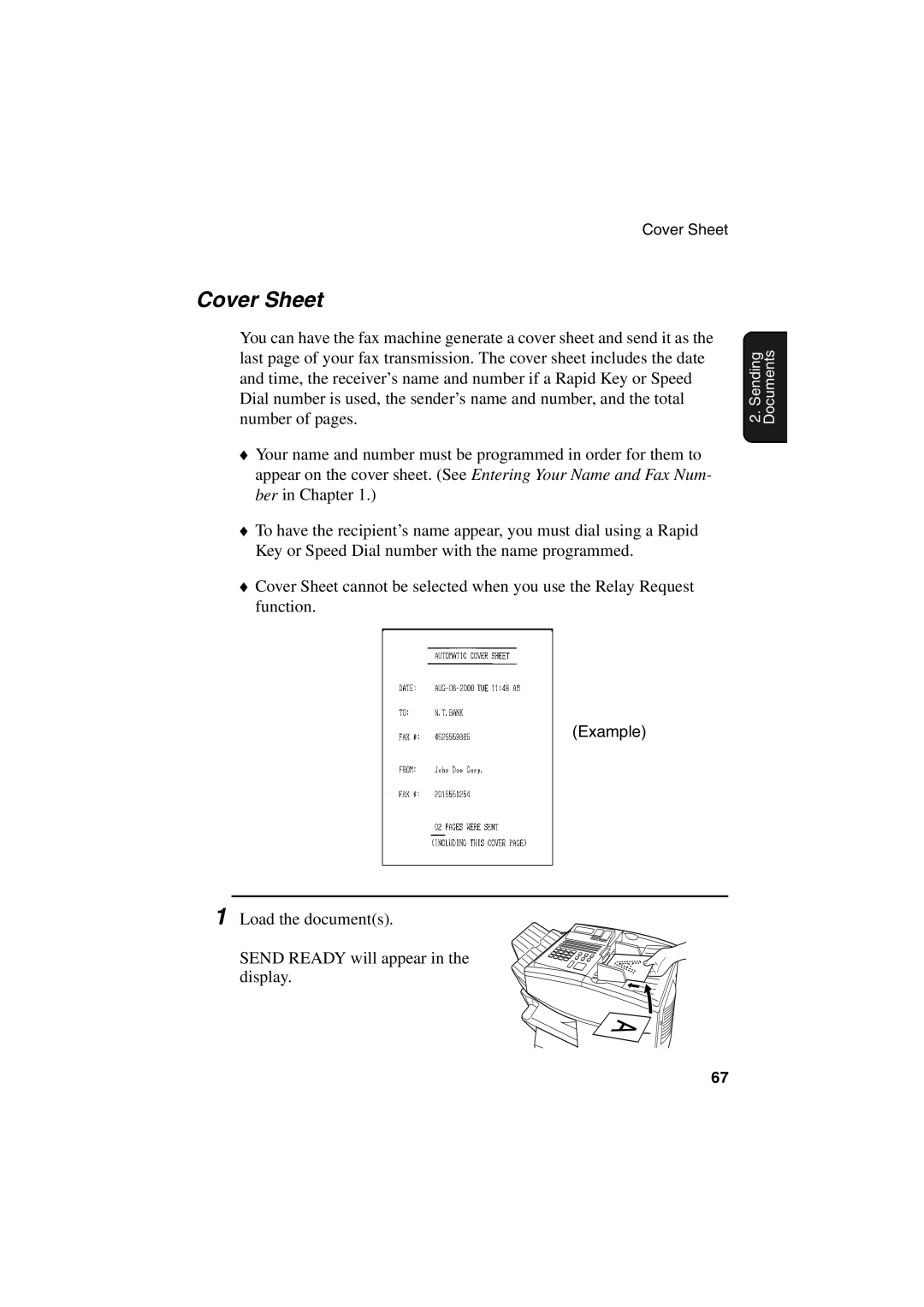
You can have the fax machine generate a cover sheet and send it as the last page of your fax transmission. The cover sheet includes the date and time, the receiver’s name and number if a Rapid Key or Speed Dial number is used, the sender’s name and number, and the total number of pages.
♦Your name and number must be programmed in order for them to appear on the cover sheet. (See Entering Your Name and Fax Num- ber in Chapter 1.)
♦To have the recipient’s name appear, you must dial using a Rapid Key or Speed Dial number with the name programmed.
♦Cover Sheet cannot be selected when you use the Relay Request function.
(Example)
1 Load the document(s).
SEND READY will appear in the display.
2. Sending Documents
67