Using AUTO Reception Mode
Using AUTO Reception Mode
In AUTO reception mode, the fax machine automatically answers all calls on one ring and receives incoming faxes.
♦You can change the number of rings on which the machine answers calls by changing Option Setting 2. (See Chapter 6, Optional Set- tings.)
♦If you pick up an extension phone before the fax machine answers, you can talk to the other party and/or receive a fax as explained below in Using MANUAL Reception Mode.
Using MANUAL Reception Mode
1
2
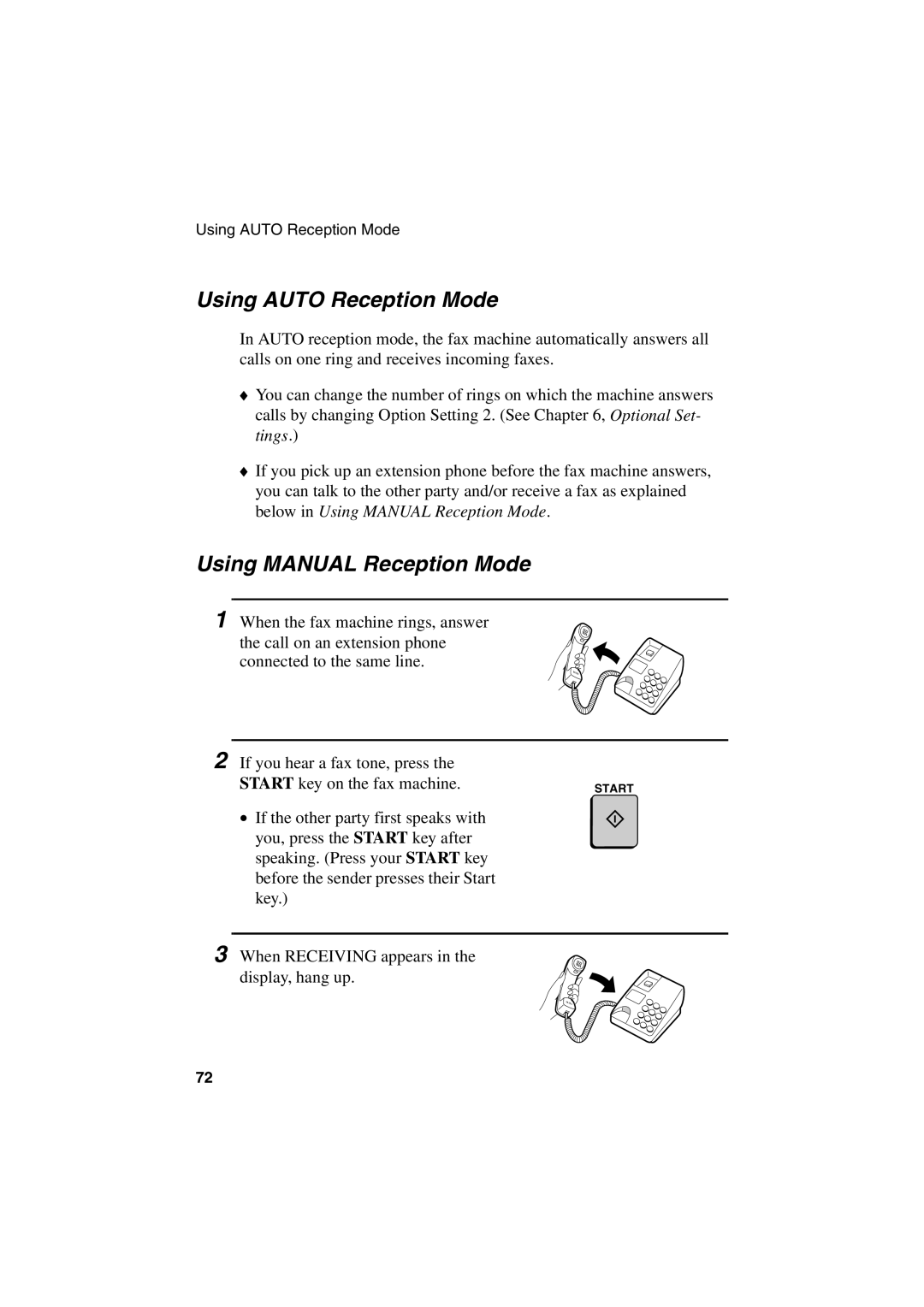
When the fax machine rings, answer the call on an extension phone connected to the same line.
If you hear a fax tone, press the |
|
START key on the fax machine. | START |
• If the other party first speaks with |
|
you, press the START key after |
|
speaking. (Press your START key |
|
before the sender presses their Start |
|
key.) |
|
3 When RECEIVING appears in the display, hang up.
72