Sending a Fax by Normal Dialing
Sending a Fax by Normal Dialing
With Normal Dialing, you press the SPEAKER key and then dial by pressing the numeric keys.
♦Normal Dialing allows you to listen to the line through the speaker to make sure the other fax machine is responding. (Note that the speaker is not a speakerphone; it cannot be used for talking.)
♦If you have connected an extension telephone to the fax machine, you can also pick up the extension phone and dial using the exten- sion phone (do not press the SPEAKER key on the fax machine). If a person answers, you will be able to speak to them through the phone before sending a fax.
Note: If you press the SPEAKER key to dial, you will not be able to speak using an extension phone connected to the fax machine in the event that a person answers.
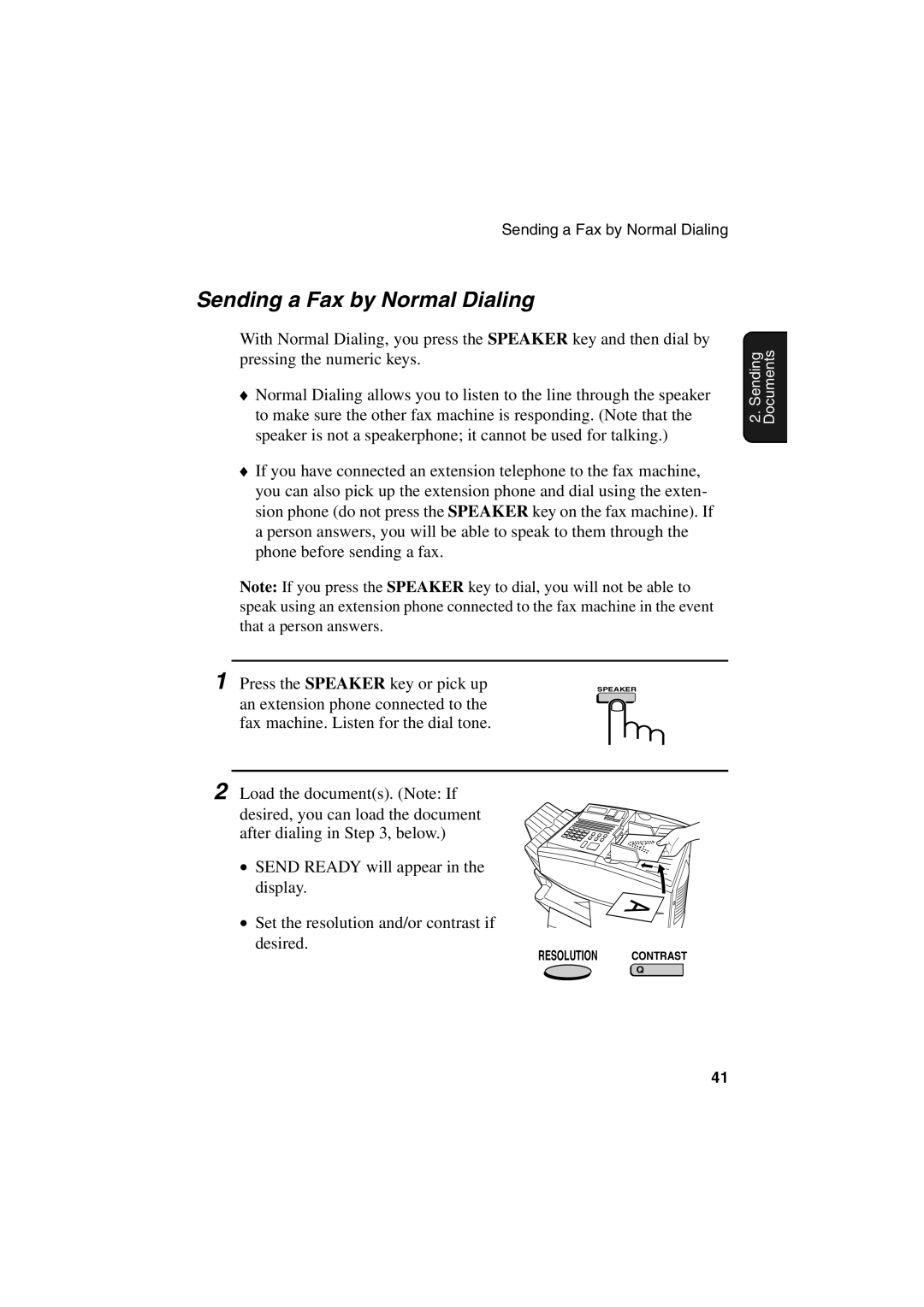
1 Press the SPEAKER key or pick up | SPEAKER |
an extension phone connected to the |
|
fax machine. Listen for the dial tone. |
|
2 Load the document(s). (Note: If desired, you can load the document after dialing in Step 3, below.)
• SEND READY will appear in the display.
• Set the resolution and/or contrast if desired.
RESOLUTION CONTRAST
Q
2. Sending Documents
41