Back to Contents Page
Dell™ Latitude™ D600 Systems User's Guide
Finding Information
Finding Information
NOTE: Some features may not be available for your computer or in certain countries.
NOTE: Additional information may ship with your computer.
What Are You Looking For? | Find It Here | ||
|
|
| |
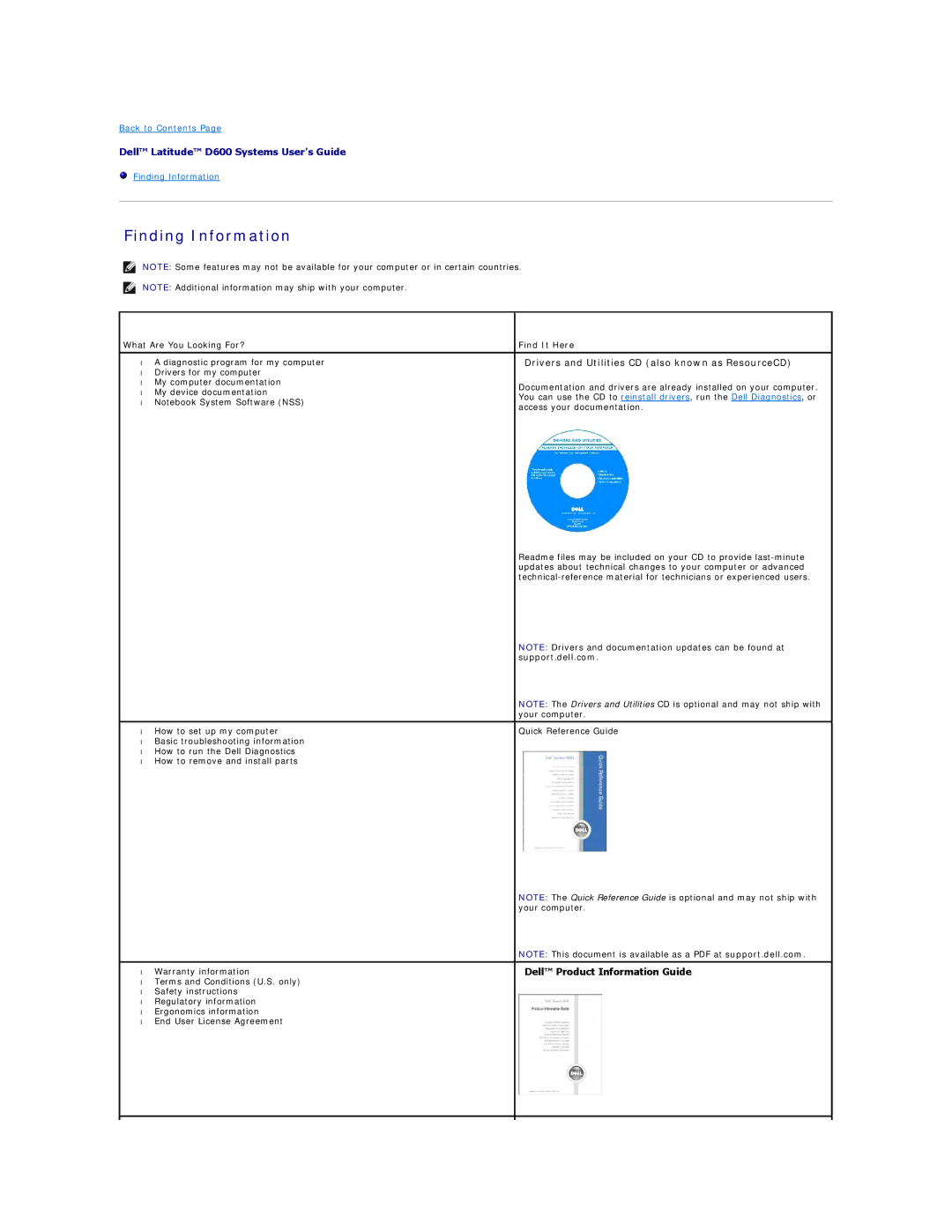
• | A diagnostic program for my computer | Drivers and Utilities CD (also known as ResourceCD) | |
• Drivers for my computer |
| ||
• | My computer documentation | Documentation and drivers are already installed on your computer. | |
• | My device documentation | ||
You can use the CD to reinstall drivers, run the Dell Diagnostics, or | |||
• Notebook System Software (NSS) | |||
access your documentation. | |||
|
| ||
|
| Readme files may be included on your CD to provide | |
|
| updates about technical changes to your computer or advanced | |
|
| ||
|
| NOTE: Drivers and documentation updates can be found at | |
|
| support.dell.com. | |
|
| NOTE: The Drivers and Utilities CD is optional and may not ship with | |
|
| your computer. | |
|
|
| |
• | How to set up my computer | Quick Reference Guide | |
• | Basic troubleshooting information |
| |
• How to run the Dell Diagnostics |
| ||
• How to remove and install parts |
| ||
|
| NOTE: The Quick Reference Guide is optional and may not ship with | |
|
| your computer. | |
|
| NOTE: This document is available as a PDF at support.dell.com. | |
|
|
| |
• | Warranty information | Dell™ Product Information Guide | |
• Terms and Conditions (U.S. only) |
| ||
• | Safety instructions |
| |
• | Regulatory information |
| |
• | Ergonomics information |
| |
• End User License Agreement |
| ||
|
|
| |
|
|
| |