| CUSTOM | You can use Custom Setting #19 to change the lowest shutter speed |
| from 30 seconds to as much as 30 minutes. Refer to “Custom | |
|
| |
|
| Settings” on page |
|
|
|
|
|
|
|
| You can use Custom Setting #22 to set the aperture so that it will not |
| CUSTOM | |
| change when you rotate the | |
|
| |
|
| rotating the lens aperture ring in this case. Refer to “Custom |
|
| Settings” on page |
|
|
|
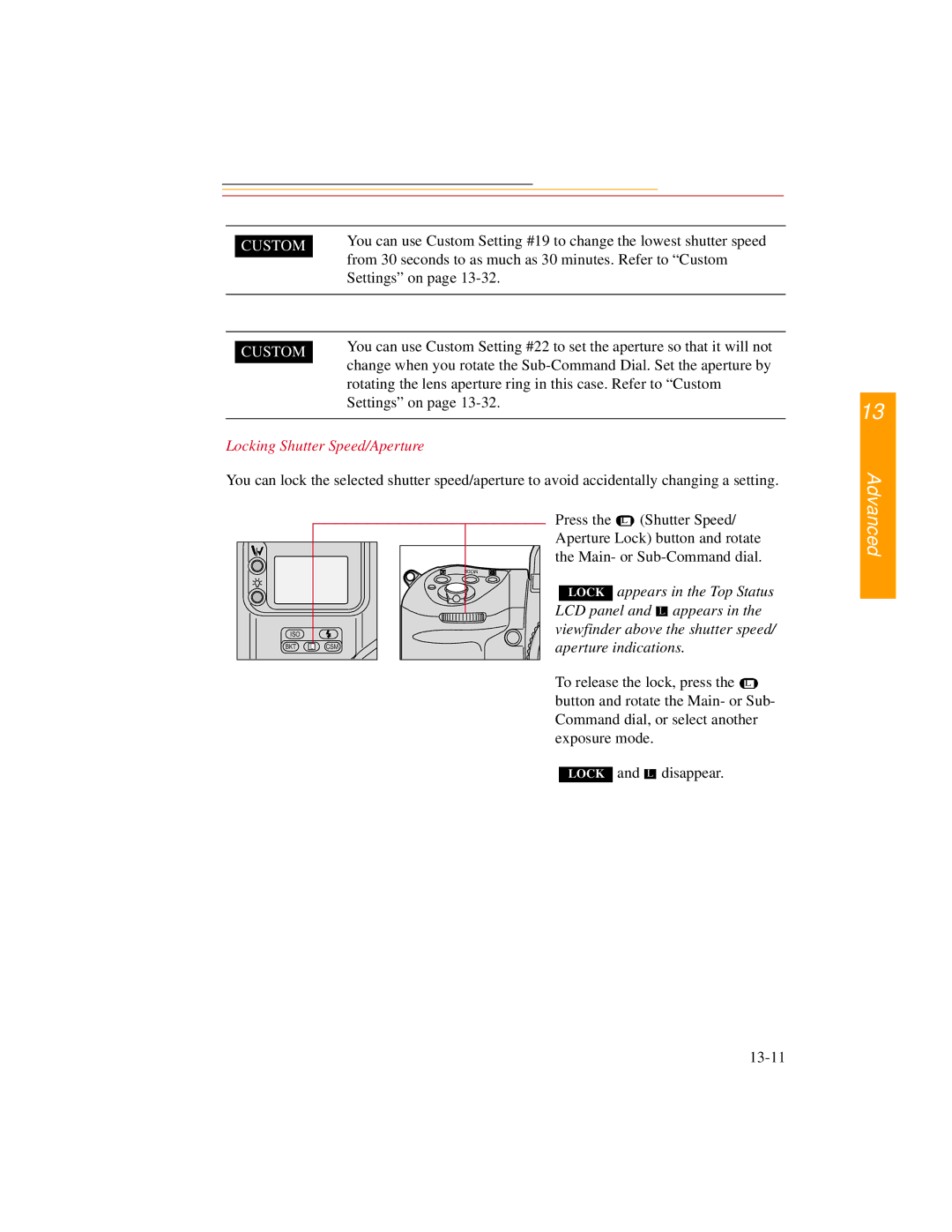
Locking Shutter Speed/Aperture
You can lock the selected shutter speed/aperture to avoid accidentally changing a setting.
13
Advanced
ISO |
|
|
BKT | L | CSM |
Press the  L (Shutter Speed/ Aperture Lock) button and rotate the Main- or
LOCK appears in the Top Status LCD panel and 
 appears in the viewfinder above the shutter speed/ aperture indications.
To release the lock, press the  L button and rotate the Main- or Sub- Command dial, or select another exposure mode.
LOCK and  disappear.