Sub-Command-Dial
Use the
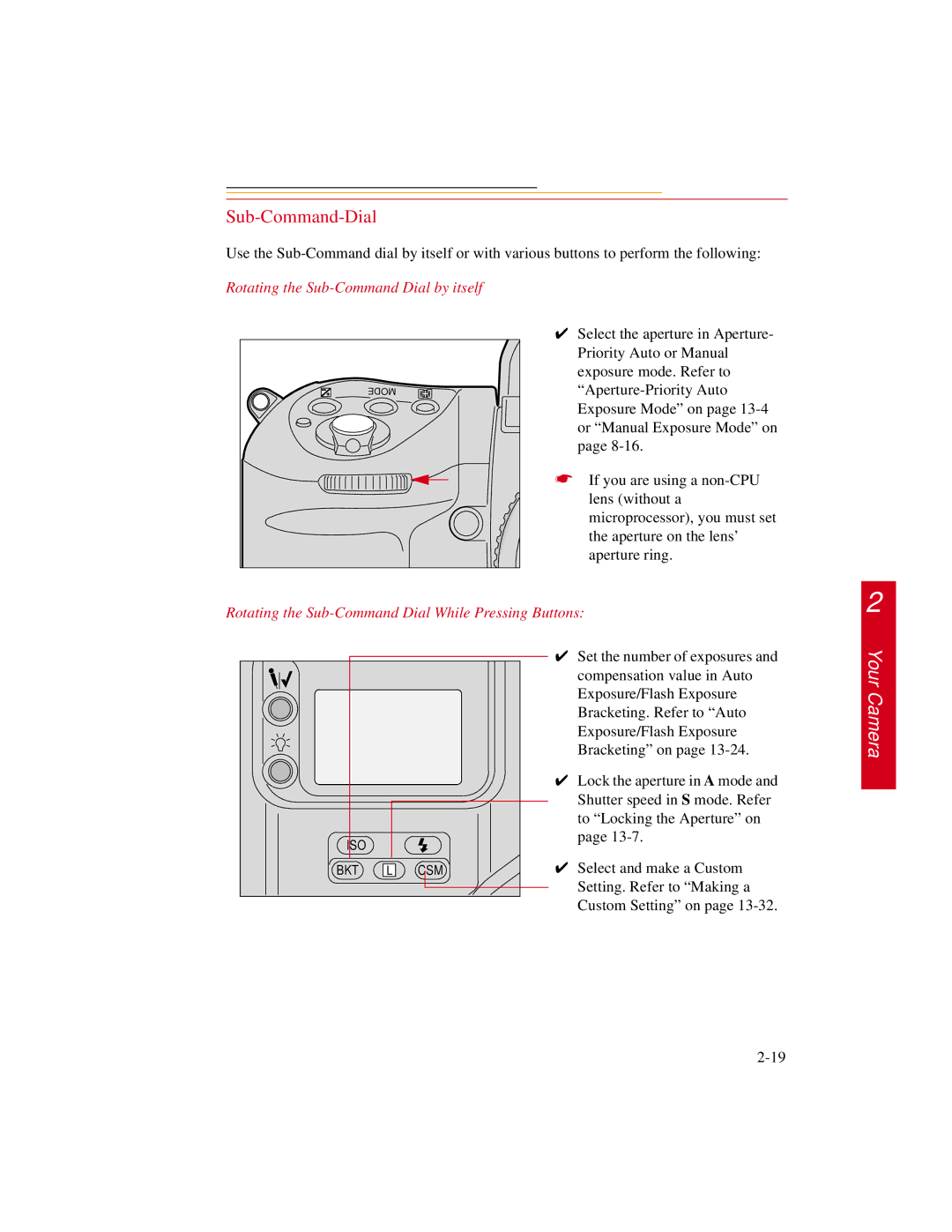
Rotating the Sub-Command Dial by itself
✔ Select the aperture in Aperture- Priority Auto or Manual exposure mode. Refer to
☛ If you are using a
Rotating the Sub-Command Dial While Pressing Buttons:
2
ISO |
|
|
BKT | L | CSM |
✔Set the number of exposures and compensation value in Auto Exposure/Flash Exposure Bracketing. Refer to “Auto Exposure/Flash Exposure Bracketing” on page
✔Lock the aperture in A mode and Shutter speed in S mode. Refer to “Locking the Aperture” on page
✔Select and make a Custom Setting. Refer to “Making a Custom Setting” on page