Setting Up the SB-28D or SB-28DX
Whenever you mount the
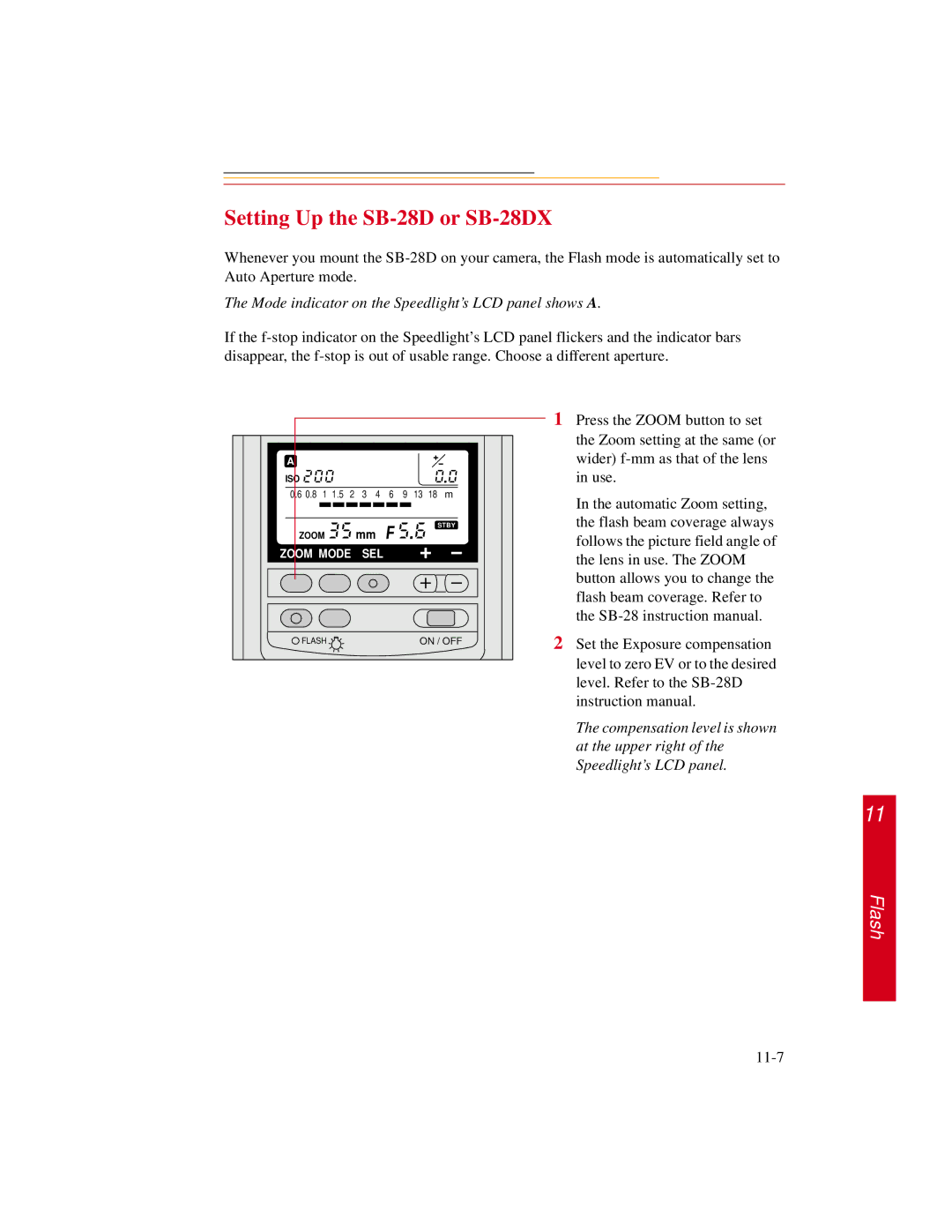
The Mode indicator on the Speedlight’s LCD panel shows A.
If the
A |
|
|
|
|
|
|
|
|
|
|
ISO |
|
|
|
|
|
|
|
|
|
|
0.6 0.8 | 1 | 1.5 | 2 | 3 | 4 | 6 | 9 | 13 | 18 | m |
|
|
|
| mm |
|
|
|
|
| STBY |
ZOOM |
|
|
|
|
|
|
|
| ||
ZOOM MODE | SEL |
|
|
|
|
| ||||
FLASH |
|
|
|
|
|
| ON / OFF | |||
1Press the ZOOM button to set the Zoom setting at the same (or wider)
In the automatic Zoom setting, the flash beam coverage always follows the picture field angle of the lens in use. The ZOOM button allows you to change the flash beam coverage. Refer to the
2Set the Exposure compensation level to zero EV or to the desired level. Refer to the
The compensation level is shown at the upper right of the Speedlight’s LCD panel.
11
Flash