ISO | SLOW |
| REAR |
BKT | CUSTOM |
AUTO |
|
4Connect the other end of the cable into any available port on the IEEE 1394 adapter card on your computer.
The adapter card may have multiple ports.
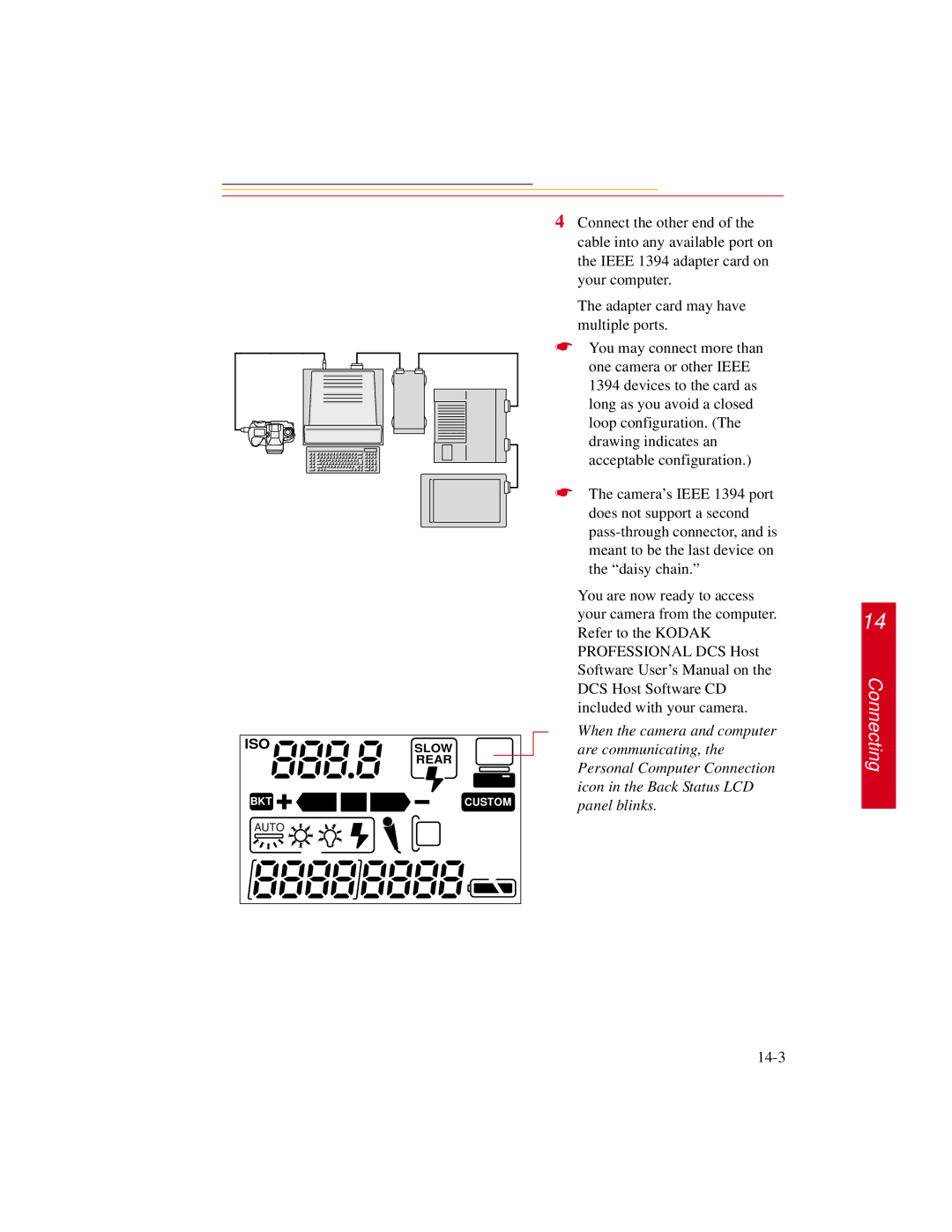
☛You may connect more than one camera or other IEEE 1394 devices to the card as long as you avoid a closed loop configuration. (The drawing indicates an acceptable configuration.)
☛The camera’s IEEE 1394 port does not support a second
You are now ready to access your camera from the computer. Refer to the KODAK PROFESSIONAL DCS Host Software User’s Manual on the DCS Host Software CD included with your camera.
When the camera and computer are communicating, the Personal Computer Connection icon in the Back Status LCD panel blinks.
14
Connecting