April
Users Guide
Safety information
Contents
Clearing jams
Printing
Menus list Supplies menu Paper menu
Understanding printer menus
Maintaining the printer
Administrative support
148
Troubleshooting
Index
Configured models
Printer configurations
Learning about the printer
Basic model
Page
Fully configured model
Control panel item Description
Understanding the control panel
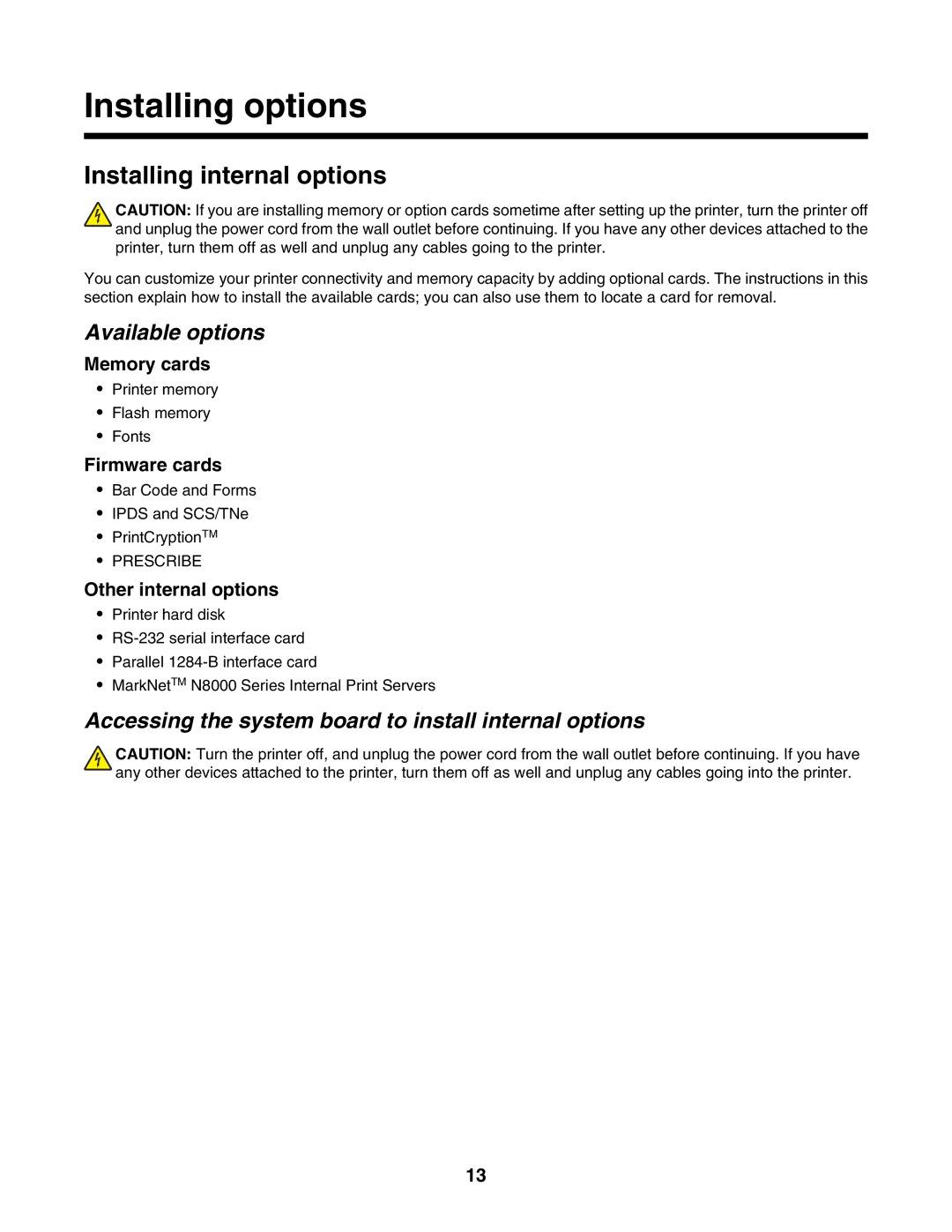
Installing internal options
Installing options
Accessing the system board to install internal options
Available options
Page
Installing a memory card
Installing a flash memory or firmware card
Installing a printer hard disk
Page
Installing an internal print server or port interface card
Reinstalling the system board
Attaching cables
USB port Ethernet port
Configuring Universal paper settings
Setting the Paper Size and Paper Type
Loading paper and specialty media
Specify a unit of measurement
Specify a feed direction
Specify the paper height and width
Loading the 520-sheet trays
Loading the 520-sheet trays
Long-edge orientation Short-edge orientation
Using A5 or statement paper sizes
Loading the 867- and 1133-sheet trays
Using the multipurpose feeder
Page
Page
Linking trays
Linking and unlinking trays
Unlinking trays
Assigning a Custom Type x name
Click Paper Menu Click Custom Name
Changing a Custom Type x name
Click Custom Types
Paper and specialty media guide
Paper characteristics
Paper guidelines
Unacceptable paper
Using recycled paper
Selecting paper
Selecting preprinted forms and letterhead
Using letterhead
Loading letterhead in the 867-sheet tray
Using transparencies
Loading letterhead in the 1133-sheet tray
Using labels
Using envelopes
Storing paper
Using card stock
Paper sizes supported by the printer
Supported paper sizes, types, and weights
Paper types and weights supported by the printer
Paper types and weights supported by the finisher
Horizonal transport unit
Supported finishing features
Finisher standard bin
Bin
Executive Folio
Bin 2 booklet-maker
Legal Letter Statement Tabloid Universal Envelopes any Size
Single staple-One staple Double staple-Two staples
Size Bi fold Booklet fold Saddle staple
Printing
Installing printer software
Printing a document from Windows
Printing a document from a Macintosh computer
Job type Description
Printing confidential and other held jobs from Windows
Page
Printing from a USB flash memory device
Printing a network setup
Printing a menu settings
Printing information pages
Printing a font sample list
Canceling a print job from the control panel
Canceling a print job
Printing a directory list
Printing the print quality test pages
Canceling a print job from the Windows desktop
Canceling a print job from the Windows taskbar
Canceling a print job from Mac OS
Printing in black and white
Click Configuration Click Print Settings Click Setup Menu
Using Max Speed and Max Yield
Avoiding jams
Clearing jams
Understanding jam numbers and locations
Jam numbers Area name Instructions
Paper jams
Paper jams
Page
Paper jam
Open Door D Pull the paper down and away from the printer
Page
Paper jam
Open Cover F Remove the jammed paper Close Cover F Press
Covers, knobs, and handles located behind finisher Door G
287-288 paper jams
Page
Open Door H Remove the jammed paper Close Door H Press
Staple jam
Page
Page
Close the staple drawer Close Door G Press
Menus list
Understanding printer menus
Supplies menu
Paper menu
Default Source menu
Paper Size/Type menu
MP Feeder Type
MP Feeder Size
Manual Paper Size
Configure MP
Configure MP menu
Manual Paper Type
Manual Envelope Size
Paper Texture menu
Substitute Size menu
Paper Loading menu
Custom Types menu
Bin Setup menu
Universal Setup menu
Reports menu
Reports menu
Network x Setup
Network Setup
Wireless Setup
NetWare Setup
Setup menu
Settings menu
Power Saver
Display Language
Alarms
Standby Mode
Timeouts
Printer Language
Print Recovery
Download Target
Print Area
Job Accounting
Resource Save
Finishing menu
Separator Source
Separator Sheets
Multipage Print
Multipage Order
Quality menu
Toner Darkness
Print Resolution
Color Saver
RGB Brightness
Manual Color
Color Samples
Utilities menu
Or Setup
Enhance Fine Lines
Format Flash
Remove Held Jobs
Defragment Flash
Format Disk
Hex Trace
Job Acct Stat
Coverage Estimator
LCD Contrast
PCL Emul menu
PostScript menu
PCL Emulation Settings
Symbol Set
Tray Renumber
Ppds menu
Auto CR after LF
Html menu
Auto LF after CR
Font Size
Image menu
Network/Ports menu
Security menu
TCP/IP menu
Max Invalid PIN
100
IPv6 menu
IPv6
Standard Network and Network x menus
Wireless menu
101
102
NPA Mode
Network Buffer
Job Buffering
103
Standard USB and USB x menus
USB Buffer
104
Serial x menu
ENA Address
ENA Netmask
Serial Buffer
105
106
AppleTalk menu
NetWare menu
107
LexLink menu
Help menu
USB Direct menu
108
Understanding printer messages
List of status and error messages
Defragmenting Flash do not Power OFF
Deactivating Ppds Mode
Disk recovery x/y XX% do not Power OFF
Close cover
Error reading USB drive
Encrypting disk x/y XX% do not Power OFF
Formatting Disk x/y XX% do not Power OFF
Formatting Flash do not Power OFF
Internal System Error, Reload Security Certificates
Internal System Error, Reload Bookmarks
Invalid Engine Code
Invalid file format Invalid Network Code
No jobs to cancel
Menus are disabled
No recognized file types Power Saver
Programming disk do not Power OFF
Remote Management Active do not Power OFF
Programming System Code do not Power OFF
Resetting the printer
Restore Held Jobs?
Some held jobs will not be restored
Some held jobs were not restored
Serial
Standard Bin Full
Missing or defective color cartridge
Insufficient memory to support Resource Save feature
Replace unsupported color cartridge
Incorrect paper type, check src
Ppds font error
Insufficient memory, some held jobs will not be restored
Insufficient memory to collate job
Memory full
Standard network software error
Serial option x error
Network x software error
Parallel port x disabled
Configuration change, held jobs were not restored
USB port x disabled
Too many disks installed
Too many flash options installed
Unformatted disk
Scheduled maintenance
Replace waste toner box
Waste toner box missing
Service message
Staple error
Replace black pc unit
Replace color pc units
122
Emul Error Load Emul Option
Maintaining the printer
Cleaning the exterior of the printer
Storing supplies
Conserving supplies
Checking the status of supplies from a network computer
Ordering supplies
Ordering toner cartridges
124
Ordering photoconductors
Replacing supplies
Ordering staple cartridges
Ordering a waste toner box
126
127
128
129
130
Cleaning the printhead lenses
131
132
133
134
135
Replacing a photoconductor
136
137
Replacing a toner cartridge
138
139
Recycling Lexmark products
Moving the printer
Setting the printer up in a new location
Before moving the printer
Moving the printer to another location
141
Shipping the printer
Adjusting the brightness or contrast of the display
Administrative support
Adjusting Power Saver
Disabling control panel menus
Encrypting the printer hard disk
Restoring the factory default settings
143
Locking the entire printer
Modifying confidential print settings
144
Supporting IPSec
Using 802.1x authentication
Supporting SNMPv3
145
Using Secure mode
Creating an administrative password
Click Create Password
146
147
Click TCP/IP Port Access
Checking an unresponsive printer
Troubleshooting
Door a will not shut properly
148
Control panel display is blank or displays only diamonds
Solving printing problems
Job takes longer than expected to print
Confidential and other held jobs do not print
Incorrect characters print
Job prints from the wrong tray or on the wrong paper
Tray linking does not work
Large jobs do not collate
Drawers
Solving option problems
Solving paper feed problems
Paper jam message remains after jam is cleared
Print jobs are not routed to the booklet-maker bin
That jammed does not reprint after you clear the jam
Isolating print quality problems
Solving print quality problems
Blank pages
155
Clipped images
Characters have jagged or uneven edges
Dark lines
Gray background
Light colored line, white line, or incorrectly colored line
Incorrect margins
Paper curl
Print is too dark
Print irregularities
Make sure Color Saver is set to Off
Print is too light
159
Skewed print
Repeating defects
Solid color pages
Toner fog or background shading appears on
Toner specks
Toner rubs off
Transparency print quality is poor
FAQ about color printing
Solving color quality problems
Uneven print density
162
What is manual color correction?
Printed page appears tinted. Can I adjust the color?
163
164
What are detailed Color Samples and how do I access them?
Contacting Customer Support
Click Configuration Click Color Samples
165
166
Edition notice
167
Industry Canada notices
168
Radio interference notice
169
India emissions notice
170
171
172
South Africa telecommunications notice
173
Power consumption
174
Lexmark International, Inc., Lexington, KY
175
Limitation of liability
Numerics
Index
176
177
Html
178
179
180
181