|
| Troubleshooting Your Phone |
|
|
|
Controls |
|
|
|
|
|
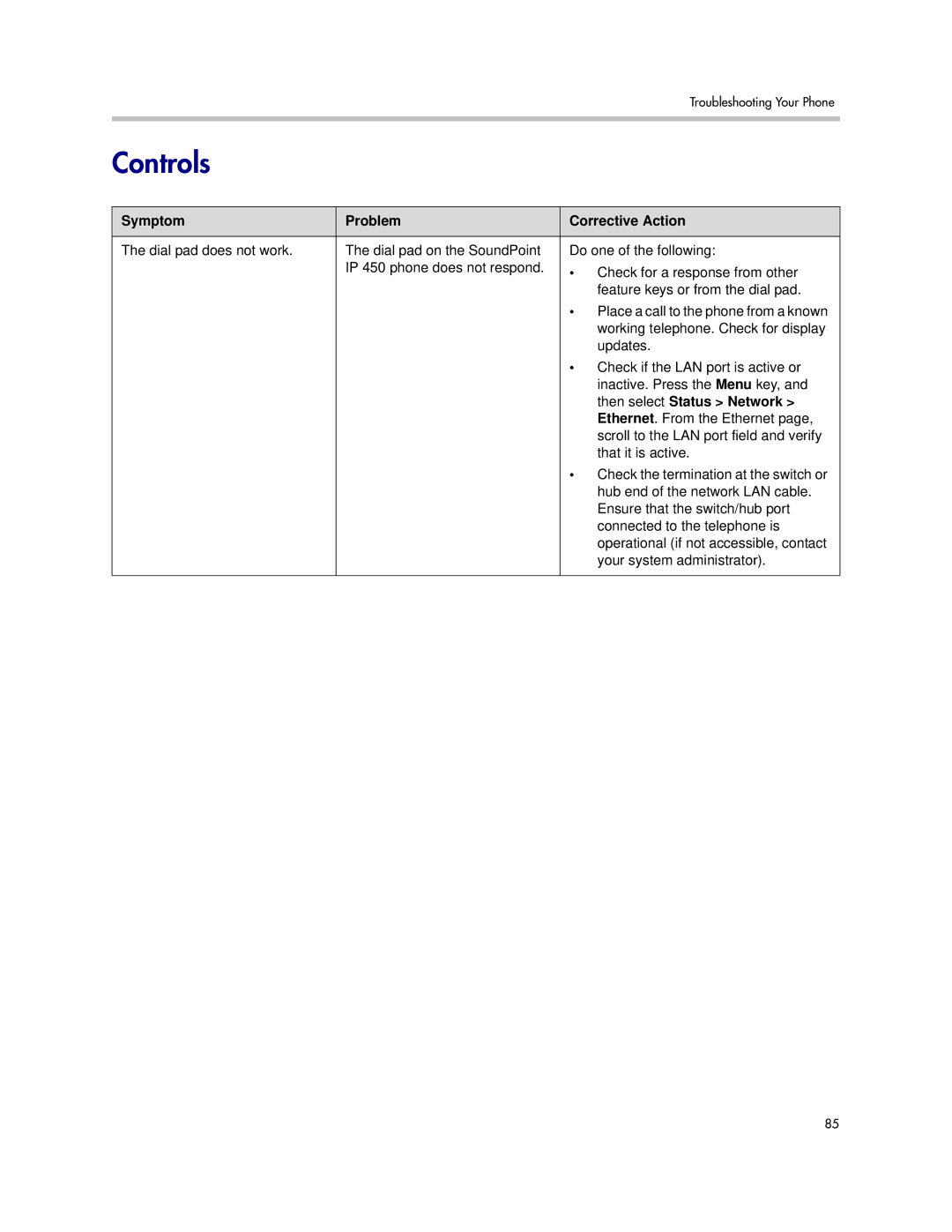
Symptom | Problem | Corrective Action |
|
|
|
The dial pad does not work. | The dial pad on the SoundPoint | Do one of the following: |
| IP 450 phone does not respond. | • Check for a response from other |
|
| feature keys or from the dial pad. |
|
| • Place a call to the phone from a known |
|
| working telephone. Check for display |
|
| updates. |
|
| • Check if the LAN port is active or |
|
| inactive. Press the Menu key, and |
|
| then select Status > Network > |
|
| Ethernet. From the Ethernet page, |
|
| scroll to the LAN port field and verify |
|
| that it is active. |
|
| • Check the termination at the switch or |
|
| hub end of the network LAN cable. |
|
| Ensure that the switch/hub port |
|
| connected to the telephone is |
|
| operational (if not accessible, contact |
|
| your system administrator). |
|
|
|
85