3C996B-T and 3C996-SX
Gigabit Server Network Interface Cards
United States Government Legend
Contents
Contents
Solaris Driver Setup
Linux Driver Setup
Unix SCO OpenServer Driver Setup
Key Protocols and Interfaces
Troubleshooting
10 3Com Management Programs
Regulatory Information
Installing and Using the Managed PC Boot Agent
Specifications
Technical Support
Page
Introduction
Contents
Advanced Server Features Overview
Introduction
Advanced Server Features for Windows
Load Balance
Nesl Compliance
Advanced Server Features for Windows NT
Advanced Server Features for Novell NetWare
Advanced Server Features Overview
3Com Management Programs
Advanced Server Features for Linux
Creating a Driver Disk
Creating a Driver Disk
Page
System Requirements
Installing and Connecting the NIC
Solaris
Installing and Connecting the NIC
NetWare
Linux
Safety Precautions
Safety Precautions
Pre-Installation Checklist
Installing the NIC
Installing and Connecting the NIC
Installing and Connecting the NIC
State Description
Connecting the Network Cables
Port Type Connector Media Maximum Distance
Ethernet NICs
System Requirements
Installing and Using the 3Com Connection Assistant
Installation
Installing and Using the 3Com Connection Assistant
Page
Installing the Driver Software
Windows XP Driver Setup
Select Start/Control Panel/Network Connections
Driver Installation Without Master Navigator
Windows XP Driver Setup
Verifying Successful Installation
Verifying Successful Installation
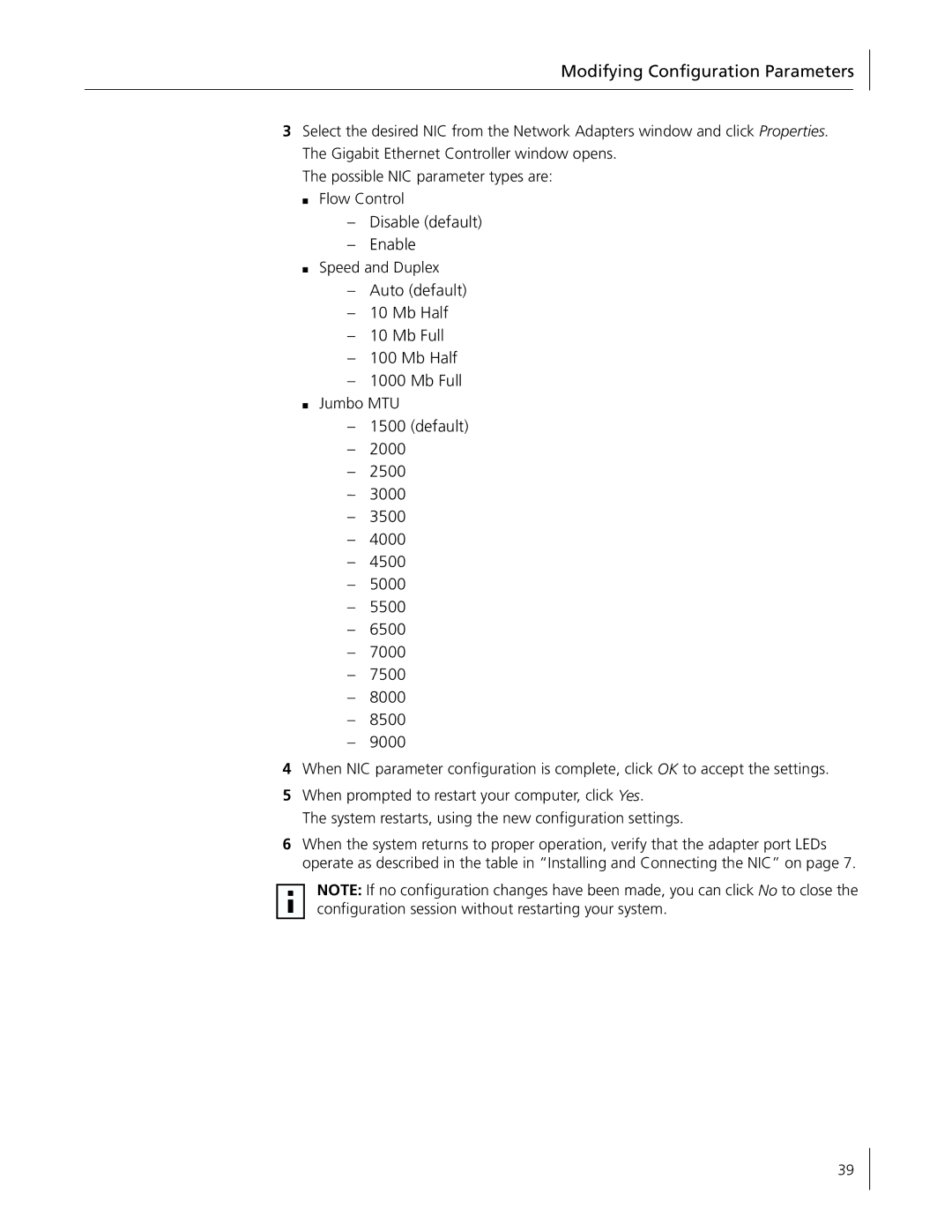
Modifying Configuration Parameters
Disable default Enable
Removing the Driver Software
Installing Advanced Server Features
Removing the Driver Software
Configuring Teaming
Uninstalling Advanced Server Features
Configuring Advanced Server Features
Click Create Team
Configuring Advanced Server Features
Accessing the Advanced Server Features Driver Interface
Creating a Team and Assigning NICs
Deleting a Team
Configuring VLANs
Removing a NIC from a Team
Deleting a Vlan
Accessing the Adapter Vlan Configuration Interface
Advanced Server Control Suite
Adding a Vlan
Page
Click Install NIC Drivers Click Install Win 2000 NIC Drivers
Windows 2000 Driver Setup
Windows 2000 Driver Setup
Verifying Successful Installation
Disable default Enable
Removing the Driver Software
Installing Advanced Server Features
Configuring Advanced Server Features
Configuring VLANs
Accessing the Adapter Vlan Configuration Interface
Right-clickMy Network Places and choose Properties
Click Configure
Updating Mini-port Core Drivers
Updating Mini-port Core Drivers
Click Restore
Page
Click NIC Drivers Click Install NIC Driver
Windows NT Driver Setup
Windows NT Driver Setup
Modifying Configuration Parameters
Updating the Driver Software
Click Update NIC Driver
Installing Advanced Server Features
Configuring Teaming
Removing NICs from a Team
Uninstalling Advanced Server Features
Accessing the NIC Vlan Configuration Interface
Advanced Server Control Suite
Installing the Microsoft Loopback Adapter Driver
Server/Domain Name
Setting up Server
Renaming Domain-2/SERVER-2 to DOMAIN-1/SERVER-2
Stopping the Net Logon Service on Server
Right-clickNetwork Neighborhood and choose Properties
Windows NT Driver Setup
Support Pack or NetWare OS Patch Files to be Installed
Novell NetWare Driver Setup
Pre-Installation Requirements
Installing Novell NetWare Server
Parameter Options Description
Novell NetWare Driver Setup
AUTO, 10FD
Installing Novell NetWare Server
Verifying or Modifying NIC Parameters
Removing Drivers from Autoexec.ncf
Removing Drivers from Autoexec.ncf
Unload Basp
Hot Standby
Load Balance and Trunk Mode Selection
Loading Frame Types
Unload Slptcp Load Slptcp
Autoexec.ncf File Examples
Additional Command Line Keywords
Editing the AUTOEXEC.NCF File
Novell NetWare Driver Setup
Basp Bind BASP1V2EII B571VEII Basp Bind BASP1V2EII B572VEII
Bind IP BASP1EII ADDR=172.16.210.1 MASK=255.255.0.0
Bind IP BASP1EII ADDR=x.x.x.x MASK=x.x.x.x
Load BASP.LAN FRAME=ETHERNETII NAME=BASP1EII VSLOT=1
NIC Driver Configuration Parameters for Novell NetWare
Building the Driver From a TAR File
Linux Driver Setup
Installation Overview
Installing the Source RPM Package
Unloading and Removing the Driver
Linux Driver Setup
Optional Parameters
Patching PCI Files Optional
Advanced Server Features
Advanced Server Features
Rpm -i basplnx-version.src.rpm
Installing Advanced Server Features
Installing the TAR Archive
Installing the RPM Package
Etc/rc.d/init.d/basp start
Configuring Teams
Ifconfig sw0 172.16.10.10 up
Commands
Baspcfg Command Line Tool
Startup Scripts
Nice Patches
Configuration Scripts
Make modules Make modulesinstall
Make clean make bzImage
Rpm -e basplnx-version.386.rpm
Removing the Driver and Team Configuration
Reboot
Page
Package Creation
Unix SCO OpenServer Driver Setup
Driver Installation
UnixWare 7 Driver
MAC Address
Installation Diskette
Unix and SCO OpenServer Driver Setup
SCO OpenServer Release 5 Driver
SCO OpenServer Release 5 Driver
Custom or scoadmin
Jumbo Frames and Other Advanced Parameters
Page
Pkgadd -d BRCMbcme.pkg or
Solaris Driver Setup
Driver Installation
Uninstalling the Driver
FlowControl
Customizing the Driver Configuration
Solaris Driver Setup
ForceSpeedDuplex
RxJumboDescCnt
MaxJumboFrameSize
TxPacketDescCnt
RxStdDescCnt
RxMaxCoalescedFramesDuringInt
TxMaxCoalescedFrames
RxCoalescingTicksDuringInt
TxCoalescingTicksDuringInt
Ndd /dev/bcme ?
Ndd Command
Configuring a NIC
Page
Overview
Installing the Management Programs
Click Install 3Com Management Programs
3Com Management Programs
10 3Com Management Programs
Removing the Management Programs
Initializing the Management Programs
Vital Sign
Initializing the Management Programs
Diagnostics
Cable Analysis
Creating a New Team
Load Balance/Virtual LANs
Adding a Vlan
General
Saving the Configuration
Restoring the Configuration
Load Balance/Virtual LAN Statistics
Custom Tab
Ieee
Checking Port LEDs
Troubleshooting
Hardware Diagnostics
Checking if Proper Drivers are Loaded
Troubleshooting Checklist
Troubleshooting
Module Size
Running Cable Analysis
Running Cable Analysis
Select Start/Run
Testing Network Connectivity
Cable Diagnostics Display
Length
Wake-on-Lan
DOS Diagnostic Failures
Known Problems
DOS Diagnostic Failures
Make oldconfig
CIM
Key Protocols and Interfaces
Key Protocols and Interfaces
DMI
Generic Link Aggregation Trunking
NIC Teaming
Load Balancing
Link Aggregation 802.3ad
Adaptive Interrupt Frequency
Failover Teaming
VLANs Overview
Vlan Support
Asic with Embedded Risc Processor
VLANs Overview
Bit or 64-bit PCI Bus Master
Page
BBS BIOS-Compatible PCs
Installing and Using the Managed PC Boot Agent
Booting From the Network
Using the Boot ROM on the NIC to Boot from the Network
Run b57util pxee devnum
Enabling or Disabling the Boot ROM Setting
Installing and Using the Managed PC Boot Agent
Non-BBS BIOS-Compatible PCs
Physical Characteristics
Specifications
10/100/1000 BASE-T Cable Specifications
Performance Specifications
Condition Operating Specification Storage Specification
Environmental Specifications
Specifications
World Wide Web Site
Online Technical Services
3Com KnowledgeBase Services
Technical Support
Country Telephone Number Asia Pacific Rim
Support from Your Network Supplier
Support from 3Com
Technical Support
Returning Products for Repair
Returning Products for Repair
112
FCC Class a Verification Statement
Regulatory Information
Model Description
Regulatory Information
Numerics
Index
Lacp
Index
LAN NIC