Removing and adding drives
Your computer has four drive bays to accommodate various types of drives.
See the section “Looking inside the system unit” on page
Identifying signal cable connectors
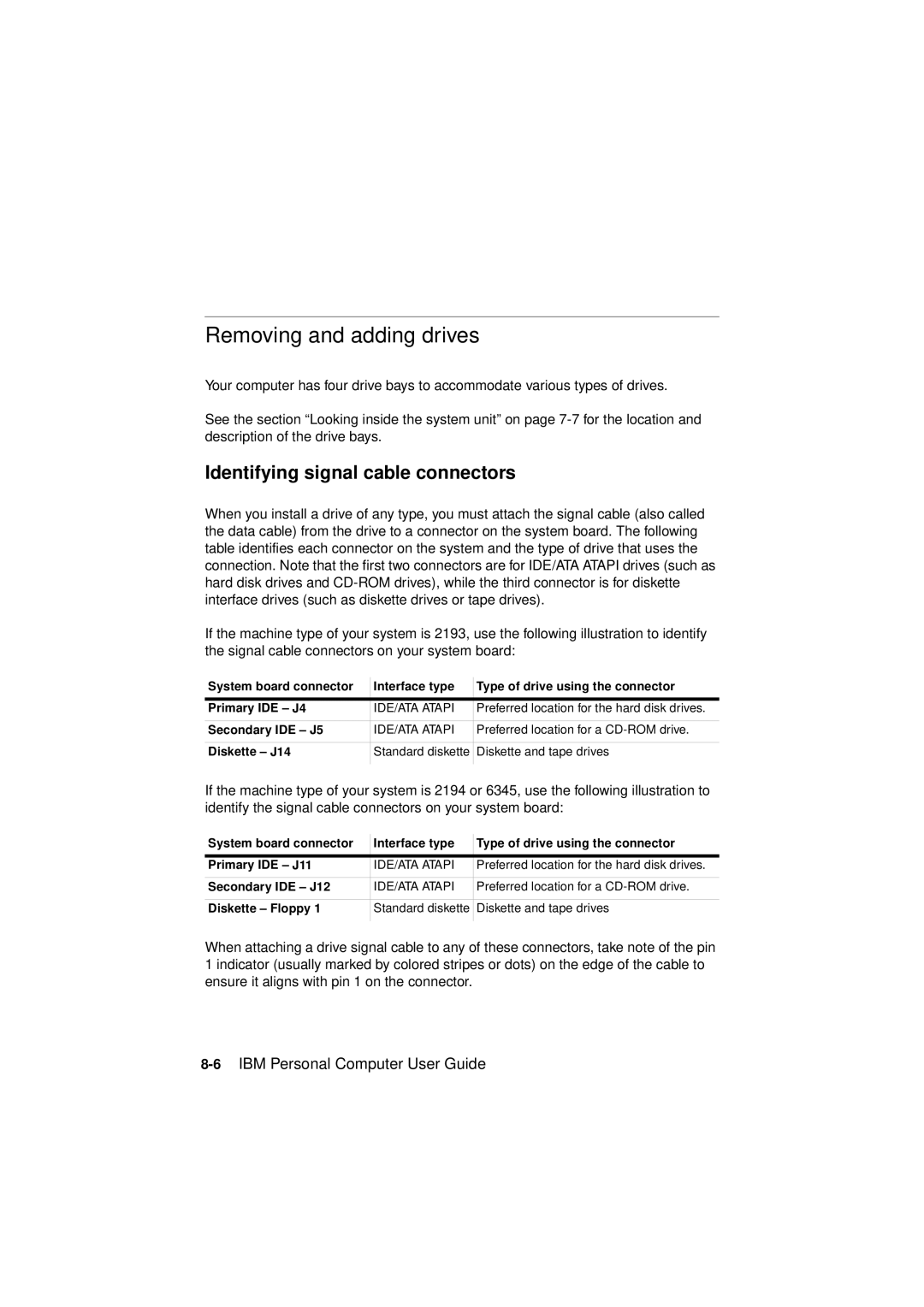
When you install a drive of any type, you must attach the signal cable (also called the data cable) from the drive to a connector on the system board. The following table identifies each connector on the system and the type of drive that uses the connection. Note that the first two connectors are for IDE/ATA ATAPI drives (such as hard disk drives and
If the machine type of your system is 2193, use the following illustration to identify the signal cable connectors on your system board:
System board connector | Interface type | Type of drive using the connector |
Primary IDE – J4 | IDE/ATA ATAPI | Preferred location for the hard disk drives. |
|
|
|
Secondary IDE – J5 | IDE/ATA ATAPI | Preferred location for a |
|
|
|
Diskette – J14 | Standard diskette | Diskette and tape drives |
|
|
|
If the machine type of your system is 2194 or 6345, use the following illustration to identify the signal cable connectors on your system board:
System board connector | Interface type | Type of drive using the connector |
Primary IDE – J11 | IDE/ATA ATAPI | Preferred location for the hard disk drives. |
|
|
|
Secondary IDE – J12 | IDE/ATA ATAPI | Preferred location for a |
|
|
|
Diskette – Floppy 1 | Standard diskette | Diskette and tape drives |
|
|
|
When attaching a drive signal cable to any of these connectors, take note of the pin 1 indicator (usually marked by colored stripes or dots) on the edge of the cable to ensure it aligns with pin 1 on the connector.