INTUITY Multimedia Messaging User’s Guide | Issue 2 |
| January 1997 |
Change Your Password | Page 6 |
|
|
Change Your Password
Your system administrator establishes your default password. Change this password immediately after you login the first time.
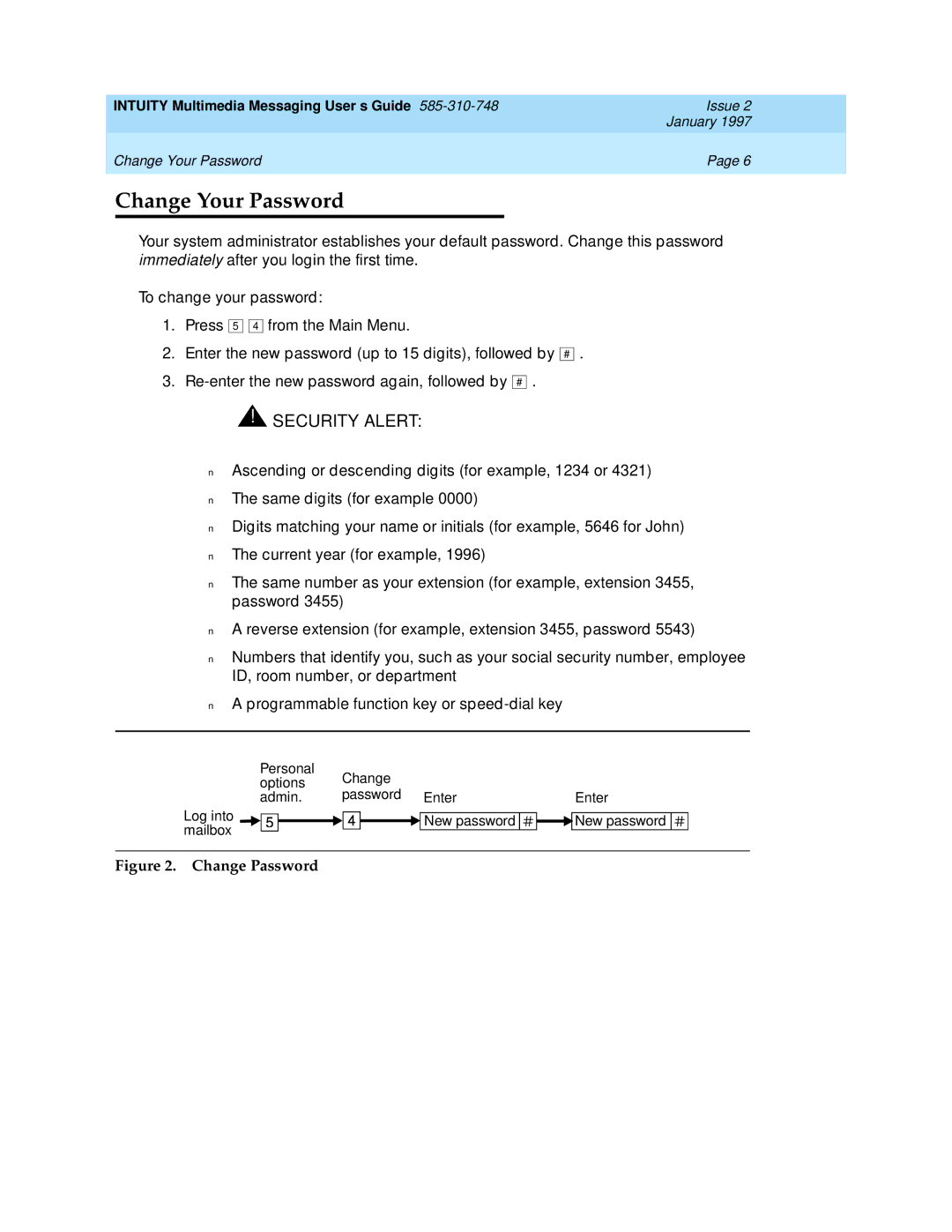
To change your password:
1.Press 5 
 4 from the Main Menu.
2.Enter the new password (up to 15 digits), followed by
3.
#
.
 !
 SECURITY ALERT:
Don’t use a password that uses:
■Ascending or descending digits (for example, 1234 or 4321)
■The same digits (for example 0000)
■Digits matching your name or initials (for example, 5646 for John)
■The current year (for example, 1996)
■The same number as your extension (for example, extension 3455, password 3455)
■A reverse extension (for example, extension 3455, password 5543)
■Numbers that identify you, such as your social security number, employee ID, room number, or department
■A programmable function key or
Personal | Change |
| |
options |
| ||
password Enter |
| ||
admin. | Enter | ||
Log into |
| New password | New password |
| |||
mailbox |
| ||
|
|
| |