Immediate Transmission
Immediate Transmission
With Immediate Transmission, when you press the {Start} key, the fax number is dialed straight away (i.e. immediately). The message is scanned and transmitted page by page without being stored in memo- ry. This contrasts with Memory Transmission which scans in all pages into memory before dialing the desti- nation.
Immediate Transmission is useful if you want immediate confirmation that the message is being sent to the correct destination (just check the oth- er terminal's RTI or CSI on the opera- tion panel during transmission).

 Note
Note
❒You cannot send the same message to multiple destinations (Broad- casting). Use Memory Transmis- sion for this purpose.
❒If the Back Up Transmission fea- ture is turned on, you cannot send using Immediate Transmission.
❒By default, the transmission mode selected when the machine is turned on or when modes are cleared (transmission mode home setting) is Memory Transmission.
You can change this with the User Parameters.⇒ P.236 “Changing the User Parameters”
❖Auto Redial
If a connection to the other party could not be made (e.g. because the line is busy), the machine redi- als up to twice at 1 minute interval.
❖ECM (Error Correction Mode)
This feature automatically sends data that wasn't transmitted suc- cessfully again using a technique
called ECM, an internationally rec- ognized protocol (requires that the destination machine has the same feature).
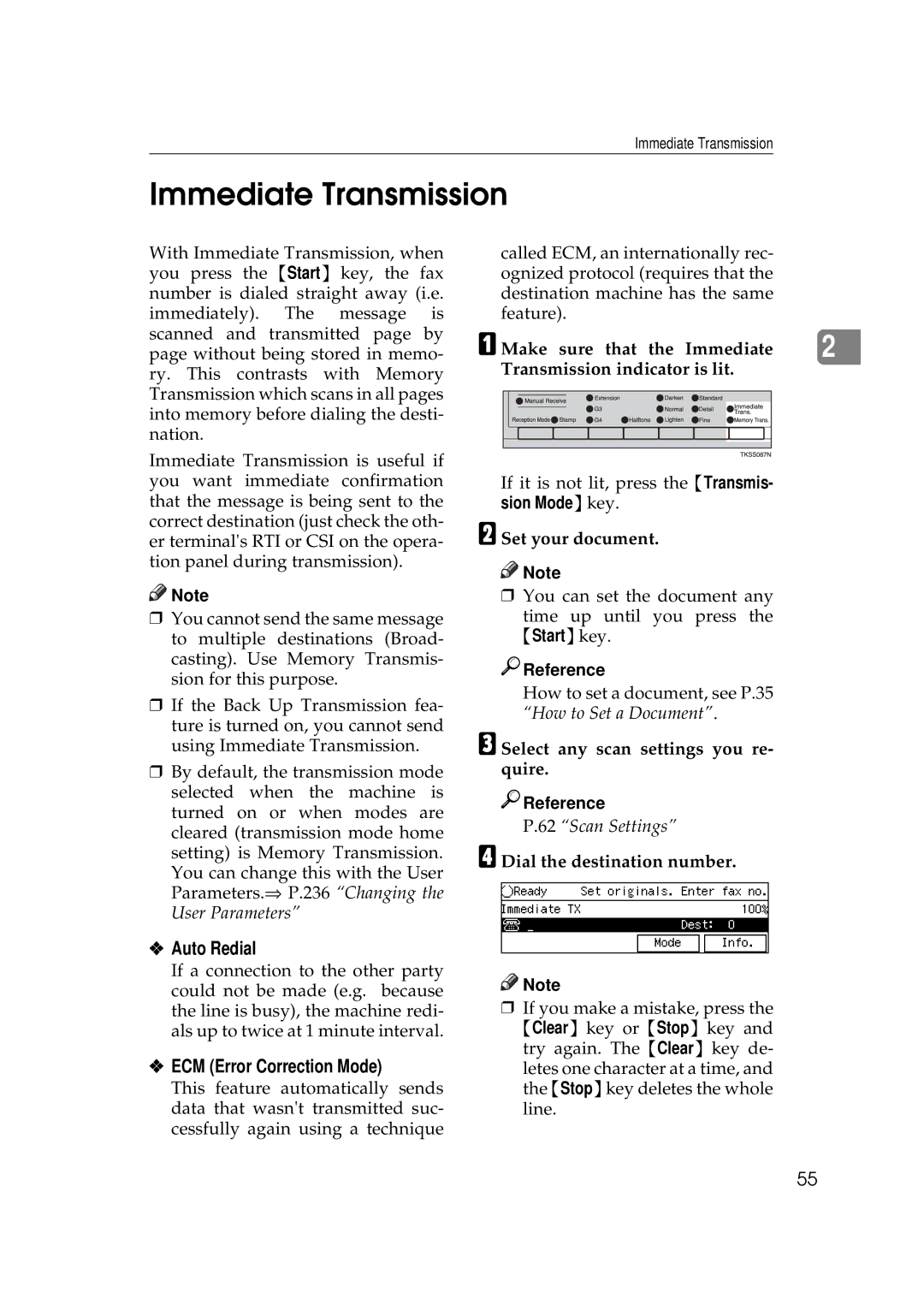
A Make sure that the Immediate |
| |||||
2 | ||||||
Transmission indicator is lit. |
| |||||
|
|
|
|
|
|
|
|
|
|
|
|
|
|
|
|
|
|
|
|
|
|
|
|
|
|
|
|
|
|
|
|
|
|
|
If it is not lit, press the {Transmis- sion Mode}key.
BSet your document.

 Note
Note
❒You can set the document any
time up until you press the {Start}key.

 Reference
How to set a document, see P.35 “How to Set a Document”.
CSelect any scan settings you re- quire.

 Reference
P.62 “Scan Settings”
DDial the destination number.

 Note
Note
❒If you make a mistake, press the {Clear} key or {Stop} key and try again. The {Clear} key de-
letes one character at a time, and the {Stop}key deletes the whole line.
55