wave
Pressing the following keys on the telephone keypad affect the speed and volume at which the application plays back speech:
1 = increases the gain
2 = decreases the gain
3 = increases the speed
4 = decreases the speed
Bfv API debug mode is turned on. The btcall.cfg file is the user configuration file. The wave program is found in the app.src directory.
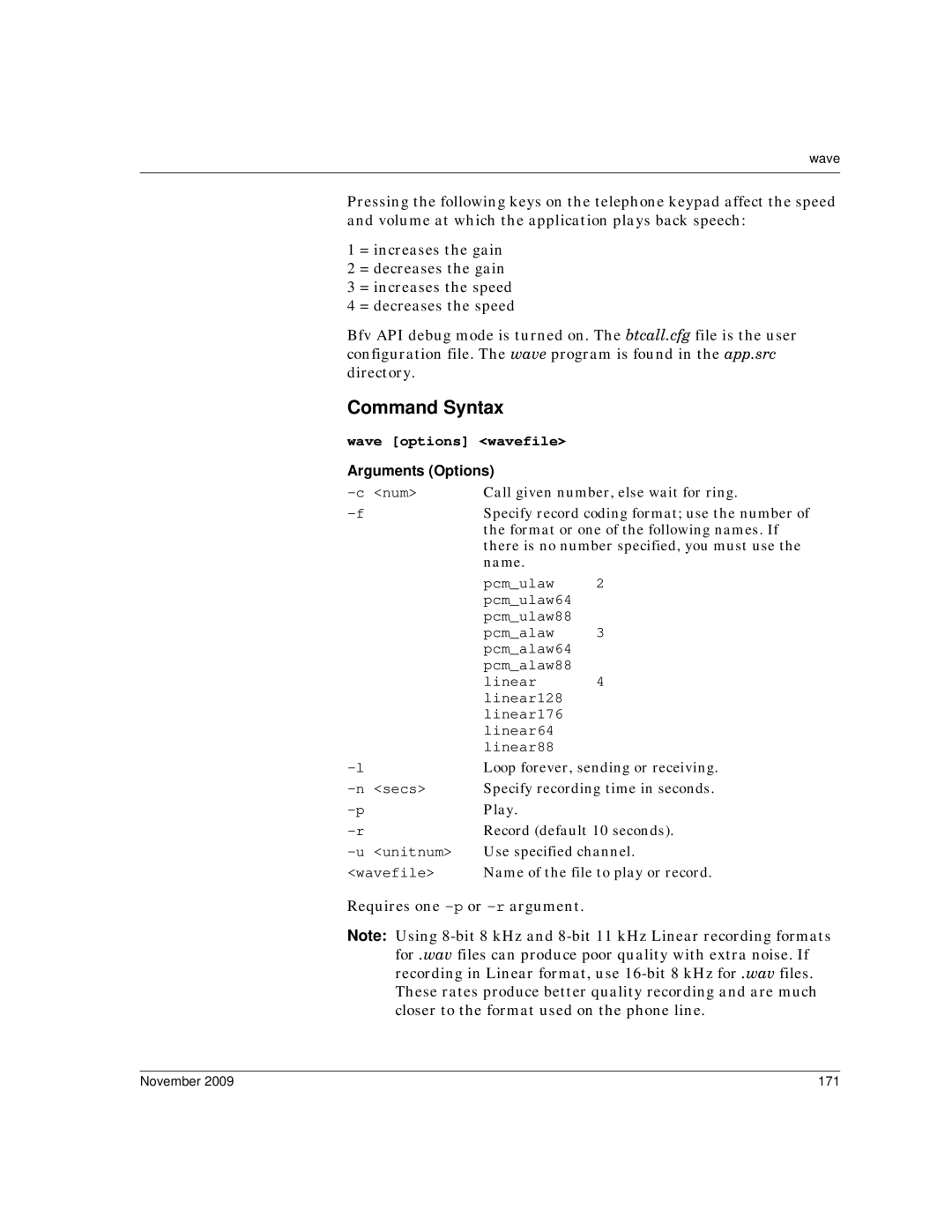
Command Syntax
wave [options] <wavefile> Arguments (Options)
Call given number, else wait for ring. | ||
Specify record coding format; use the number of | ||
| the format or one of the following names. If | |
| there is no number specified, you must use the | |
| name. |
|
| pcm_ulaw | 2 |
| pcm_ulaw64 |
|
| pcm_ulaw88 | 3 |
| pcm_alaw | |
| pcm_alaw64 |
|
| pcm_alaw88 | 4 |
| linear | |
| linear128 |
|
| linear176 |
|
| linear64 |
|
linear88 |
| |
Loop forever, sending or receiving. | ||
Specify recording time in seconds. | ||
Play. |
| |
Record (default 10 seconds). | ||
Use specified channel. | ||
<wavefile> | Name of the file to play or record. | |
Requires one
Note: Using
November 2009 | 171 |