Users Guide
March
Contents
Loading paper and specialty media
Paper and specialty media guide
Printing
Understanding printer menus
Administrative support 188
154
Maintaining the printer 157
Clearing jams 190
Index 269
Troubleshooting 214
254
Safety information
Safety information
Safety information
Learning about the printer
Thank you for choosing this printer
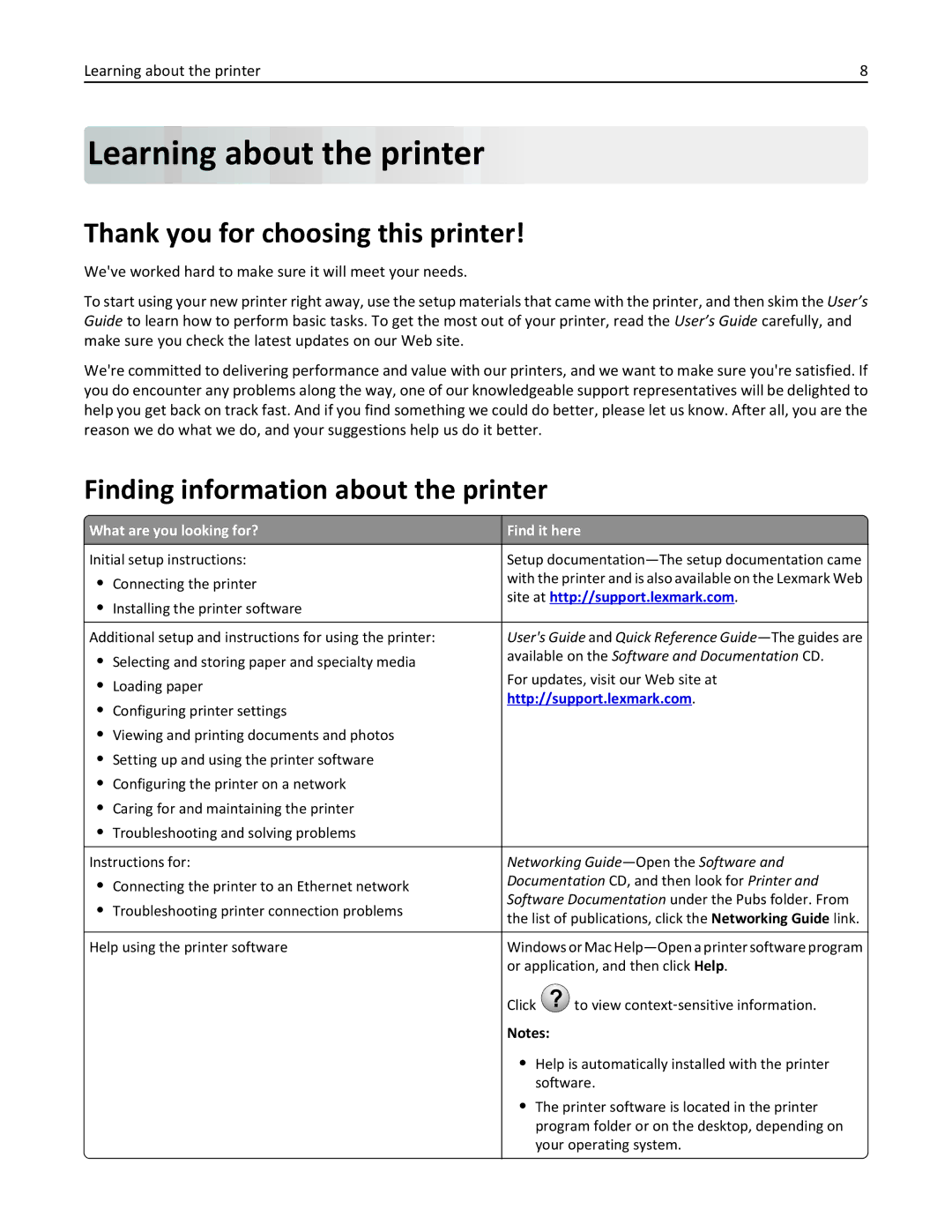
Finding information about the printer
Learning about the printer
Selecting a location for the printer
Other countries and regions -See the printed
Learning about the printer
Multipurpose feeder
Printer configurations
Basic model
Configured models
Fully configured model
Using the printer control panel
Use
Understanding the home screen
Understanding the home screen
Understanding the home screen
Touch
Using the touch-screen buttons
Features
Feature Description
Sample touch screen
Understanding the home screen
Setting up and using the home screen applications
Accessing the Embedded Web Server
Setting up and using the home screen applications
Showing or hiding icons on the home screen
Using Background and Idle Screen
Setting up Forms and Favorites
Activating the home screen applications
Icon Description
Understanding Showroom
Understanding Eco‑Settings
Setting up Remote Operator Panel
Exporting and importing a configuration
Exporting a configuration to a file
Importing a configuration from a file
Click Configure Export
Turning on the printer
Additional printer setup
Additional printer setup
Available internal options
Installing internal options
Accessing the system board
Page
Push the system board back into place
Installing a memory card
ISP connector
Notch
Ridge
Installing a flash memory or firmware card
Metal pins
Installing an Internal Solutions Port
Plastic pins
Screws for the ISP solution Screws for the plastic bracket
Page
Installing a printer hard disk
Page
Page
Page
Removing a printer hard disk
Page
Installing hardware options
Order of installation
Installing optional trays
Using a one‑tray module
Using a three‑tray module
Using a tandem‑tray module
‑tray module
Attaching cables
Tandem‑tray module
Verifying printer setup
USB printer port
USB port
Ethernet port
Setting up the printer software
Printing a menu settings
Printing a network setup
Installing the printer software
Updating available options in the printer driver
For Windows users
For Macintosh users
Macintosh
Setting up wireless printing
Preparing to set up the printer on a wireless network
Installing the printer on a wireless network Windows
Installing the printer on a wireless network Macintosh
Prepare to configure the printer
Configure the printer for wireless access
Reports Network Setup Page or
Enter the printer information
Mac OS X version 10.5 or later
Configure your computer to use the printer wirelessly
Double‑click Printer Setup Utility or Print Center
Click +
From the Finder, navigate to Applications Utilities
From the Printer List, click Add
Installing the printer on an Ethernet network
Click Default Browser tab More Printers
Select Ethernet connection, and then click Continue
Mac OS X version 10.5 or later
Mac OS X version 10.4 or earlier
Mac OS X version
For Windows users
Setting up serial printing
Click Continue Finish
Windows
Windows 7 or earlier
Page
Using recycled paper
Minimizing your printers environmental impact
Saving paper and toner
Conserving supplies
Using Eco‑Mode
Saving energy
Reducing printer noise
Avoid paper jams
Adjusting Sleep Mode
Using the Embedded Web Server
Using the printer control panel
Click Settings General Settings Timeouts
Using Hibernate Mode
Adjusting the brightness of the display
Click Settings General Settings Sleep Button Settings
Click Settings General Settings
Recycling
Recycling Lexmark products
Recycling Lexmark packaging
Returning Lexmark cartridges for reuse or recycling
Setting the paper size and type
Configuring Universal paper settings
Loading paper and specialty media
Loading the standard or optional 520‑sheet tray
Loading paper and specialty media Pull the tray out
Page
Loading the optional 850‑ and 1,150‑sheet trays
Page
Page
Loading the 2000‑sheet high‑capacity feeder
Page
Loading the multipurpose feeder
Paper Envelopes Transparencies
Page
Unlinking trays
Linking and unlinking trays
Linking trays
Configuring a custom name
Linking exit bins
Creating a custom name for a paper type
Assigning a custom paper type name
Page
Paper guidelines
Paper characteristics
Paper and specialty media guide
Fiber content
Unacceptable paper
Selecting paper
Grain direction
Using recycled paper and other office papers
Selecting preprinted forms and letterhead
Storing paper
Unacceptable paper examples
Supported paper sizes
Supported paper sizes, types, and weights
Supported paper sizes
11x17
12x18
Oficio México
Folio
Supported paper types and weights
Printer
Finisher
Paper type Standard Second exit bin Bin 500 ‑sheet bin
Supported finishing features
Paper transport
Finisher standard bin
Bin
Bin 1 finishing features
Bin 2 finishing features
Bin 2 booklet‑maker
Size Punch Offset Single/Double staple Double dual staple
12 x Folio
Setting the finisher exit bin
Paper Menu Bin setup Output bin
Adjusting toner darkness
Printing
Printing a document
Printing a document
Using Max Speed and Max Yield
Click Settings Print Settings Quality Menu Toner Darkness
Click Configuration Print Settings Setup Menu
Settings Print Settings Setup Menu
Printing from a flash drive
Printing from a flash drive
Supported flash drives and file types
Flash drive File type
Tips on using letterhead
Tips on using transparencies
Printing on specialty media
Source Print side Paper orientation
Tips on using envelopes
Tips on using labels
Tips on using card stock
Printing confidential and other held jobs
Storing print jobs in the printer
Print job type Description
Printing information pages
Printing confidential and other held jobs
Printing a font sample list
Print
Canceling a print job
Canceling a print job from the printer control panel
Canceling a print job from the computer
Printing a directory list
Supplies Paper Menu Reports Settings
Understanding printer menus
Menus list
Understanding printer menus
Supplies menu
Menu item Description
160K Maintenance Kit
320K Maintenance Kit
Magenta Photoconductor Unit
Yellow Photoconductor Unit
Paper Size/Type menu
Default Source menu
Paper menu
Tray x Type
MP Feeder Size
Manual Paper Size
Understanding printer menus 100
MP Feeder Type
Configure MP menu
Understanding printer menus 101
Manual Paper Type
Manual Envelope Size
Understanding printer menus 102
Substitute Size menu
Paper Texture menu
Understanding printer menus 103
Paper Weight menu
Understanding printer menus 104
Paper Loading menu
Understanding printer menus 105
Understanding printer menus 106
Universal Setup menu
Custom Types menu
Custom Names menu
Custom Bin Names menu
Bin Setup menu
Understanding printer menus 108
Understanding printer menus 109
Reports menu
Reports menu
Network/Ports menu
Active NIC menu
Standard Network or Network x menus
Understanding printer menus 110
Understanding printer menus 111
Network Reports menu
Network Card menu
Understanding printer menus 112
This menu is available from the Network/Ports menu
TCP/IP menu
Understanding printer menus 113
IPv6 menu
Understanding printer menus 114
Wireless menu
Understanding printer menus 115
AppleTalk menu
Standard USB menu
Understanding printer menus 116
View Name
Understanding printer menus 117
USB Buffer
ENA Address
ENA Netmask
Parallel Buffer
Parallel x menu
Understanding printer menus 118
Parallel Mode
Understanding printer menus 119
Advanced Status
Protocol
Serial x menu
Understanding printer menus 120
Robust XON
Understanding printer menus 121
Serial Buffer
Menu item Baud
Smtp Setup menu
Understanding printer menus 122
Understanding printer menus 123
Miscellaneous Security Settings menu
Security menu
Confidential Print menu
Understanding printer menus 124
Disk Wiping menu
Understanding printer menus 125
Menu item Export Log
Security Audit Log menu
Understanding printer menus 126
Set Date and Time menu
Understanding printer menus 127
Settings menu
General Settings menu
Understanding printer menus 128
Display Language
Understanding printer menus 129
Menu item Quiet Mode
Run Initial setup
Paper Sizes
Understanding printer menus 130
Keyboard
Understanding printer menus 131
Displayed Information
Understanding printer menus 132
Understanding printer menus 133
Alarms
Timeouts
Print Recovery
Understanding printer menus 134
Flash Drive menu
Understanding printer menus 135
Understanding printer menus 136
Setup menu
Understanding printer menus 137
Understanding printer menus 138
Menu item Resource Save
Job Accounting menu
Understanding printer menus 139
Finishing menu
Understanding printer menus 140
Understanding printer menus 141
Separator Source
Offset Pages
Understanding printer menus 142
Staple Job
Quality menu
Understanding printer menus 143
Understanding printer menus 144
Manual Color
Spot Color Replacement
Understanding printer menus 145
Utilities menu
Understanding printer menus 146
Understanding printer menus 147
XPS menu
PostScript menu
PCL Emul menu
Understanding printer menus 148
Understanding printer menus 149
Tray Renumber
Html menu
Understanding printer menus 150
Image menu
Understanding printer menus 151
Understanding printer menus 152
Booklet Adjustments menu
Touch Booklet Adjustments
Help menu
Understanding printer menus 153
Securing the hard disk and other installed memory
Securing the hard disk and other installed memory 154
Statement of Volatility
Erasing volatile memory
Using the printer control panel
Touch Wipe All Settings
Touch Back Exit Config Menu
Erasing non‑volatile memory
Configuring printer hard disk encryption
Using the Embedded Web Server
Securing the hard disk and other installed memory 156
Touch Disk Encryption Enable
Cleaning the exterior of the printer
Cleaning the printhead lenses
Maintaining the printer
Maintaining the printer 157
Page
Page
Page
Open door G
Emptying the hole punch box
Maintaining the printer 161 Close the front door
Page
From the home screen, touch Status/Supplies View Supplies
Storing supplies
Checking the status of parts and supplies
Ordering parts and supplies
Ordering toner cartridges
Ordering a photoconductor unit
Recommended toner cartridges and part numbers
Ordering a maintenance kit
Recommended maintenance kits and part numbers
Ordering a waste toner bottle
Ordering staple cartridges
Replacing parts and supplies
Replacing a maintenance kit
Maintenance kit
Replacing a photoconductor unit
Page
Page
Page
Page
Replacing a toner cartridge
Page
Page
Replacing the waste toner bottle
Maintaining the printer 174
Page
Page
Page
Page
Maintaining the printer 179
Replacing a staple cartridge
Replacing staple cartridge in the standard stapler unit
Page
Replacing staple cartridge in the booklet stapler unit
Page
Page
Page
Page
Page
Moving the printer
Before moving the printer
Moving the printer to another location
Shipping the printer
Administrative support
Finding advanced networking and administrator information
Setting up e‑mail alerts
Checking the virtual display
Restoring factory default settings
Administrative support 189
Click Settings
Settings General Settings Factory Defaults Restore Now
Clearing jams
Avoiding jams
Understanding jam numbers and locations
Paper tray recommendations
Clearing jams 191
Area Area name Jam numbers What to do
Paper jams
Clearing jams 192
Paper jam in the fuser
Clearing jams 193
Clearing jams 194
Paper jam
Paper jam under the fuser
Lower the multipurpose feeder, and then open door B
Paper jam
Page
Open Tray
24x paper jam
Paper jam in Tray
Paper jam in one of the optional trays Trays
Pull out the tray until it stops
Paper jam in Tray 5 high‑capacity feeder
Paper jam inside the tray
Paper jam in the tray exit
Paper jam in the top cover
Page
Paper jam in door a
Clearing jams 204
Page
Clearing jams 206
4yy.xx paper jams
Paper jam in cover F paper transport
Paper jam in door H
Clearing jams 207
Paper jam in door G
Area Cover, knob, or handle name
Clearing jams 209
Paper jam in cover F paper transport
Staple jam
Open door G Press the latch to open the stapler door
Page
Page
Troubleshooting
Solving basic printer problems
Troubleshooting 214
Understanding printer messages
Troubleshooting 215
Change paper source to custom type name load orientation
Change paper source to custom string
Change paper source to custom string load orientation
Error reading USB drive. Remove USB
Error reading USB hub. Remove hub
Check src orientation or guides
Close cover
Install bin
Insert the hole punch box
Insert Tray
Load src with custom type name
Load src with size
Load src with type size
Load Manual Feeder with custom type name
Load Manual Feeder with custom string
Load Manual Feeder with paper type paper size
Manual feeder expects paper size. Check paper source guides
Load staples
Remove paper from standard output bin
Print quota exceeded. Print job canceled
Restore held jobs?
Some held jobs were not restored
Unsupported camera mode, unplug camera and change mode
Insufficient memory to support Resource Save feature
Insufficient memory, some held jobs will not be restored
Incorrect paper size, check paper source
Incorrect paper type, check paper source
Insufficient memory to collate job
Insufficient memory for Flash Memory Defragment operation
Memory full
Complex page, some data may not have printed
Serial option x error
Standard network software error
Network x software error
Unformatted flash detected
Parallel port x disabled
Serial port x disabled
Standard USB port disabled
Standard parallel port disabled
Too many disks installed
Too many flash options installed
Too many trays attached
Incompatible tray
Scheduled maintenance
Disk full
Xx Replace waste toner bottle
Xx Waste toner bottle nearly full
Xx color photoconductor low
Xx color photoconductor missing
Xx Replace color photoconductor
Xx color cartridge low
Solving printing problems
Emulation error, load emulation option
Error message about reading USB drive appears
Print jobs do not print
Confidential and other held jobs do not print
Print job takes longer than expected
Job prints from the wrong tray or on the wrong paper
Incorrect characters print
Tray linking does not work
Solving home screen applications problems
An application error has occurred
Large jobs do not collate
Unexpected page breaks occur
Forms and Favorites troubleshooting
Adjust the Scan Settings
Forms are not available or are not working
Contact Customer Support
Troubleshooting 233
Network destination stopped working or is invalid
Solving option problems
Paper tray problems
Reset the Printer
Check to see if the Option is Connected to the Printer
Sheet drawer problems
Memory card
Cannot detect flash memory card
Cannot detect printer hard disk
USB/parallel interface card does not operate correctly
Internal Solutions Port does not operate correctly
Internal print server does not operate correctly
Solving paper feed problems
Paper frequently jams
Paper jam message remains after jam is cleared
Jammed pages are not reprinted
Solving print quality problems
Troubleshooting 238
Printer is printing blank pages
Characters have jagged or uneven edges
Shadow images appear on prints
Clipped images
Fine horizontal lines appear on color pages
Check the Background Darkness or Removal Setting
Gray background on prints
Incorrect margins
Make Sure the Toner Cartridge is not LOW on Toner
Make Sure the Transfer Module is not Defective
Clean the Printhead Lenses
Make Sure There is no Defective Toner Cartridge
Troubleshooting 242
Paper curl
Print irregularities
Load Paper from a Fresh Package
Troubleshooting 243
Check the DARKNESS, BRIGHTNESS, and Contrast Settings
Print is too dark
Make Sure the Transfer Belt is not Defective
Repeating defects appear on a
Troubleshooting 244
Print is too light
Skewed print
Troubleshooting 245
Clean the exterior of the printer
Solid color pages
Black or white streaks appear on transparencies or paper
Ensure That the Fill Pattern is Correct
Check the Paper Type
Streaked horizontal lines appear on prints
Toner fog or background shading appears on
Make Sure the Print Cartridge is not LOW on Toner
Select Another Tray or Feeder
Toner rubs off
Solving color quality problems
FAQ about color printing
What is RGB color?
Transparency print quality is poor
Troubleshooting 250
What is manual color correction?
Color conversion table Settings
How does the printer know what color to print?
Troubleshooting 251
Embedded Web Server does not open
Troubleshooting 252
What are Detailed Color Samples and how do I access them?
Troubleshooting 253
Contacting customer support
Lexmark International, Inc All rights reserved
Product information
Edition notice
Trademarks
255
256
Modular component notice
Licensing notices
Meter average sound pressure, dBA
Noise emission levels
257
Temperature information
Power consumption
Product power consumption
Power Saver
Industry Canada compliance statement
Avis de conformité aux normes de l’industrie du Canada
European Community EC directives conformity
Radio interference notice
Regulatory notices for wireless products
Exposure to radio frequency radiation
Industry Canada Canada
Industry Canada Canada
261
262
ΤΗΣ Οδηγιασ 1999/5/ΕΚ
Statement of Limited Warranty
Limited warranty
Limited warranty service
Lexmark International, Inc., Lexington, KY
Extent of limited warranty
Limitation of liability
Additional rights
264
Lexmark Software Limited Warranty and License Agreement
265
266
267
Patent acknowledgment
268
Index 269
Index
Numerics
Page
Page
Page
Page
Page

 printer