Operating the Answering Machine
Date and time of ICMs
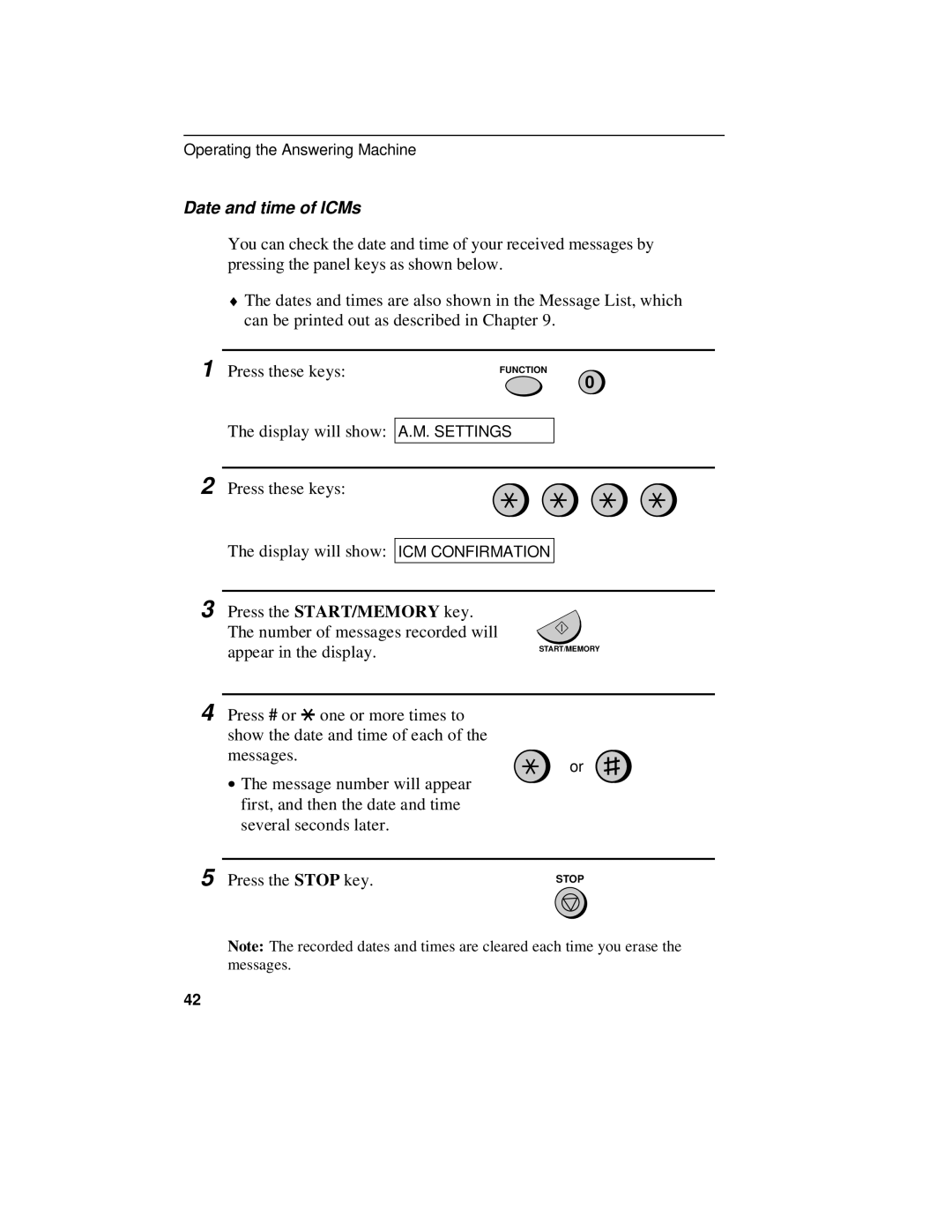
You can check the date and time of your received messages by pressing the panel keys as shown below.
♦The dates and times are also shown in the Message List, which can be printed out as described in Chapter 9.
1 Press these keys:
The display will show:
FUNCTION
0
A.M. SETTINGS
2 Press these keys:
The display will show:
ICM CONFIRMATION
3 Press the START/MEMORY key.
The number of messages recorded will |
|
appear in the display. | START/MEMORY |
|
4 Press # or *one or more times to show the date and time of each of the messages.
∙The message number will appear first, and then the date and time several seconds later.
or
5 Press the STOP key.
STOP
Note: The recorded dates and times are cleared each time you erase the messages.
42