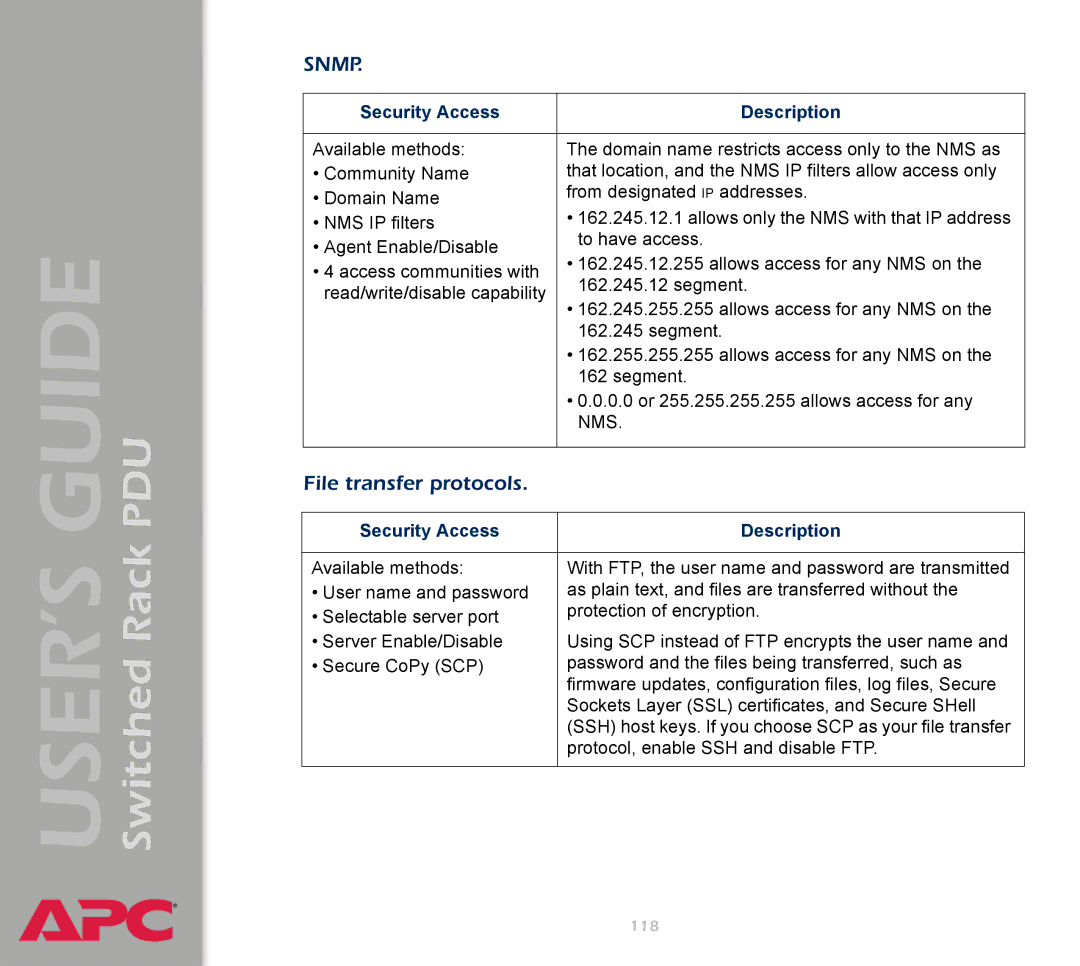
Switched Rack PDU
USER’S GUIDE
®
SNMP.
Security Access | Description | |
|
| |
Available methods: | The domain name restricts access only to the NMS as | |
• Community Name | that location, and the NMS IP filters allow access only | |
• Domain Name | from designated IP addresses. | |
• 162.245.12.1 allows only the NMS with that IP address | ||
• NMS IP filters | ||
• Agent Enable/Disable | to have access. | |
• 162.245.12.255 allows access for any NMS on the | ||
• 4 access communities with | ||
162.245.12 segment. | ||
read/write/disable capability | ||
• 162.245.255.255 allows access for any NMS on the | ||
| ||
| 162.245 segment. | |
| • 162.255.255.255 allows access for any NMS on the | |
| 162 segment. | |
| • 0.0.0.0 or 255.255.255.255 allows access for any | |
| NMS. | |
|
|
File transfer protocols.
Security Access | Description |
|
|
Available methods: | With FTP, the user name and password are transmitted |
• User name and password | as plain text, and files are transferred without the |
• Selectable server port | protection of encryption. |
| |
• Server Enable/Disable | Using SCP instead of FTP encrypts the user name and |
• Secure CoPy (SCP) | password and the files being transferred, such as |
| firmware updates, configuration files, log files, Secure |
| Sockets Layer (SSL) certificates, and Secure SHell |
| (SSH) host keys. If you choose SCP as your file transfer |
| protocol, enable SSH and disable FTP. |
|
|
118