Chapter 6: Advanced setup
UPnP
If enabled, the UPnP function (Universal Plug and Play) lets a PC connect to the DVR 31 using the same local area network. To enable this function, select On in the UPnP box in the Network screen.
Display settings
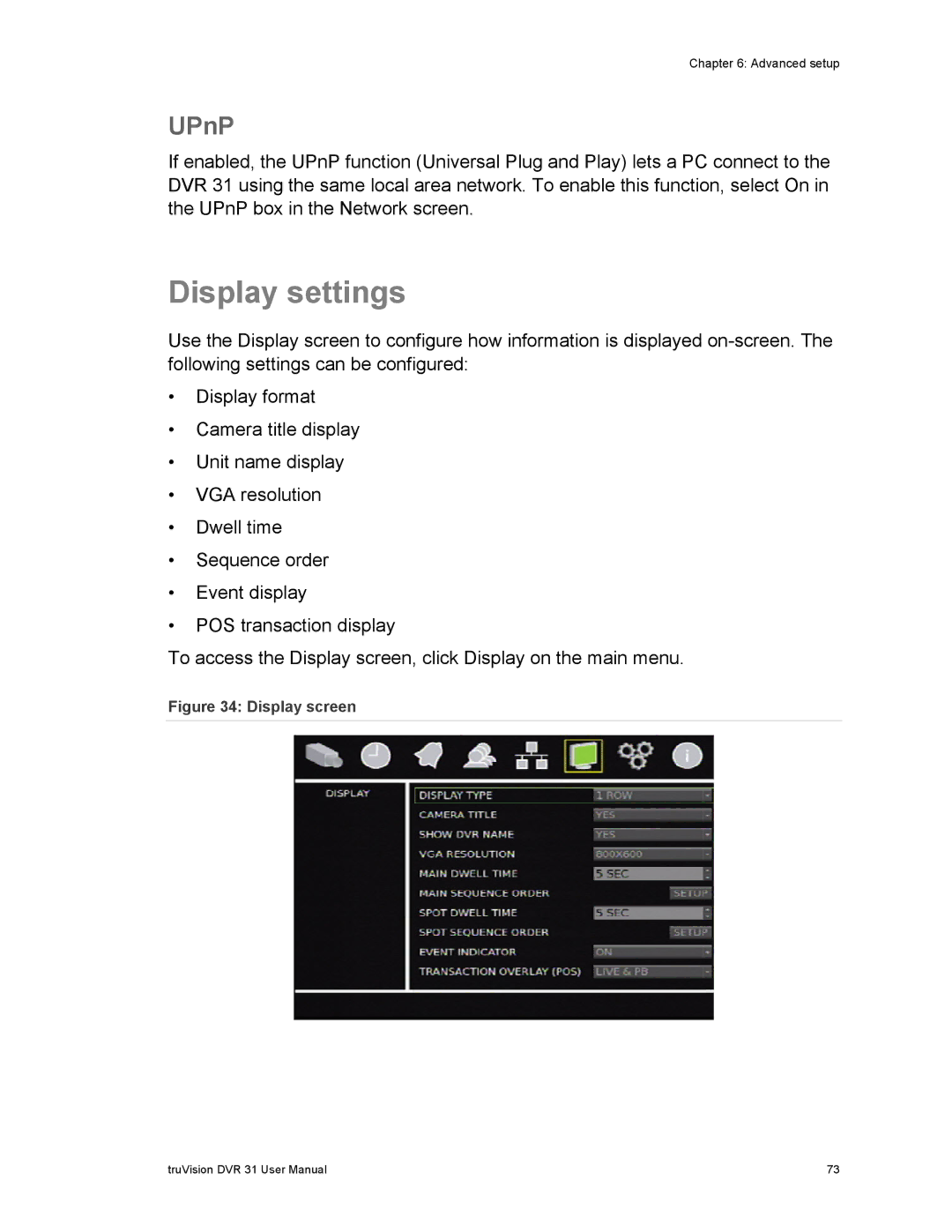
Use the Display screen to configure how information is displayed
•Display format
•Camera title display
•Unit name display
•VGA resolution
•Dwell time
•Sequence order
•Event display
•POS transaction display
To access the Display screen, click Display on the main menu.
Figure 34: Display screen
truVision DVR 31 User Manual | 73 |