Chapter 7: System settings
Overview
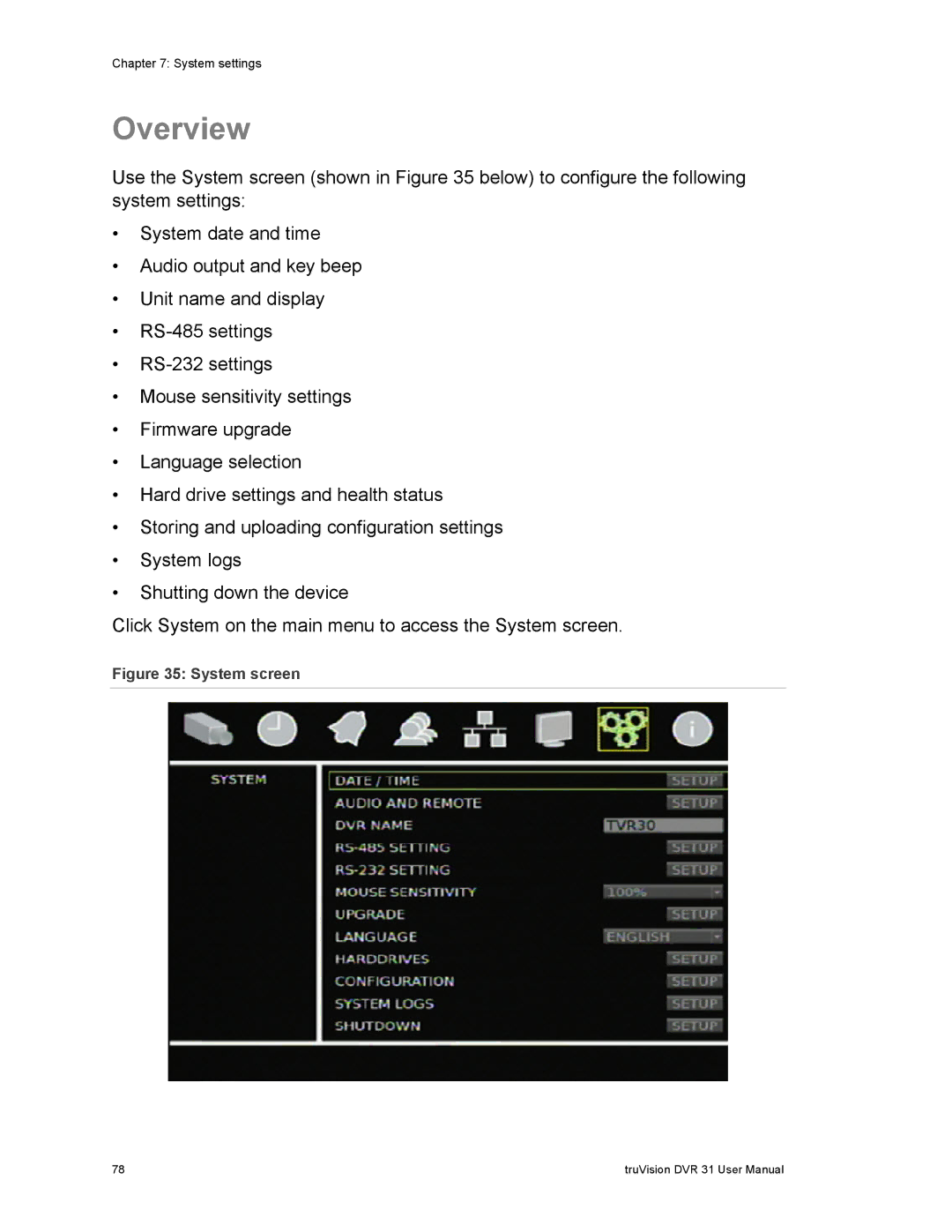
Use the System screen (shown in Figure 35 below) to configure the following system settings:
•System date and time
•Audio output and key beep
•Unit name and display
•
•
•Mouse sensitivity settings
•Firmware upgrade
•Language selection
•Hard drive settings and health status
•Storing and uploading configuration settings
•System logs
•Shutting down the device
Click System on the main menu to access the System screen.
Figure 35: System screen
78 | truVision DVR 31 User Manual |